










Ready to try eSIMs and change the way you stay connected?
Download the Airhub app to purchase, manage and top up your eSIMs anytime, anywhere!
App exclusive5% off at checkout
sim-versus-e-sim
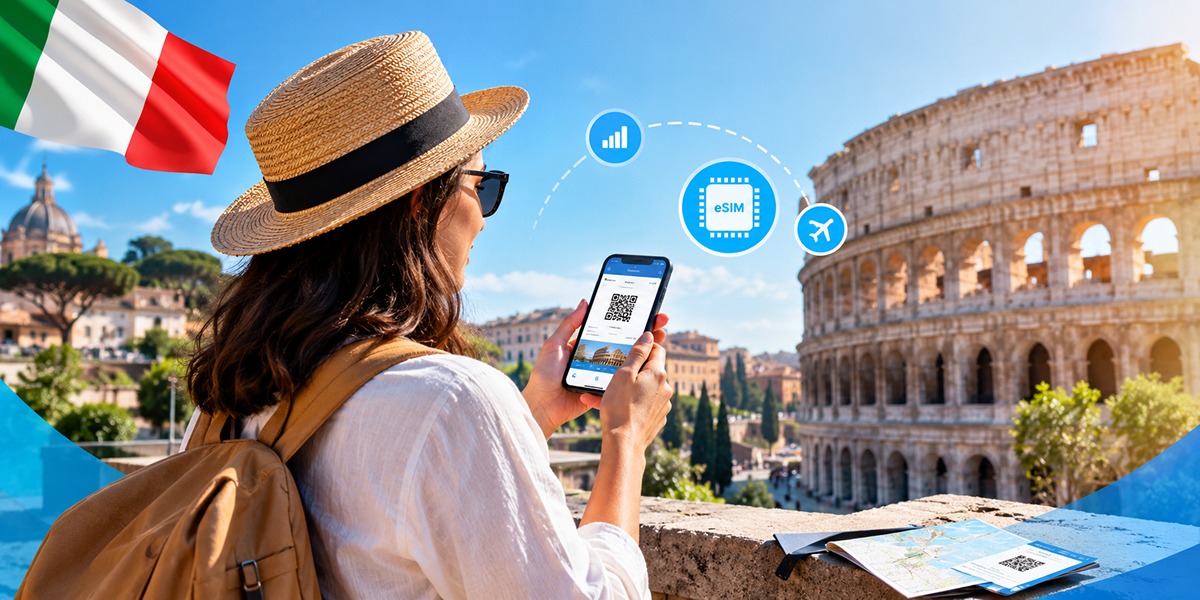
What are the real benefits of an eSIM, how does it stack up against a physical SIM, and is switching worth it? A clear, honest comparison including where a physical SIM still wins.
First, the misconception is worth killing off before anything else, because half the confusion around eSIMs starts here: an eSIM does not automatically give you better signal. It connects through a carrier's network just like a physical SIM, so the SIM format itself isn't what determines coverage or speed. What actually changes is the convenience how you buy a plan, how fast you're connected, how easily you switch plans, and whether you need to handle a physical card. That's the honest case for it, and for most travellers it's plenty. Below: the real benefits, the trade-offs nobody likes to mention, an eSIM-vs-physical-SIM breakdown, and a straight answer on whether switching is worth it.
An eSIM (embedded SIM) is a digital SIM built into your phone that performs the same basic job as a physical SIM connecting your device to a mobile network. The difference is how the mobile plan is installed. Instead of inserting a plastic card, you download a carrier's or provider's eSIM profile onto the device using remote SIM provisioning.
In plain terms: buy a plan, scan a QR code or use an installation option provided by the carrier, and the eSIM profile is added to your phone. There's no physical card to collect or insert.
Many recent phones support eSIM, but compatibility depends on the exact model, region and carrier. For example, Apple supports eSIM on iPhone XS, XS Max, XR and later, while Google's Pixel support varies by model and market. Samsung also supports eSIM across many recent Galaxy devices, but Samsung specifically notes that availability can vary by country of origin.
The two are far more alike than people assume. Both authenticate your device on a mobile network and can provide cellular connectivity. Where they part ways is handling and flexibility:
| eSIM | Physical SIM | |
| Setup | Download/install the plan digitally | Insert a physical SIM card |
| Signal & coverage | Depends on the carrier/network and plan | Depends on the carrier/network and plan |
| Switching carriers/plans | Can be done digitally when supported | Usually requires changing the card |
| Storing plans | Multiple eSIM profiles can be stored on supported devices | Physical cards must be swapped |
| Losing or damaging it | No removable card to lose | Can be lost, damaged or misplaced |
| Moving to a new phone | Transfer/reinstall process depends on device and carrier | Move the physical card if compatible |
| Device & region support | Requires compatible hardware and supported carrier/region | Broadly supported by phones with a SIM slot |
An eSIM isn't the right answer for everyone, and pretending it is wouldn't help you decide. The honest trade-offs:
For a frequent traveller with a recent compatible phone, none of that outweighs the convenience. But if you're on an older device, travelling somewhere with limited eSIM support, or you simply prefer the plug-and-play simplicity of a removable card, a physical SIM is still a perfectly sensible choice.
For many travellers, yes — but not because it gives you better signal.
Buying a plan in advance, installing it before your trip, keeping your home SIM available, and avoiding physical SIM swaps can make travelling considerably easier. The network performance itself still depends on the carrier and network your eSIM uses.
It's not the better call if your phone doesn't support eSIM, your preferred carrier doesn't offer it, you're travelling somewhere with limited eSIM availability, or you specifically want a SIM that you can physically move between devices.
And for the curious: iSIM is already emerging as another form of SIM technology, integrating SIM functionality more deeply into a device's chipset. But eSIM is the practical digital-SIM option most travellers will encounter today.
If an eSIM sounds right for your next trip, Airhub currently offers eSIM plans for 190+ countries and destinations. You can check your device's compatibility before buying, then install the plan using the QR code supplied after purchase.
The main benefits are convenience and flexibility. You can buy and install a plan digitally, prepare your connection before travelling, avoid swapping physical cards, and use a travel eSIM alongside your regular SIM on compatible dual-SIM devices. It is about easier setup and management — not better signal.
For many travellers, an eSIM is more convenient because there's no physical card to buy, carry or swap. A physical SIM can still be better if your phone doesn't support eSIM, your carrier doesn't offer it, or you regularly need to move one SIM between different devices.
An eSIM itself doesn't determine your network coverage. Signal depends on the network and carrier your plan connects to, not whether the SIM is physical or embedded. Battery usage can depend on the phone, network conditions and how you use the device, so there isn't a general rule that an eSIM will significantly improve or reduce battery life.
The main disadvantages are device and carrier compatibility, potentially more steps when moving the plan to a new phone, and the fact that you can't simply remove the eSIM and put it into another device. Compatibility can also vary by country and device variant.
An eSIM is a digital SIM built into a compatible device. Instead of inserting a physical card, you download a mobile plan or eSIM profile onto the device. Depending on the provider, activation can be completed by scanning a QR code, using an app or following the device's built-in activation process.
Get your Airhub eSIM in minutes and travel without roaming surprises.
Download the Airhub app to purchase, manage and top up your eSIMs anytime, anywhere!