










Ready to try eSIMs and change the way you stay connected?
Download the Airhub app to purchase, manage and top up your eSIMs anytime, anywhere!
App exclusive5% off at checkout
Explore the ultimate eSIM vs SIM faceoff. Learn what a SIM card does, common problems, & how eSIMs solve them. Compare features for global connectivity.
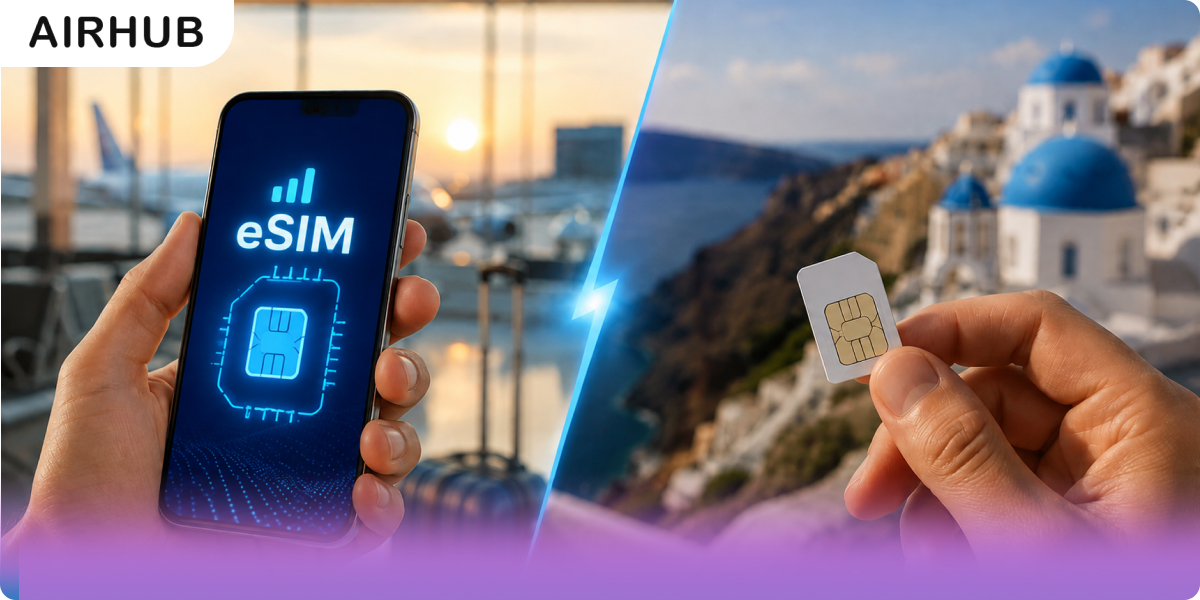
Every phone needs a SIM to get online, but the kind of SIM you use now genuinely changes how you travel, switch carriers, and protect your number. The plastic nano-SIM has been the default for years. The eSIM, built into your phone and activated by a QR code, is quietly replacing it.
If you're comparing SIM vs eSIM before a trip, here's the short version: a physical SIM is a removable chip you slot in; an eSIM is a chip already soldered into your device that you activate remotely with a profile or QR code. Both connect to the same networks with the same signal strength — what changes is convenience, security, and how easily you can switch plans, especially abroad.
Below: how each works, the honest pros and cons, a side-by-side eSIM vs physical SIM comparison, how to check what your phone supports, setup, and which one actually suits you — no flat "eSIM always wins" verdict, because for some trips and some phones, it doesn't.
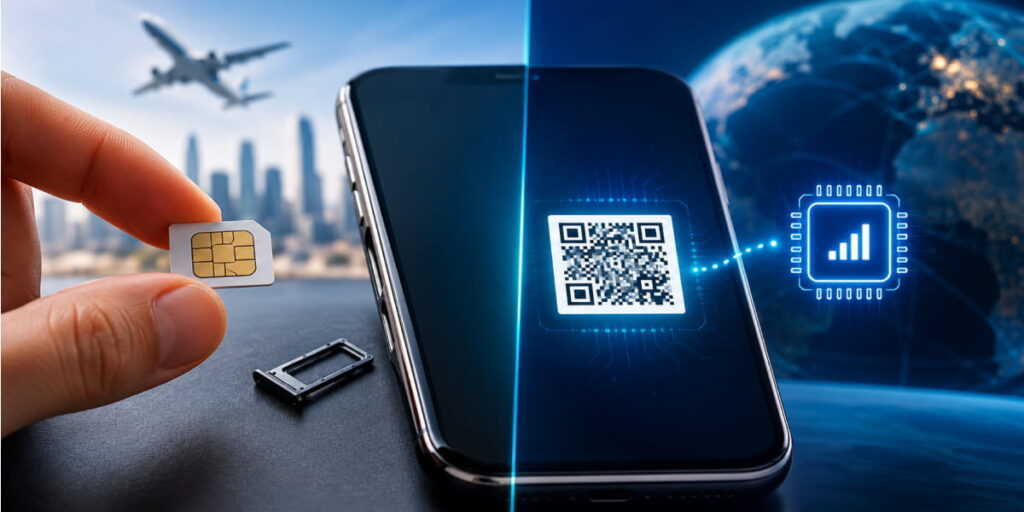
A SIM (Subscriber Identity Module) is the small chip that stores your mobile identity, the IMSI and encryption keys that let your device authenticate on a carrier's network, plus a few contacts. Physically, it's a plastic card with a gold contact, made in standard, micro, and nano sizes to fit different trays.
Slot one in and your phone picks up your plan almost instantly. Swapping phones has always been simple: pop the card out of one, into another. Behind that little chip sit your ICCID, your number, and your security credentials.
Physical SIMs work, but they come with familiar headaches:
To be fair to the format that's carried mobile networks for three decades, physical SIM cards get some real things right:
An eSIM is the digital version of that plastic card. Instead of a removable chip, it's a tiny eUICC soldered onto your phone's board, and you load a plan onto it remotely, usually by scanning a QR code or installing a profile through an app.
Because it's built in, there's nothing to lose, snap, or swap. You still connect to the same 4G/5G networks; the only thing that changes is how your credentials get onto the device. The payoff is faster carrier switching and instant travel data without a physical handoff.
It's worth putting a number on something both formats touch every year. The mobile industry produces billions of plastic SIM cards annually — most get used briefly, especially short-term travel SIMs, then thrown away, generating a meaningful amount of plastic waste from production, packaging, and shipping alone (GSMA Intelligence).
An eSIM profile skips all of that. Switching plans means downloading a new profile, not unwrapping a new card and binning the old one. It's a genuine, if modest, point in eSIM's favor — not a reason on its own to switch, but a real difference if sustainability factors into how you choose.
| Feature | eSIM | Physical SIM |
| Form factor | Embedded eUICC chip; no tray needed | Removable nano/micro/standard card |
| Profiles | Stores multiple carrier profiles; most modern phones support two active at once (e.g. recent iPhones and Pixels) | Usually one line per card |
| Switching carriers | Download or switch profiles in software | Remove one card, insert another |
| Security | Can't be physically removed, stolen, or cloned; still not immune to carrier-side SIM-swap fraud | Removable; vulnerable to theft and cloning, and to SIM-swap fraud |
| Signal & coverage | Identical, same networks, same speeds | Identical on the same carrier |
| Activation | Over-the-air via QR code or app | Insert card, wait for signal |
| Travel | Add a local plan instantly, no shop | New local SIM per country, or roaming fees |
| Device support | Modern phones, tablets, some laptops and wearables | Virtually every phone |
| Environmental impact | Fully digital — no plastic, no shipping waste | Manufacturing, packaging, and disposal generate plastic waste |
A quick note on signal strength specifically, since it's one of the most common points of confusion: an eSIM vs physical SIM does not change your signal in any way. Both are just different ways of loading the same carrier credentials onto your phone — once loaded, you're on the identical network, identical towers, identical speeds.
For the wider picture on adoption, eSIM-capable connections are projected to reach billions of devices by 2030 (GSMA Intelligence).
eSIM isn't a clean win in every situation, and if you're comparing, you deserve the downsides too:
Before you decide anything, it's worth confirming your phone actually supports eSIM — most flagship phones from roughly the last three to four years do, but older and budget devices often don't.
Beyond phones, eSIM has spread to a growing number of cellular-enabled tablets and smartwatches (including recent Apple Watch and Galaxy Watch models), which is worth knowing if you're planning to keep a smartwatch connected independently while traveling.
To check your own phone: go to Settings > Mobile/Cellular Data > Add eSIM (wording varies slightly by device and OS version). If that option isn't there, your phone likely doesn't support it. You can also check Airhub's eSIM compatible-devices list to confirm before you buy a plan.
Here's the setup most seasoned travelers actually use: keep your home SIM active for calls, texts, and, crucially, the OTP and 2FA codes your bank sends to that number, while a travel eSIM carries your data abroad. Most recent phones run a physical SIM and an eSIM at the same time, so you get local data rates without going dark on the number tied to your accounts. You can buy travel eSIM data for your destination and switch your data line to it the moment you land.
Dual SIM doesn't always mean "one physical card plus one eSIM." A growing number of current flagships — recent iPhones and Pixels among them — can run two eSIM profiles active at the same time, with no physical SIM involved at all. If your phone already uses an eSIM as its primary line (increasingly common, especially on newer iPhones with no SIM tray), you can typically still add a second, travel-specific eSIM alongside it. It is worth checking your exact model's limit before you travel, since how many profiles a phone can store — and how many can be active for data at once — varies by device.
A single travel eSIM plan will often cover a multi-country itinerary, not just one destination. If your trip crosses several borders — a European city-hop, say, or a Southeast Asia loop — a regional plan can mean one activation covers the whole route, rather than swapping to a new SIM (physical or digital) at every border.
Setup takes a few minutes, though the exact taps vary by phone:
New to it? Walk through how to activate an eSIM first.
There's no single right answer here — it genuinely depends on your phone, your trip, and your habits. Here's how we'd break it down:
Choose eSIM if you travel internationally more than once or twice a year, want to keep your home number active for calls/2FA while using local data, own a phone from roughly the last 3–4 years, and don't want to hunt for a SIM shop after a long flight.
Choose a physical SIM if you have an older or budget device, are heading somewhere with limited eSIM support, frequently move one SIM between phones, or you're taking a single long-stay trip of 30 days or more, where a local prepaid physical SIM may work out cheaper than a travel eSIM plan.
Choose dual SIM (physical + eSIM, or two eSIMs) if you want your home number reachable for banking, 2FA, and personal contacts while running a separate local or travel data line — this is the setup most frequent travelers with a compatible phone actually end up using.
For most travelers with a recent phone on a trip under a month, the eSIM wins — same signal, far less friction. For a long single-country stay or an older phone, it's genuinely worth pricing out a physical SIM too before you assume eSIM is automatically cheaper or better.
Whichever way you land on SIM vs eSIM generally, if a travel eSIM is the right call for your trip, AirHub plans are built specifically around that use case — instant activation before you fly, coverage across a wide range of destinations, and a compatibility checker so you're not guessing whether your phone qualifies. Explore eSIM plans for your destination, check your device against the compatibility list, and set up your data before you land rather than after.
A SIM is a small physical chip you insert. An eSIM is already built into your phone — you just activate it with software, usually a QR code. Functionally, both do the same job of connecting you to a carrier's network; the difference is entirely in the hardware and how you activate it.
For travel and frequent switching, usually yes — instant activation, no card to lose, same signal. If your device or destination doesn't support eSIM, or you're on a long single-country stay, a physical SIM can still be the better call. See "Which Should You Choose?" above.
It depends on your phone, your trip length, and where you're going — there's no universal winner. Modern phones on short-to-medium trips generally do better with eSIM; older phones, regions with limited eSIM carrier support, or stays of a month or longer can genuinely favor a physical SIM.
Yes. Most recent phones are dual-SIM, so you can keep a physical home SIM and a travel eSIM running together. A number of current flagships also support two active eSIMs at once, with no physical card involved at all.
It can't be physically removed, stolen, or cloned. But no SIM is immune to carrier-side SIM-swap fraud, so keep account security tight either way — a strong carrier PIN and non-SMS 2FA where possible matter more than which SIM format you use.
Yes — an eSIM is just as secure for banking apps and sensitive transactions as a physical SIM. Security there depends on your device's own protections (passcode, biometrics) and your account practices, not on which SIM format you're using.
Yes. eSIM and physical SIM both connect to the same carrier networks and towers — signal strength, coverage, and speed are identical. The only difference is how the credentials get onto your device.
Unlike a physical card, you can't just pop it into another phone — you'll need to restore the profile through your provider, or use an in-ecosystem transfer tool if you're staying on the same platform. It's slower than a card swap, so it's worth keeping backup access to your accounts and your carrier's support details handy while traveling.
Usually, yes — but it's more involved than moving a physical card. Some ecosystems (Apple's direct iPhone-to-iPhone transfer, for example) make it fairly smooth; switching operating systems, like iPhone to Android, typically requires carrier assistance and takes longer.
It depends on your trip. For short-to-medium stays, a travel eSIM is often the more cost-effective and convenient option since there's no shipping or in-person purchase involved. For a single stay of 30 days or more in one country, a local prepaid physical SIM can sometimes be cheaper — worth comparing both before you commit to a long trip.
Get your Airhub eSIM in minutes and travel without roaming surprises.
Download the Airhub app to purchase, manage and top up your eSIMs anytime, anywhere!