











Ready to try eSIMs and change the way you stay connected?
Download the Airhub app to purchase, manage and top up your eSIMs anytime, anywhere!
App exclusive5% off at checkout
Struggling with hotspot settings while using your eSIM abroad? Learn how to quickly set up your phone’s mobile hotspot and share your data hassle-free while traveling.
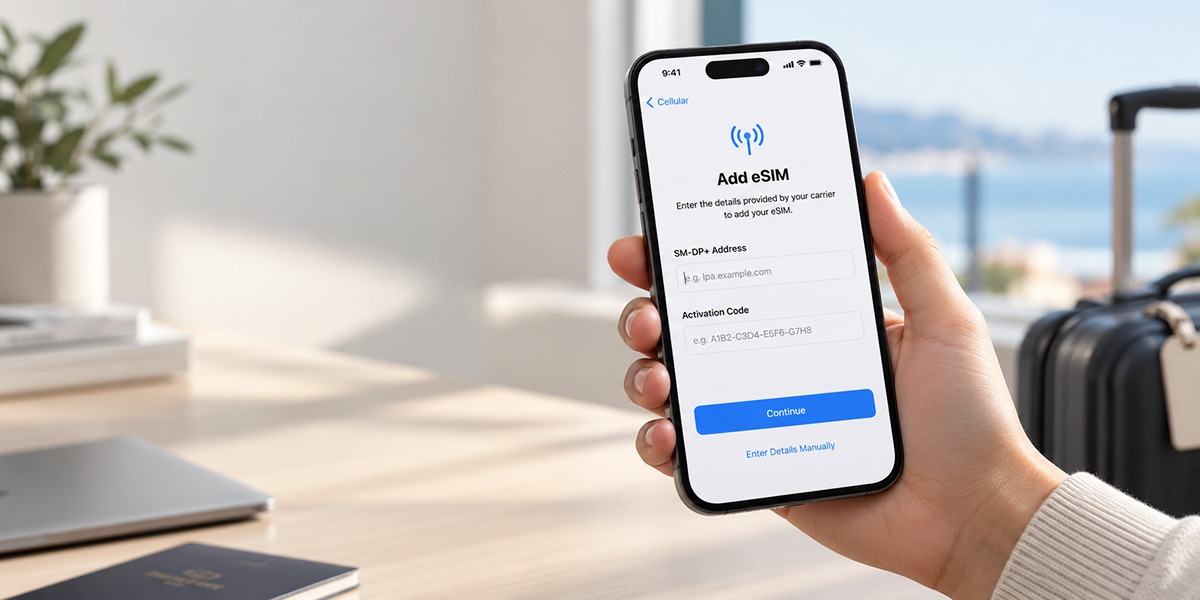
Can you use your eSIM as a hotspot? Yes, if your device and plan support tethering. Learn how to share your eSIM data with a laptop, tablet, or another phone, how to fix common hotspot problems, and how to manage data usage while travelling.
You land, your travel eSIM connects, and you're online before you've reached baggage claim. Then your travel companion needs internet, or your laptop needs a connection when Wi-Fi isn't available. That's where an eSIM hotspot comes in.
Your phone can share its mobile data connection with other devices, just as it would with a physical SIM. You only need to check that your plan supports hotspot sharing and enable the correct settings.
Yes. A hotspot shares the data allowance included with your eSIM. There is no separate data allowance just for tethering.
Every connected device uses data from the same plan. For example, browsing on your phone while a laptop downloads files and another phone streams video can use your allowance much faster than using your phone alone.
If you plan to work remotely, join video calls, or connect multiple devices, consider choosing a plan with enough data for all your activities.
Not every eSIM plan supports tethering. Availability depends on the provider, the specific plan, and your device.
Before purchasing a travel eSIM:
Airhub supports hotspot sharing on compatible devices, with no extra hotspot fee. Shared data comes from your existing allowance, so check your chosen plan's details before purchasing.
Before starting, make sure your eSIM is installed, switched on, and selected as your mobile data line. If you're travelling internationally, enable data roaming for the travel eSIM when its setup instructions require it.
You can check your device using the Airhub eSIM compatibility guide and follow the eSIM installation guide if you need help setting it up.
The exact menu labels can vary slightly by iOS version and region.
If Personal Hotspot is missing or unavailable, check that mobile data is working on the eSIM first. You may also need to review your network settings or contact your provider.
Android menu names vary between manufacturers. Samsung devices commonly use Connections, while Google Pixel devices use Network & Internet.
If your phone uses two SIMs, confirm that the travel eSIM is providing the mobile data connection you want to share.
Yes, if your phone and the device you're connecting support the feature.
Both methods use the same mobile data allowance as your Wi-Fi hotspot.
If your hotspot won't connect, work through these checks in order.
1. Check your active data line
If your phone is using your home SIM for mobile data instead of your travel eSIM, switch the data line to the eSIM you intend to use.
2. Confirm that the eSIM has a working connection
Turn off Wi-Fi on your phone temporarily and check whether mobile data works. Confirm that your plan is active and that you haven't used up its allowance.
3. Check data roaming
Many travel eSIMs require data roaming to connect to partner networks abroad. Enable it for the travel eSIM if instructed by your provider. To avoid unexpected charges, review your home SIM's data and roaming settings too.
4. Restart the connection
Turn the hotspot off, wait a few seconds, and turn it back on. You can also toggle airplane mode or restart your phone to reconnect to the mobile network.
5. Check the hotspot password
Make sure the connected device is using the correct password. If necessary, forget the saved Wi-Fi network on that device and reconnect.
6. Review network settings
If mobile data works but the hotspot does not, check your provider's APN instructions and confirm that tethering is supported by your plan. Avoid changing APN settings unless your provider recommends it.
7. Contact support
If the hotspot still won't work, contact your eSIM provider for help with plan restrictions, activation, or network settings.
Hotspot data consumption depends on what connected devices do. Browsing and messaging usually use less data than video calls, streaming, or large downloads.
These are rough estimates, not guaranteed usage figures:
| Activity | Approximate data use |
| Web browsing and email | 50–150 MB per hour |
| Music streaming | 50–150 MB per hour |
| Video calls | 0.5–1.5 GB per hour |
| Standard-definition video streaming | Around 0.7 GB per hour |
| HD video streaming | 2–3 GB per hour |
| Laptop or app updates | 2–5 GB per update |
Actual usage varies with video quality, application settings, network conditions, and file size.
A hotspot also uses your phone's battery. If you plan to share data for a long time, keep a charger or power bank nearby.
Each option suits different travel needs.
| Feature | eSIM hotspot | Pocket Wi-Fi | Public Wi-Fi |
| Extra device to carry | No | Yes | No |
| Setup | Enable hotspot on your phone | Usually rent or buy a device | Connect to an available network |
| Internet source | Your mobile data plan | The device's mobile connection | The available Wi-Fi network |
| Battery use | Uses your phone battery | Uses its own battery | Uses your device battery |
| Best for | Sharing data with a few devices | Groups or heavier shared use | Occasional access where available |
An eSIM hotspot is convenient because you can share your phone's connection without carrying a separate router. Pocket Wi-Fi may suit groups that need a dedicated device, while public Wi-Fi can be useful when available.
When using public Wi-Fi, avoid sensitive activities on networks you don't trust. For private hotspot connections, set a strong password and switch off sharing when you're finished.
Airhub offers travel eSIM plans for compatible devices, and hotspot sharing is supported without an extra hotspot fee. The data used by connected devices comes from the plan's existing allowance.
Before choosing a plan, review its data allowance, validity, destination coverage, and any applicable usage conditions. You can start by exploring Airhub eSIM plans and checking whether your device supports eSIM.
Yes, if your device supports hotspot sharing and your eSIM plan allows tethering. Select the eSIM as your mobile data line, turn on Personal Hotspot or Mobile Hotspot, and connect your other devices.
Yes. Connected devices use data from the eSIM's existing allowance. Activities such as video streaming, video calls, and large downloads can consume data quickly.
Check that the eSIM is active and selected for mobile data, that data roaming is enabled when required, and that the plan supports tethering. Then restart the connection and check your hotspot password.
Usually, yes. The number of devices you can connect depends on your phone and its settings. More connected devices can increase data consumption and reduce the speed available to each device.
Yes. Hotspot sharing uses extra battery power, particularly when several devices are connected. Keep your phone charged or use a power bank during longer sessions.
Your mobile data may stop working when the allowance is exhausted, depending on the plan. Check your provider's top-up options or purchase another plan if needed.
For travellers who want to connect a few devices without carrying extra equipment, an eSIM hotspot can be more convenient. Pocket Wi-Fi may be a better fit for some groups or heavier shared use. Compare coverage, data allowances, costs, and device needs before choosing.
Yes, if your plan covers the destination and supports tethering. Follow the provider's setup instructions, including enabling data roaming on the travel eSIM when required.
An eSIM hotspot lets you share mobile data with a laptop, tablet, or another phone without needing a separate SIM card for every device. Choose a plan that supports tethering, check your settings before travelling, and monitor your data usage to avoid running out unexpectedly.
With the right setup, you can stay connected while working, navigating, or travelling with friends.
Get your Airhub eSIM in minutes and travel without roaming surprises.
Download the Airhub app to purchase, manage and top up your eSIMs anytime, anywhere!