









How Priority Travel Support Helps You Stay Connected Abroad

Explore how priority travel support and a proper eSIM setup help resolve connectivity issues and keep you online abroad without any stress.


How Priority Travel Support Helps You Stay Connected Abroad

In this article

Imagine this: you land in a new country, you’re all set to get your bearings or call a friend, and then your eSIM not connecting. No maps, no data, no help. Frustrating, right? There’s no dearth of apps travelers can use on their phones for directions, translation, hailing rides, and keeping in touch. But eSIM issue such as activation errors or data outages can mean a nightmare, not a dream, trip. This is the place for priority travel support. In this blog, we’ll show you how having access to priority support can turn eSIM troubleshooting from a travel emergency into just a minor delay, and help you enjoy worry-free adventures.

Priority Support: Your Travel Lifeline

Priority travel eSIM support for setup and connectivity issues

Think of priority travel support as having a tech-savvy travel buddy on call. It’s help that’s available quickly (often 24/7) when you hit an eSIM snag abroad. Good travel eSIM providers understand that after a long flight or a late-night arrival, you don’t want to be left guessing why your phone won’t connect. With eSIM setup being new for many travelers, even following the QR code steps can feel daunting. Priority support can guide you through setup or activation, answer “lost in translation” questions, and keep you moving.

Moreover, time zones can make regular support tricky. When you call home or visit a provider’s website, you might find everyone offline. Priority travel support usually means a dedicated line (or in-app chat) for travelers, so whether it’s dawn or midnight, a human expert is ready to help. This extra attention matters especially when eSIM connectivity issues pop up and you need them solved fast. In short, priority support is like having an express pass for technical help – it can get your trip back on track while regular customers wait in line.
Sneaky eSIM Glitches That Can Disrupt Travel

Common travel eSIM glitches and connectivity problems

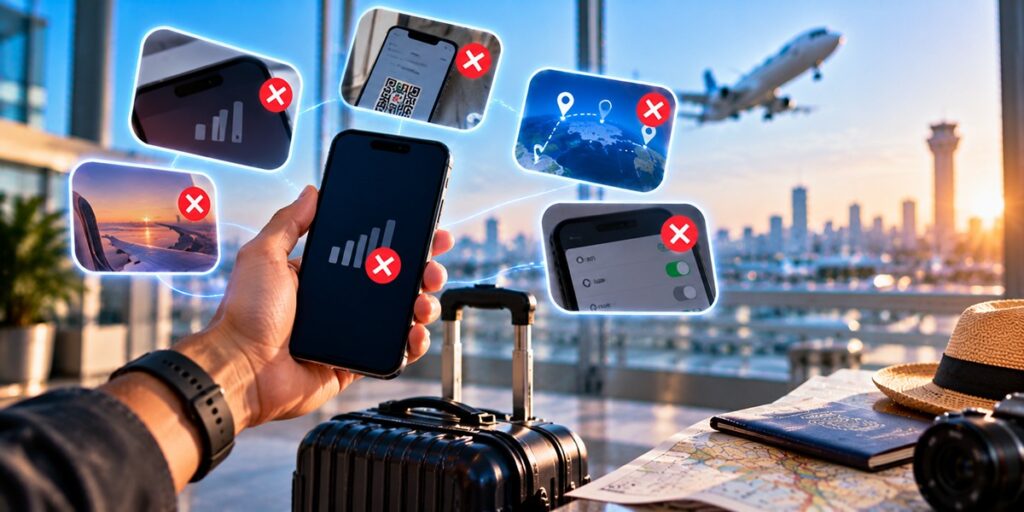
Even with modern travel technology, eSIM issues can arise without warning. Here are some common issues, explained in plain terms:

  • No Data After Landing: You’ve scanned your QR code, but suddenly your phone still shows “No Service.” This happens when the device hasn’t registered on the local network or didn’t enable data roaming. It’s frustrating to have your eSIM not connecting just when you need maps. (Always double-check you’ve enabled mobile data for the eSIM and picked the right network.)
  • Confusing Roaming Rules: Without an understanding of local plans, you might accidentally rack up charges. Normally, an eSIM helps you avoid heavy roaming fees by using local networks. But if you overlook roaming settings or the plan’s fine print, you could unexpectedly run out of data or get billed more. This kind of eSIM issues can spoil a peaceful trip if not caught early.
  • Activation Delays: Some eSIMs only activate once you arrive or after a delay. If you try activating too early (before landing) or the provider’s system is slow, you may wait minutes or longer without service. When you need directions or to book a cab, that lag feels endless.
  • Wrong SIM Settings: Many travelers install an eSIM and forget to pick it as the active data line. Then the phone still tries the wrong SIM card or airplane SIM, and nothing works. It’s a classic case of a small misstep causing a big headache in eSIM troubleshooting.
  • Unsupported Destinations: Not all plans cover every country. You might think you have data, but the destination isn’t included. The result? Your phone says “no network available” even though other travelers nearby are online. Double-check your plan’s coverage map to avoid this eSIM connectivity issues.

Priority Support to the Rescue: Fixing eSIM Glitches

Priority support helping travelers fix eSIM setup and connectivity issues

Once you hit a snag, priority travel support can step in and save the day. Here’s how quick-access help keeps you connected:

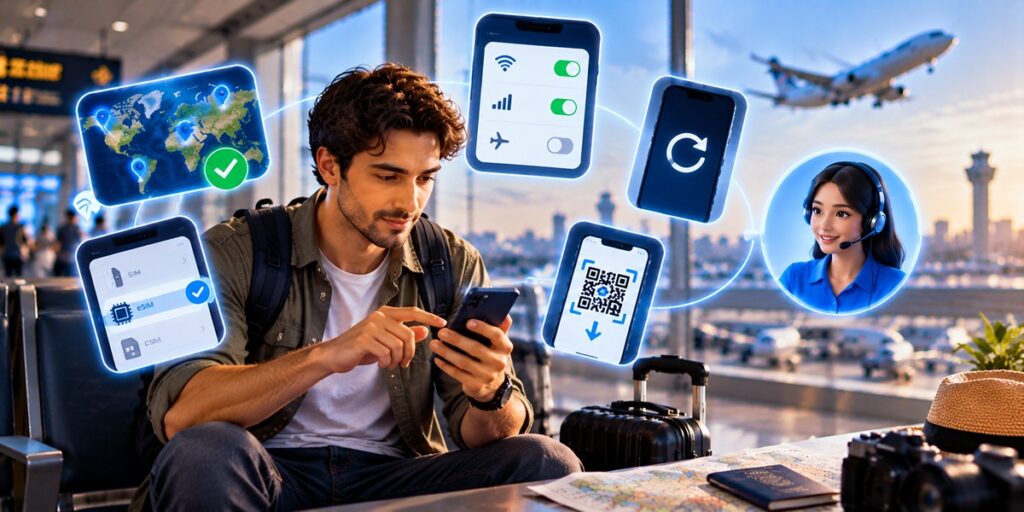
  • Hand-Holding with eSIM Setup: Not everyone is a tech traveler, and the instructions vary by device. Priority support agents can guide you through the eSIM setup step by step. Need to know where to enter the QR code, or which menu to find in your phone’s settings? They’ll guide you live, reducing mistakes that cause eSIM not connecting errors.
  • Fast Connectivity Troubleshooting: Suppose your internet speed is slow or your eSIM won’t register. Support agents can suggest checks: confirming the correct carrier profile is active, adjusting APN/network settings, or toggling airplane mode on/off. These quick fixes come from experience – instead of googling for answers with no Wi-Fi, a support rep diagnoses your esim connectivity issues right away.
  • Coverage and Roaming Advice: If you plan a multi-country trip, you might worry which country your eSIM works in. Priority support can review your plan’s coverage, explain local network quirks, and even advise on buying day-passes or topping up data. They prevent nasty surprises by clarifying limits (for instance, if you have an eSIM with unlimited data plan or how fast you really need that connection).
  • Billing and Data Clarifications: plans and travel can be confounding. If out of the blue you've got strange charges, or find yourself out of data halfway through a trip, a call can clear things up. Support can explain your plan’s validity, suggest a bigger plan, or even apply simple fixes (like a reset), so your trip isn’t ruined by billing misunderstandings.
  • Round-the-Clock Assistance: Good travel support doesn’t clock out. Many premium providers (like Airhub’s Ultra plan) promise 24/7 priority support. That means no matter when you encounter an eSIM issue, an expert is standing by to help. You get real human help instead of hours of waiting, so you spend your time sightseeing, not troubleshooting.

Who Needs Priority Travel Support?

Priority travel eSIM support for frequent flyers, remote workers, and families

Let’s be honest: any traveler might need help, but some will really feel the pain without it. Here are the top candidates:
  • Frequent Flyers: If your job or lifestyle sends you abroad often, every minute offline costs you. Having a direct line to quick tech support means fewer wasted hours dealing with eSIM setup hiccups on each trip.
  • Digital Nomads & Remote Workers: Your livelihood depends on reliable internet. Missed video calls or failed uploads can be disastrous. With priority support, you can squash esim connection issues fast and keep the Wi-Fi cafe or co-working space running smoothly.
  • Business Travelers: For business trips, every minute matters. Priority support helps keep your travel eSIM up and running, whether you’re in an airport lounge or a remote office.
  • International Students: You’re juggling study, life in a new country, and keeping in touch with home. A quick support team helps you stay online for bank accounts, finding apartments, and chatting with family, especially in those critical first days abroad.
  • Families on Holiday: Coordinating everyone’s plans,  flights, hotels, kids, becomes simpler when connectivity is constant. With support, even the least tech-savvy family member can get help setting up or fixing an eSIM, so mom and dad can focus on the fun stuff.

If Your eSIM Still Isn’t Working: Next Steps

Troubleshooting eSIM connection issues while traveling

Still offline? Before panic sets in, try this quick checklist:

  • Confirm Your Coverage: Double-check that your plan actually includes the country you’re in. Airhub, for example, covers 190+ countries, but smaller providers might not. If you’re out of the plan’s range, you’ll need a new eSIM or local data plan.
  • Check Phone Settings: Make sure the right SIM (your eSIM profile) is selected for mobile data. On iPhones, look in Settings > Cellular > Cellular Plans. On Android, find Connections > SIM Manager (names vary by brand). Also ensure Data Roaming is ON for that eSIM. These simple flips often fix esim not connecting errors.
  • Restart Your Phone: Sometimes a full reboot re-registers with the network and clears glitches. It’s old-school but effective for many eSIM issues.
  • Reinstall or Retry Activation: If nothing’s working, try removing the eSIM plan and scanning the QR code again (follow the provider’s exact steps). Occasionally the profile can fail to download correctly, so starting fresh can help.
  • Reach Out to Support: If you’ve exhausted these steps, it’s time to contact customer support. With priority travel support, you’ll get help faster. They can check backend settings, reset your session, or even provision a new plan on the spot. Having that dedicated line means your eSIM gets priority attention, so you’re online again soon.

Stay Connected with Airhub

Stay connected with Airhub eSIM

For many travelers, having a reliable eSIM provider and support goes hand in hand. One option worth exploring is Airhub. Their Global eSIM offerings cover 190+ countries, meaning one plan often works for your entire trip (no more swapping carriers every border). Airhub even offers unlimited data plans, one of the few eSIM providers where the remaining data simply shows “Unlimited GB”. This ensures video calls, navigation, or streaming playlists won’t suddenly stop you short of data.

So if you want to minimize hassles abroad, consider setting up an eSIM with unlimited data on a plan that comes with dedicated help. Download the Airhub travel app on your iPhone or Android phone before you go. That way, when you land, your eSIM can be activated in minutes (Airhub reports an average activation time of about 2 minutes), and you have priority support at your fingertips whenever you need it.

Stay Connected on Your Travels

Traveling should be about new experiences, not wrestling with phone settings or surprise bills. Priority travel support means one less thing to worry about. With the right preparation, a compatible device, a solid eSIM plan (maybe even one with unlimited data), and support contact info saved, you’ll handle any hiccup calmly. Whether it’s a simple eSIM setup question or a stubborn connectivity issue, fast, knowledgeable help can keep you on the go.

The next time you travel, make sure connectivity isn’t a gamble. Plan, know your coverage, and pick a provider that offers the kind of support you might need. Then if an issue arises, you’ll have backup: a priority travel support team ready to solve your esim connection issues so you can focus on enjoying the trip. Bon voyage,  and may you stay online wherever you roam!

FAQs

1. How do I set up an eSIM before travelling abroad?

    Use your provider’s instructions: usually scan a QR code in the app or on the website, or enter manual codes in your phone’s settings. It’s best to add and activate the eSIM at home while you still have Wi-Fi. Make sure your phone is unlocked and compatible.

    2. Do I need Wi-Fi to set up an eSIM?

    Typically, you will need an internet connection (Wi-Fi or cellular data) to download and activate the eSIM profile after scanning the code. Many providers suggest doing the install at home on Wi-Fi, but you can also use mobile data if needed. Once the eSIM profile is downloaded, you usually don’t need Wi-Fi to use it abroad.

    3. How long does it take to activate an eSIM?

      Usually only a few minutes. In fact, some providers (like Airhub) report an average activation time around 2 minutes. Often it’s nearly instantaneous: once you scan the QR code and confirm, the eSIM should connect to the network within seconds. If it’s taking longer, a quick phone restart can help finalize the activation.

      4. Why is my eSIM not activating after setup?

        This can happen if the eSIM profile didn’t download properly, or if your phone lost internet before finishing. Check that you have internet (Wi-Fi or other) while installing, and that you selected the new eSIM as active. Make sure any old physical SIM is turned off or set to data off.

        5. How do I set up an eSIM on an iPhone or Android device?

          On iPhone (iOS 13 and up): go to Settings > Cellular > Add Cellular Plan. Then scan the QR code or enter details. The new plan appears under “CELLULAR PLANS.” On Android: the menu names vary, but usually Settings > Network & Internet > SIM cards (or Connections > SIM Manager). Then choose to Add eSIM or Add mobile plan and scan the QR code. Follow the on-screen steps to complete activation.

          6. Can priority support help resolve eSIM connection issues?

            Yes! That’s exactly what it’s for. A priority travel support team is trained to handle eSIM problems quickly. They can step you through fixes for esim connection issues, check your plan settings, or troubleshoot on the backend. Having priority support means your ticket is bumped to the front, so you won’t wait days or hours for an answer.

            Most Popular eSIM Countries

            Ready to Stay Connected?

            Get your Airhub eSIM in minutes and travel without roaming surprises.

            You might also like

            Ready to try eSIMs and change the way you stay connected?

            Download the Airhub app to purchase, manage and top up your eSIMs anytime, anywhere!

            App exclusive5% off at checkout
            Get it on Google PlayDownload on the App Store