










Ready to try eSIMs and change the way you stay connected?
Download the Airhub app to purchase, manage and top up your eSIMs anytime, anywhere!
App exclusive5% off at checkout
Learn how to check if your phone is eSIM compatible. Find supported iPhone & Android devices and activate Airhub eSIM for easy global travel.
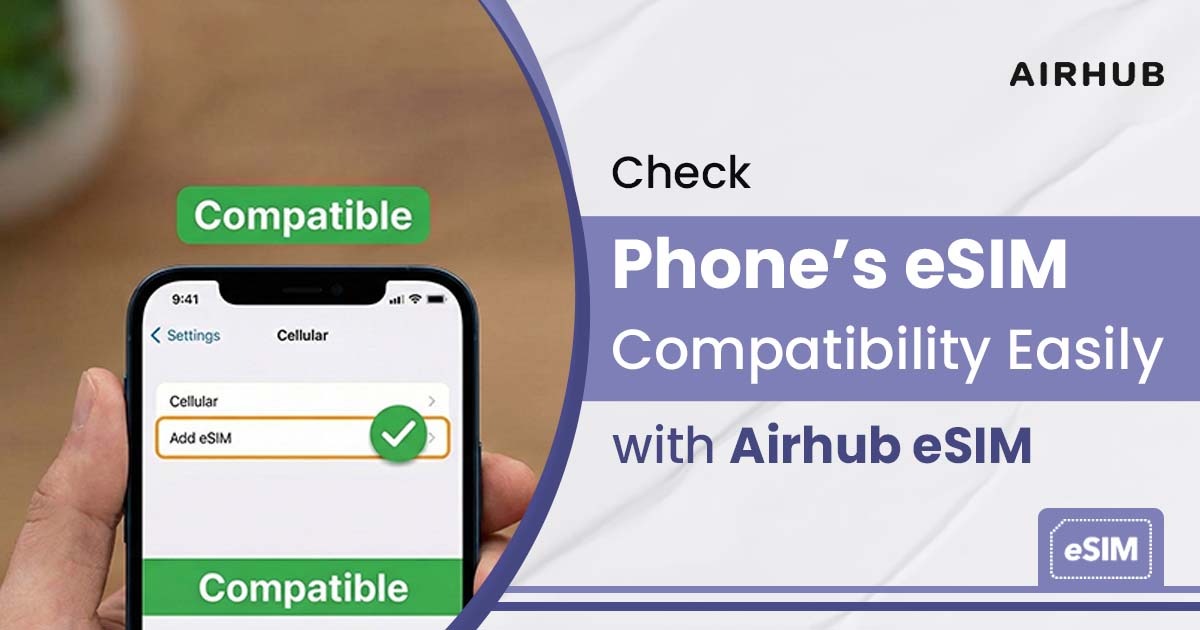
Nearly a billion devices worldwide now support eSIM technology. An eSIM (embedded SIM) is a digital alternative to the physical SIM card, letting you connect to mobile networks without swapping cards. For digital nomads, remote workers, and travelers, having an eSIM-compatible phone means ultimate convenience: you can download local data plans on the spot without visiting a store or swapping SIMs. If you’re asking “how to check if my phone is eSIM compatible” or “is my phone eSIM compatible”, this guide will help.
Many travelers often ask, What is eSIM and how does it work. An eSIM is a built-in digital SIM that lets you connect to mobile networks without using a physical SIM card. With eSIM, you can buy and activate a data plan online in minutes, making it ideal for international travel. It removes the need to swap SIM cards and offers quick, hassle-free connectivity.
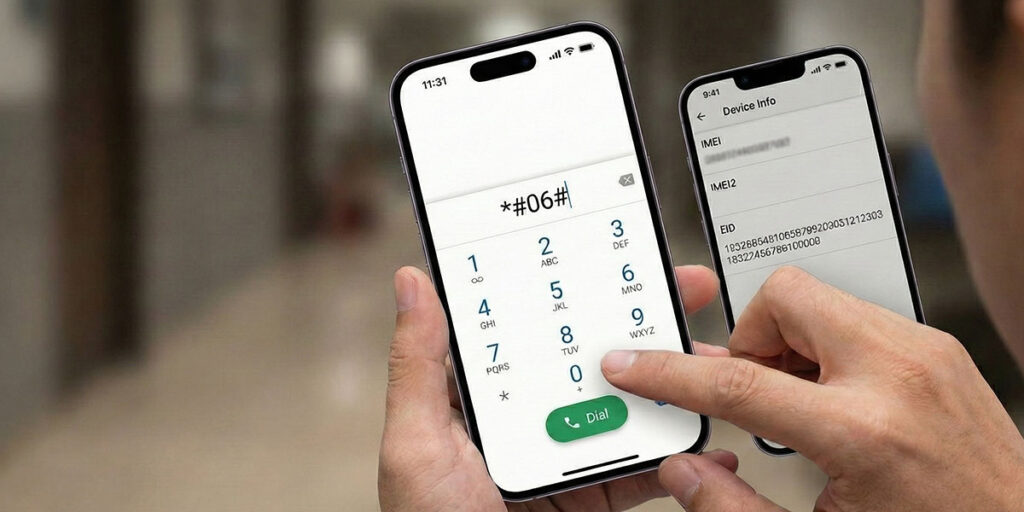
Dialing *#06# on the phone’s keypad will bring up a device info screen. On many phones (especially iPhones and some Android models), this shows device identifiers like IMEI and EID (Embedded Identity Document). If an EID number appears, it means the device has an eSIM chip built in. In the example above, the code #06# has been entered; if “EID” appears on the next screen, the phone is eSIM-ready.
For instance, on an iPhone, the Device Info screen (shown above) will list the EID alongside the IMEI numbers if the phone supports eSIM. Seeing a 32-digit EID on this screen is a clear sign your phone is eSIM compatible. If your device does not show an EID, it likely uses only a physical SIM card.
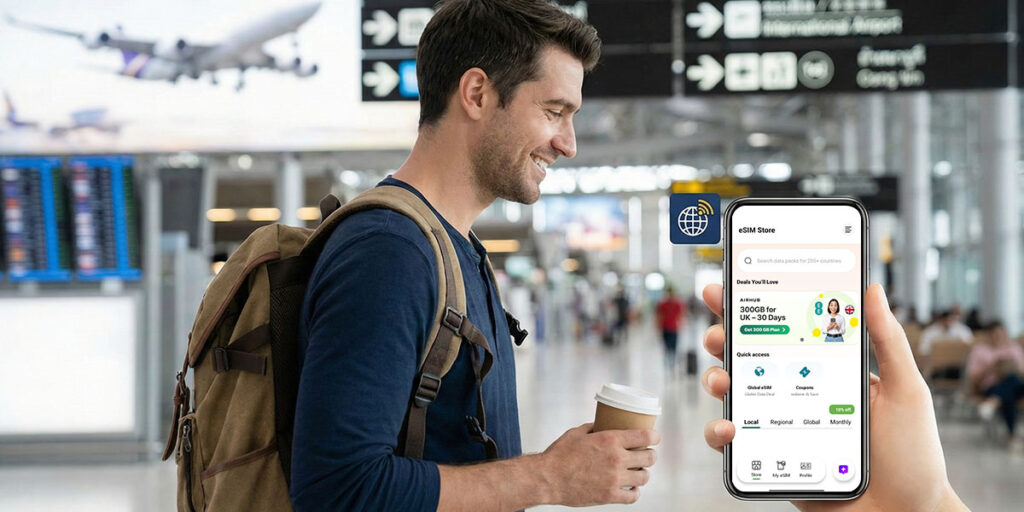
Today, many mobile devices already have the ability to utilize both a physical SIM and an embedded SIM (eSIM). As an example, you can use your current phone number and add a separate eSIM with a travel data plan for international trips. This option allows you to use two different phone numbers on one mobile device so that you may keep your home number active while away.
If your current mobile phone does not support eSIM (e.g., if it is an older or less expensive model), you will still be able to connect to overseas cellular networks by purchasing a SIM card from the country you visit or by purchasing and activating a portable hotspot on your trip. However, purchasing an eSIM-supported phone will greatly simplify the process of using a travel data plan. Once you determine that your phone supports eSIM, you can buy eSIM online at the Airhub eSIM store and receive and install it in minutes. If you have eSIM compatible devices, then Airhub eSIM provides super super-easy process for activation.
Airhub eSIM notes that eSIMs work on networks around the world, providing global coverage, and their data plans are pay-as-you-go with no hidden fees. In practice, once you install an Airhub eSIM, it will automatically connect to local networks wherever you travel, meaning you can go online immediately after landing, without swapping SIM cards.
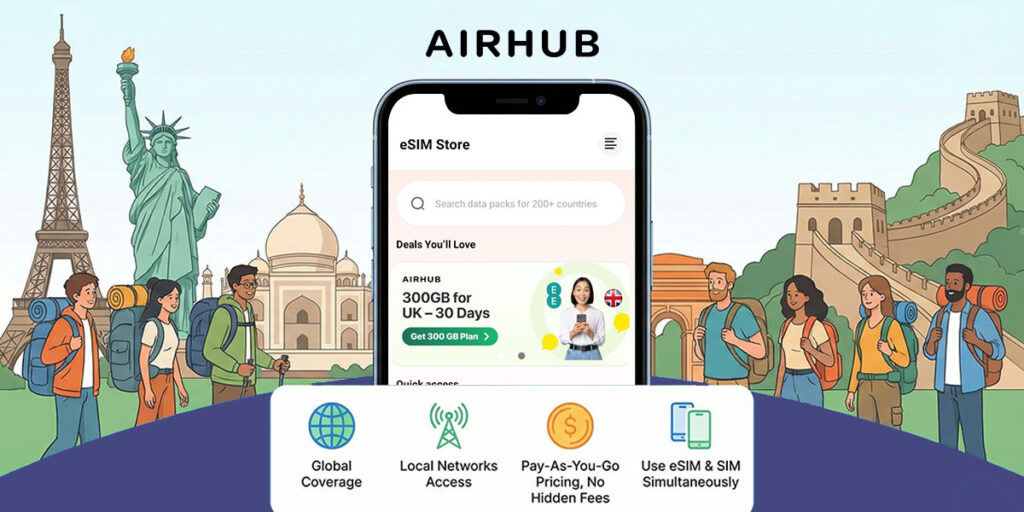
For travelers, Airhub eSIM offers exactly what you need. There are more than 190 Countries covered by the company's data plans. Airhub provides the following benefits when you buy eSIM online through its service: global coverage, access to local networks in your destination country, and pay-as-you-go pricing with no hidden fees. You are charged only for the amount of data you use while traveling. If you are stuck on “Can I use eSIM and SIM at the same time?”, then yes, you can use both. It is possible if your phone provides the functionality for both.
In practice, your Airhub eSIM connects immediately upon activation, just scan once, and you’re online. Industry reviews back this up: TechRadar gave Airhub 5/5, calling it “diverse, customizable, and popular…with expansive coverage”. In short, Airhub eSIM combines ease of use with reliable international connectivity.
You won’t need any kind of SIM swap or long-term commitment to purchase an eSIM if you use one from Airhub eSIM. The company offers eSIM plans that provide comprehensive global service on a pay-as-you-go basis. If your phone does not currently support eSIM technology, you can still use a regular SIM card or rent a portable Wi-Fi hotspot while you are traveling. As more individuals adopt eSim phones over the next few years, you may want to consider upgrading to an eSim phone for added convenience during your travels in the future.
iPhones support eSIM starting with the XR and XS models (2018). Thus, every iPhone 11, 12, 13, 14, 15, and SE models (2020/2022) can all have eSIM support. You may note that iPhones 14/15 purchased in the United States only offer eSIM capability and no longer offer physical SIMs). So, you should buy eSIM online from Airhub eSIM for smoother connectivity and quick activation.
Many modern devices support eSIM. Besides smartphones (Apple, Samsung, Google, etc.), cellular tablets (like iPads with LTE) and even some laptops and wearables have eSIM chips. Generally, any recent flagship phone or cellular device from major brands likely supports eSIM. You can also search your device model online along with “eSIM” to see if it’s listed among eSIM-compatible devices.
Indeed, modern dual-SIM smartphones typically offer the option of using a single eSIM and a single traditional SIM simultaneously. As a result, users are able to maintain an active physical SIM for the purpose of making and receiving telephone calls and sending and receiving text messages while simultaneously using an eSIM with a data plan (e.g., a local mobile service provider) when traveling abroad.
No. The only iPhones that support eSIM are the iPhone XR/XS (released in 2018) and later models, while older models, such as the iPhone X, 8, or 7, do not support eSIM.
Get your Airhub eSIM in minutes and travel without roaming surprises.
Download the Airhub app to purchase, manage and top up your eSIMs anytime, anywhere!