











Ready to try eSIMs and change the way you stay connected?
Download the Airhub app to purchase, manage and top up your eSIMs anytime, anywhere!
App exclusive5% off at checkout
Learn how to turn off an eSIM on iPhone, Android, and smartwatch devices with simple steps. Manage your eSIM settings and stay in control.
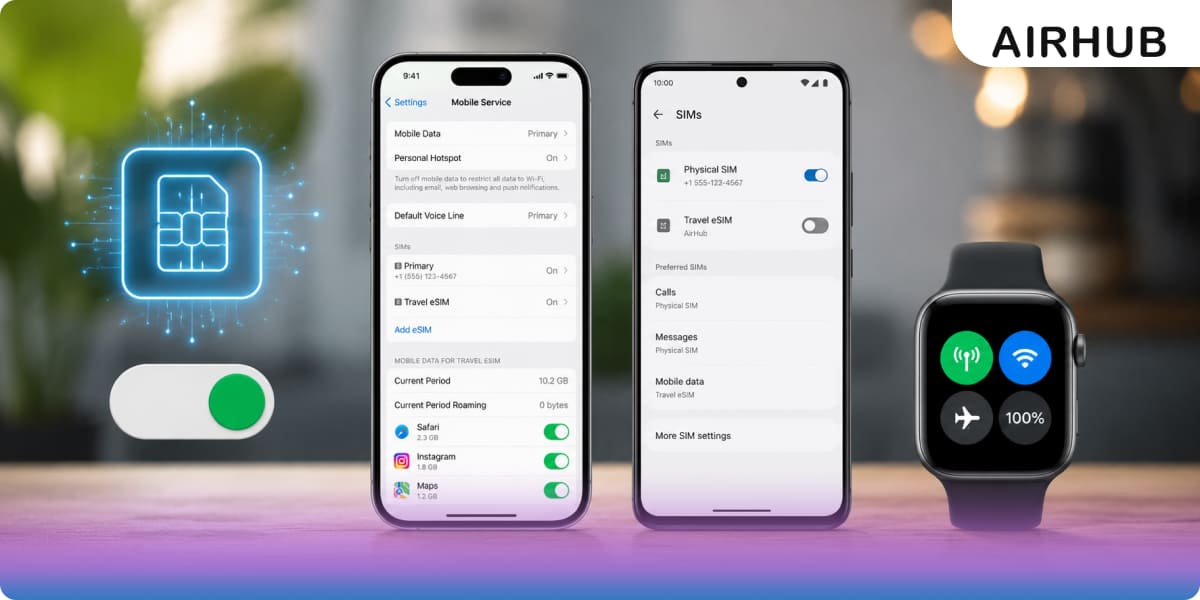
Here's the thing nobody tells you up front: "turning off" an eSIM and "deleting" one are two completely different actions, and mixing them up is how people end up on the phone with their carrier asking for a fresh QR code. Turning it off is harmless. It's a toggle. Flip it, and the line goes quiet; flip it back, and you're connected again no reinstalling, no setup, nothing lost.
So if you're switching between plans, trying to rein in background data, or just parking a plan until your next trip, this is the easy, reversible option you want. Below, you'll find the exact taps for an iPhone, an Android phone, and a cellular smartwatch plus the parts most guides skip: what actually happens when the line is off, whether your plan keeps burning through its days, and when deleting is genuinely the smarter move.
First time dealing with any of this? Here's a quick primer on what is an eSIM. Otherwise, let's get to the toggle.
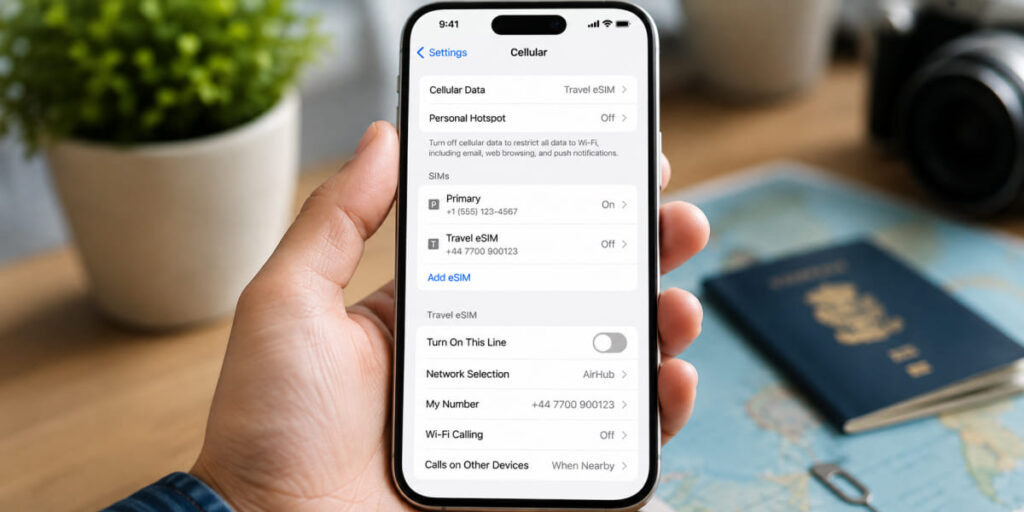
On an iPhone, your eSIM lives as a separate line inside your cellular settings, and shutting it off is a one-toggle job:
Done. The line drops immediately and usually greys out in your SIM list so you can tell at a glance it's inactive. Crucially, the plan itself stays put on your phone you're pausing it, not erasing it.
Apple reshuffles these menu labels every few iOS versions, so the exact wording may vary slightly depending on your iPhone's iOS version.
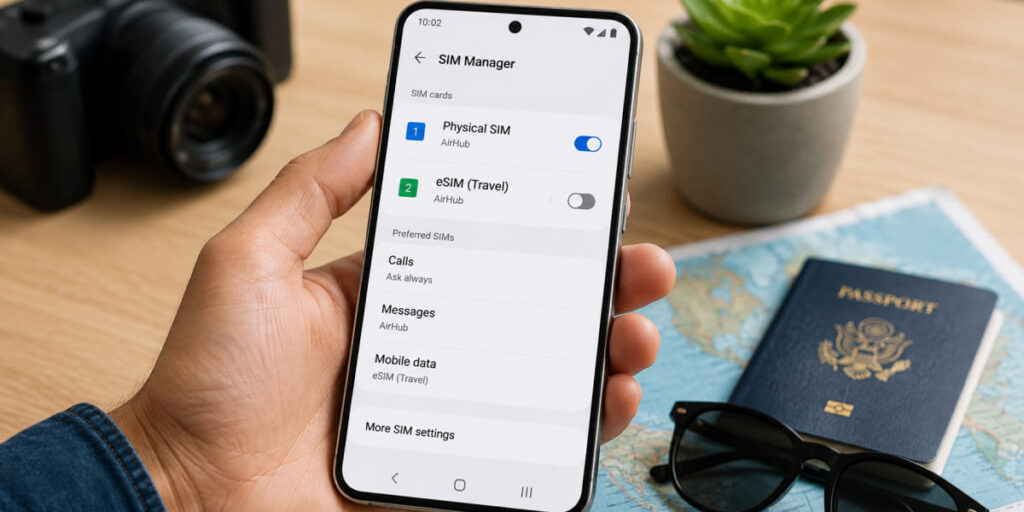
Android is where it gets slightly messier, because the toggle lives in a different spot depending on who built your phone. The two paths below cover the vast majority of devices.
Everything else Motorola, Nothing, OnePlus and the rest tends to sit somewhere between those two. If the paths above don't match your screen exactly, hunt around your network or connection settings for a "SIM manager" or "SIMs" section, and the toggle will be there.
Android menus drift between manufacturers and versions more than iOS does.
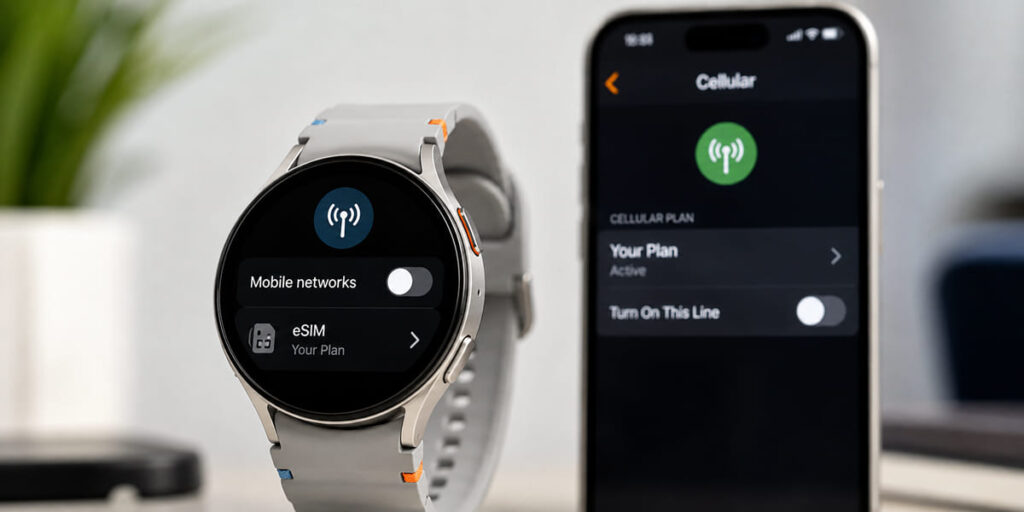
Got the plan on a cellular watch instead of your phone? You'll manage it from the watch's own settings, not the handset's:
Apple Watch: Open the Watch app on your paired iPhone, tap Cellular, tap your plan, then turn it off (or remove it).
Galaxy Watch: Head to Settings > Connections > Mobile networks, pick the plan, and toggle it off.
Wording shifts by watch model and software version here too.
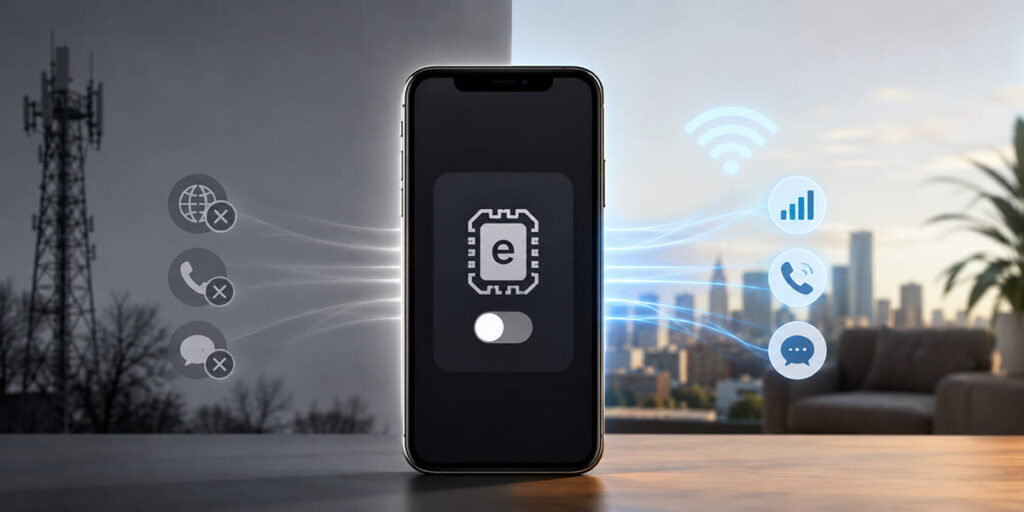
Once the line is off, it stops talking to its mobile network. No data, no calls, no texts run through that eSIM until you switch it back on. Simple enough but what that means for you depends on how your phone is set up.
If the eSIM is your only line, you'll lose cellular service entirely, though Wi-Fi keeps working exactly as normal. If you've got a second eSIM or a physical SIM active alongside it, your phone barely notices it just leans on that other line for data, calls, and texts.
Either way, the profile stays right where it is. Nothing gets wiped, nothing needs reinstalling. That's the whole appeal of turning an eSIM off rather than deleting it: it's the reversible choice.
This is the question that catches travelers out, and most guides breeze right past it.
Turning off an eSIM does not pause your plan's validity. If the plan is already activated, those days keep counting down whether the line is on or off. Switching it off overnight to "save" your data allowance simply doesn't work the clock runs regardless. The moment to think about this is before you install, by checking your plan's activation policy in the Airhub app so you know exactly when the countdown starts.
There's a smaller catch worth knowing, too. On some phones, a trickle of background data can still slip through even after you've toggled the line off. If you want it truly silent, switch off data roaming for that eSIM line as well:
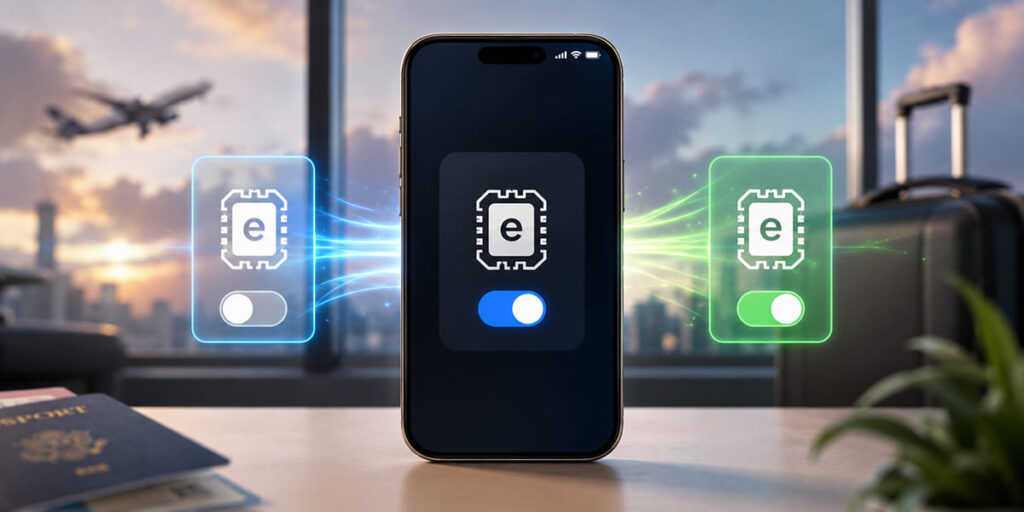
Bringing it back to life is just the same steps in reverse:
One easy-to-miss detail: if you also turned off data roaming earlier, switch it back on now otherwise the line can look active without actually connecting, which is a surprisingly common source of "why isn't my data working" confusion. Give it a minute or two to reconnect. And if the plan's validity quietly expired while it sat idle, you'll need to top up or grab a new plan before you're back online.
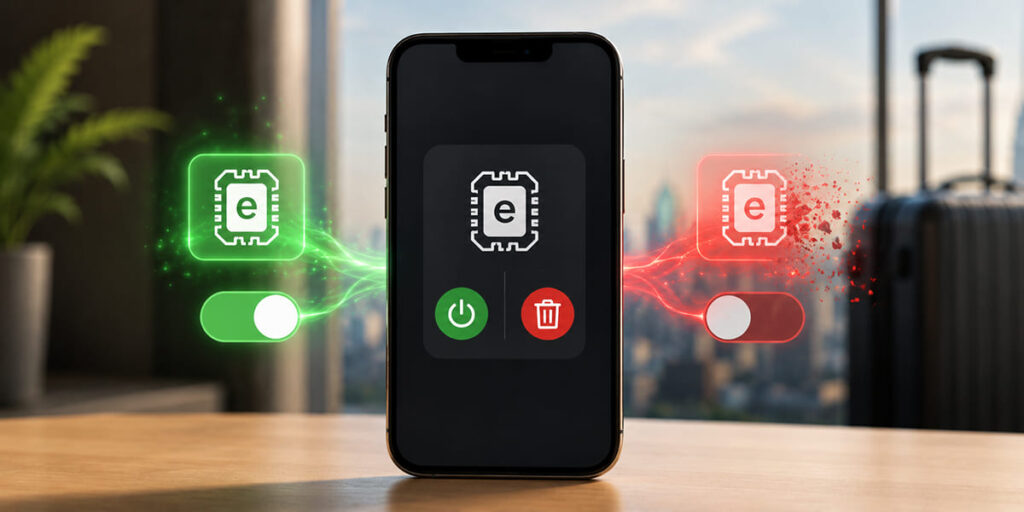
They sound like the same thing. They aren't and choosing wrong can genuinely cost you.
| Turn off (deactivate) | Delete (remove) | |
| What it does | Switches the line off; profile stays on your phone | Wipes the profile from your phone |
| Reversible? | Yes — toggle it back on anytime | No — it's gone for good |
| When to use it | You'll use this plan or destination again | You're done with it and won't reload it |
| To get it back | Just switch it on | Reinstall it (you may need a new QR code) |
The rule of thumb is simple: if there's even a chance you'll use it again, turn it off. Save deleting for the plans you're genuinely finished with and that can't be topped up because once an eSIM is deleted, there's no getting it back.
When you're at that point, here's how to delete your eSIM properly.
No. Switching off the line cuts your connection, but if the plan is already activated, its validity keeps ticking down while it's off. To hold onto your days, check the plan's activation policy in the AirHub app before you install it.
Just reverse the steps you used to switch it off: Settings > Cellular / Mobile Service on iPhone, or Connections > SIM Manager on Android, then select the eSIM and toggle the line back on. Turned off data roaming too? Switch that back on as well.
Turning off is temporary and reversible the profile stays on your phone. Deleting is permanent; to use it again you'd have to reinstall it, sometimes with a fresh QR code. Turn it off if you'll use it again; only delete if you won't.
Switching off the line normally stops its data. On some phones, though, a little background data keeps leaking through until you also disable data roaming for that line so turn off both if you want it fully paused.
On Apple Watch: open the Watch app > Cellular > tap the plan > turn it off. On Galaxy Watch: Settings > Connections > Mobile networks > select the plan > toggle off. Labels vary by watch model and software version.
A little, yes. Juggling several active lines at once can nudge up battery drain, so switching off an eSIM you're not using may buy you a bit more runtime. And since it's fully reversible, there's no downside flip it back on when you need that line again.
Once you know where the toggle lives, turning an eSIM off or back on takes seconds and that kind of control is the entire reason to go digital in the first place. When your next destination calls for data, browse Airhub eSIM plans and you'll be online within minutes of scanning a QR code. Not sure your phone can handle it? Check if your device is eSIM compatible before you buy.
Still hitting a wall? Our support team is a message away at support@airhubapp.com.
Get your Airhub eSIM in minutes and travel without roaming surprises.
Download the Airhub app to purchase, manage and top up your eSIMs anytime, anywhere!