





Ready to try eSIMs and change the way you stay connected?
Download the Airhub app to purchase, manage and top up your eSIMs anytime, anywhere!
App exclusive5% off at checkout
Learn how to stay online and avoid roaming. From eSIM plans to local SIMs, discover ways to get internet abroad without roaming charges.
Do you also want internet abroad without roaming charges? The moment you step off the plane, your phone bill can skyrocket. But you don’t have to live in fear of hidden fees or constant searches for Wi-Fi. In this guide, we’ll break down why roaming costs so much and share the smartest ways to stay online while traveling without roaming charges.

Using your phone outside your home network almost always means roaming, that is, your carrier borrowing a foreign network. Unfortunately, carriers often charge much more for this convenience than you’d pay at home. In fact, international roaming can rack up significant fees for data, calls, and texts, often at much higher rates than you’d pay at home. Why so steep? At base, your carrier must pay the foreign provider whenever you use their network. Those costs get passed on to you, and sometimes each provider tacks on a premium as a “middleman” fee.
Beyond carrier fees, a few hidden factors make roaming bills shockingly high. Many travel apps update constantly in the background- mapping apps, email, social media- silently eating data. For example, if your phone auto-syncs photos or checks email overseas, you could burn through megabytes (and dollars) without realizing it. In short, leaving data roaming on is asking for a big surprise on your bill. The solution? Turn off data roaming and use smarter options for internet abroad without roaming charges.
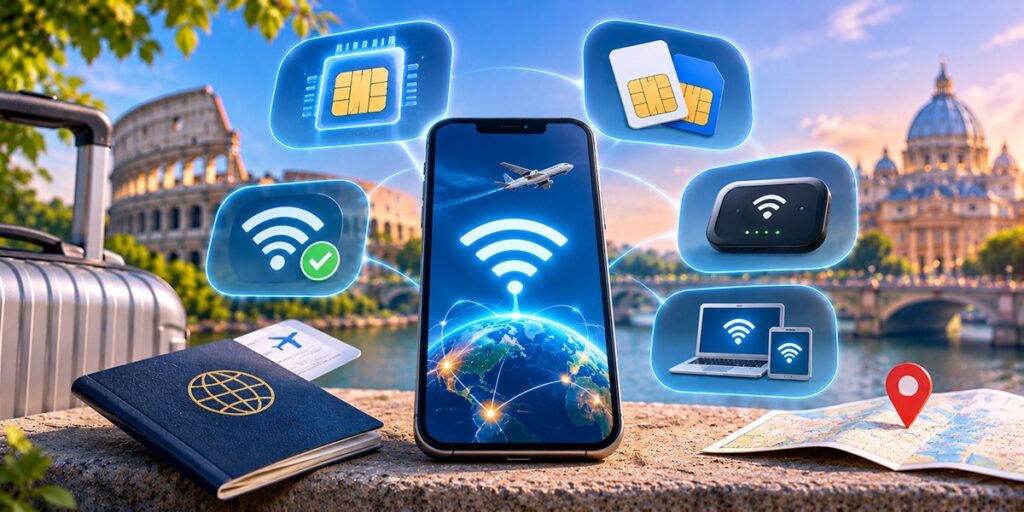
There are different ways to stay connected without any roaming charges:
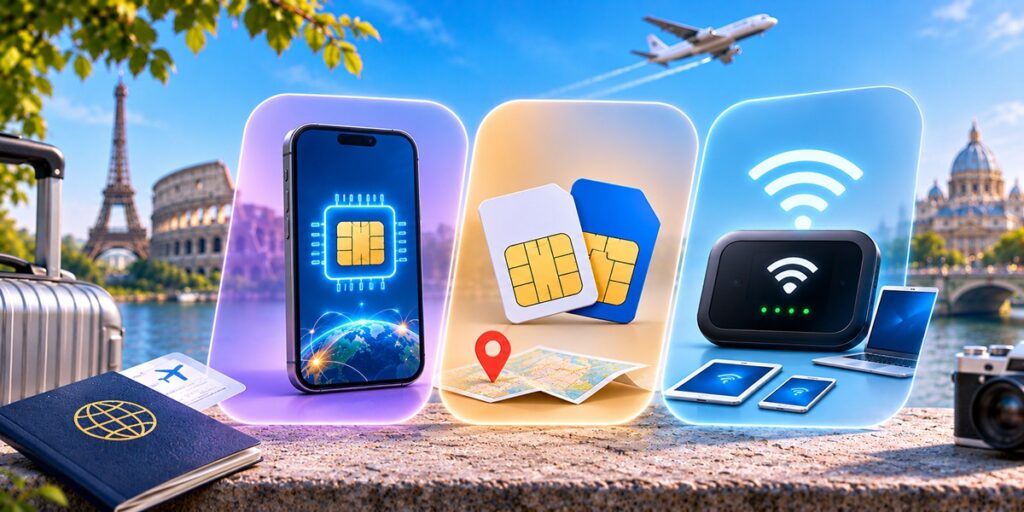
There is a key difference between eSIM, Local SIM, and Wi-Fi Hotspot, which have various features and give you a clear picture of what’s best for you.
| Feature | eSIM (Travel Data Plan) | Local SIM Card | Portable Wi-Fi Hotspot |
| Setup | Scan a QR code in a travel app; activate immediately. Fast and no SIM changes. | Insert SIM from a local carrier; may require a store visit and phone unlock. | Rent or buy device; power on and connect via Wi-Fi. No phone unlocking needed. |
| Coverage | Choose country or global plan; use in 190+ countries. | Only in the country where purchased (may roam slowly within the region). | Depends on where the hotspot provider has service (often global plans). Multiple devices share one connection. |
| Cost | Prepaid bundles, often affordable and clear (some as low as ~$2 for 1GB). Data-only or with voice. | Very cheap local rates on data. Can be cheapest per GB but only for short stays. | Usually higher rental fees plus data charges. Good value if split among people. |
| Devices | Each eSIM ties to one phone (though some allow multiple profiles). | One SIM, one device. | Connect 5–10 devices (phone, laptop, etc.) to the hotspot at once. |
| Convenience | Super convenient: no shipping, no swapping SIMs mid-trip. | Some hassle to buy and top up, especially on arrival. | Bulky to carry and charge, but plug-and-play for group use. |
| Best For | Solo travelers or anyone who wants instant data and no surprises. | Longer stays in one country, or when needing a local phone number. | Families or teams needing shared internet on multiple gadgets. |

Planning data usage is key. We tend to use more data on the road than at home, since we can’t rely on home Wi-Fi and often do more navigation and photo sharing. Light users, those who mostly check maps and messages, might get by with just 500 MB–1 GB per week. Moderate travelers (posting on social media, light streaming) often use 2–3 GB per week. If you stream video, work online, or love uploading pictures, budget closer to 5–10 GB per week.
A handy tip: download offline maps before you leave so navigation uses almost no data. Also, download music and movies at home. Track your usage on day one: check your phone’s data stats so you don’t run out unexpectedly. In short, pick a plan with a little buffer. For a 7- to 10-day trip, 3–5 GB is usually safe for most people, and more if you’re a heavy streamer or digital nomad.
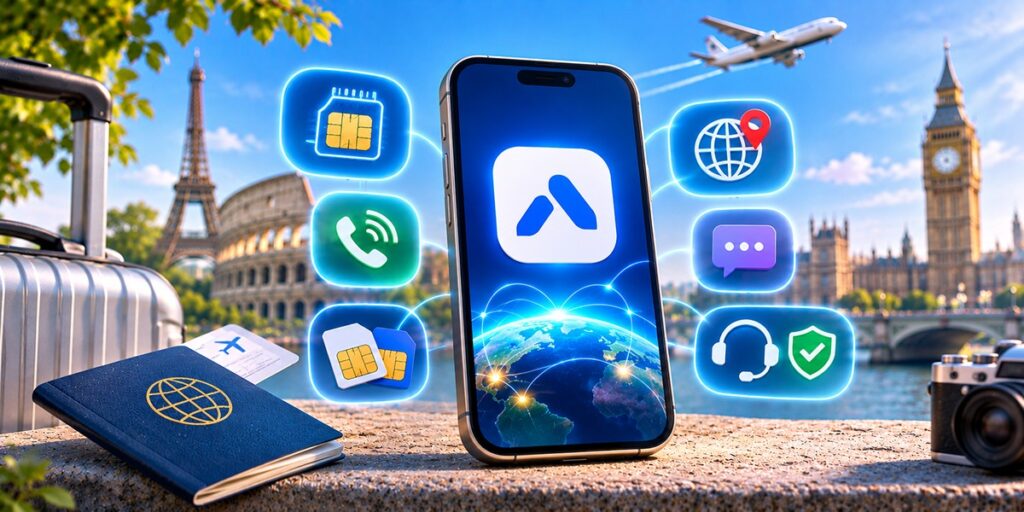
The easiest way to guarantee internet abroad without roaming charges is to download a global eSIM app like Airhub. Airhub offers affordable data (and even voice/SMS) plans in over 190 countries. Plans are prepaid, so there are no surprise fees, and you can top up anytime from the app.
Best of all, Airhub includes voice calls and an international number on many plans, letting you receive calls overseas without roaming. The app is designed to work alongside your regular SIM on dual-SIM phones, so you can keep your home line active for calls and use Airhub for data. With 24/7 global support and money-back guarantees, Airhub’s solution is a worry-free way to get internet abroad without roaming charges. Don’t forget to download the Airhub app on your iPhone or Android device and set up a plan before you travel; that way, you’ll land with connectivity ready to go.
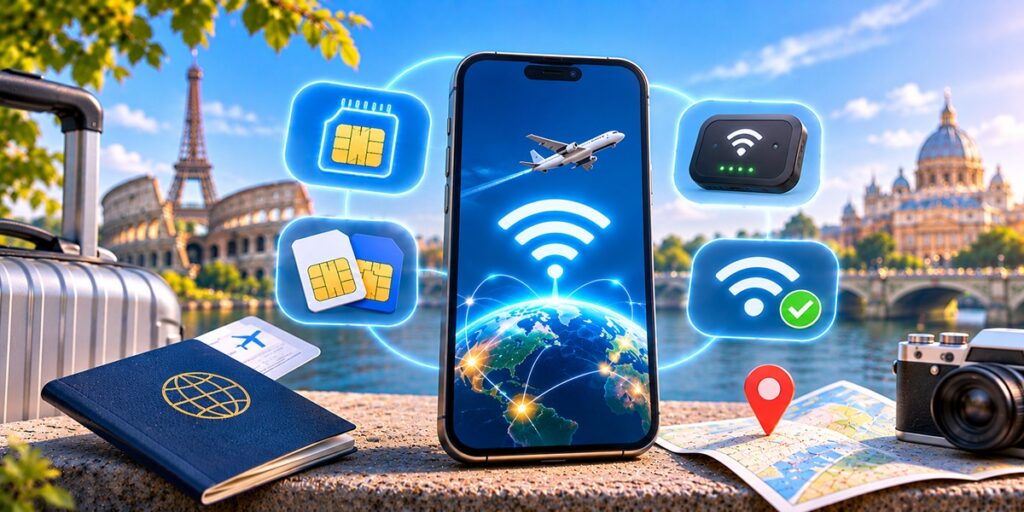
You now have a toolbox of options to escape roaming fees. Turning off data roaming and using either an eSIM, local SIM, portable Wi-Fi, or trusted hotspot will keep you connected and save you money. Remember, internet abroad without roaming charges is within reach: plan your data needs (often 1–5 GB per week), choose the solution that fits your trip style, and enjoy staying online guilt-free. Now go ahead and download that app, map out your journey, and share your adventures, all without worrying about a huge phone bill.
Use alternatives like a prepaid travel eSIM, buy a local SIM card upon arrival, or rely on Wi-Fi hotspots. These options give you internet abroad without roaming charges.
Usually yes. Most carriers lock phones. If locked, ask your home carrier to unlock it before you travel, so you can use a local prepaid SIM card.
An eSIM is a digital SIM profile. It lets you buy data plans online and activate instantly. It avoids swapping SIM cards and often works in many countries, making it perfect for internet abroad without roaming charges.
Public Wi-Fi can be used if you’re careful. Always enable your VPN (Virtual Private Network) for security. Avoid sensitive transactions on open networks. Turn off automatic connection to networks you don’t recognize.
Most people find 2–5 GB enough for 7–10 days, depending on usage. If you mainly use maps and chat, 2–3 GB may suffice. Increase it if you’ll stream video or upload a lot of photos.
Some carriers offer travel add-ons, but these can still be pricey or limited. We usually recommend buying a travel eSIM or local SIM for better value and control over costs, ensuring truly internet abroad without roaming charges.
Get your Airhub eSIM in minutes and travel without roaming surprises.
Download the Airhub app to purchase, manage and top up your eSIMs anytime, anywhere!