










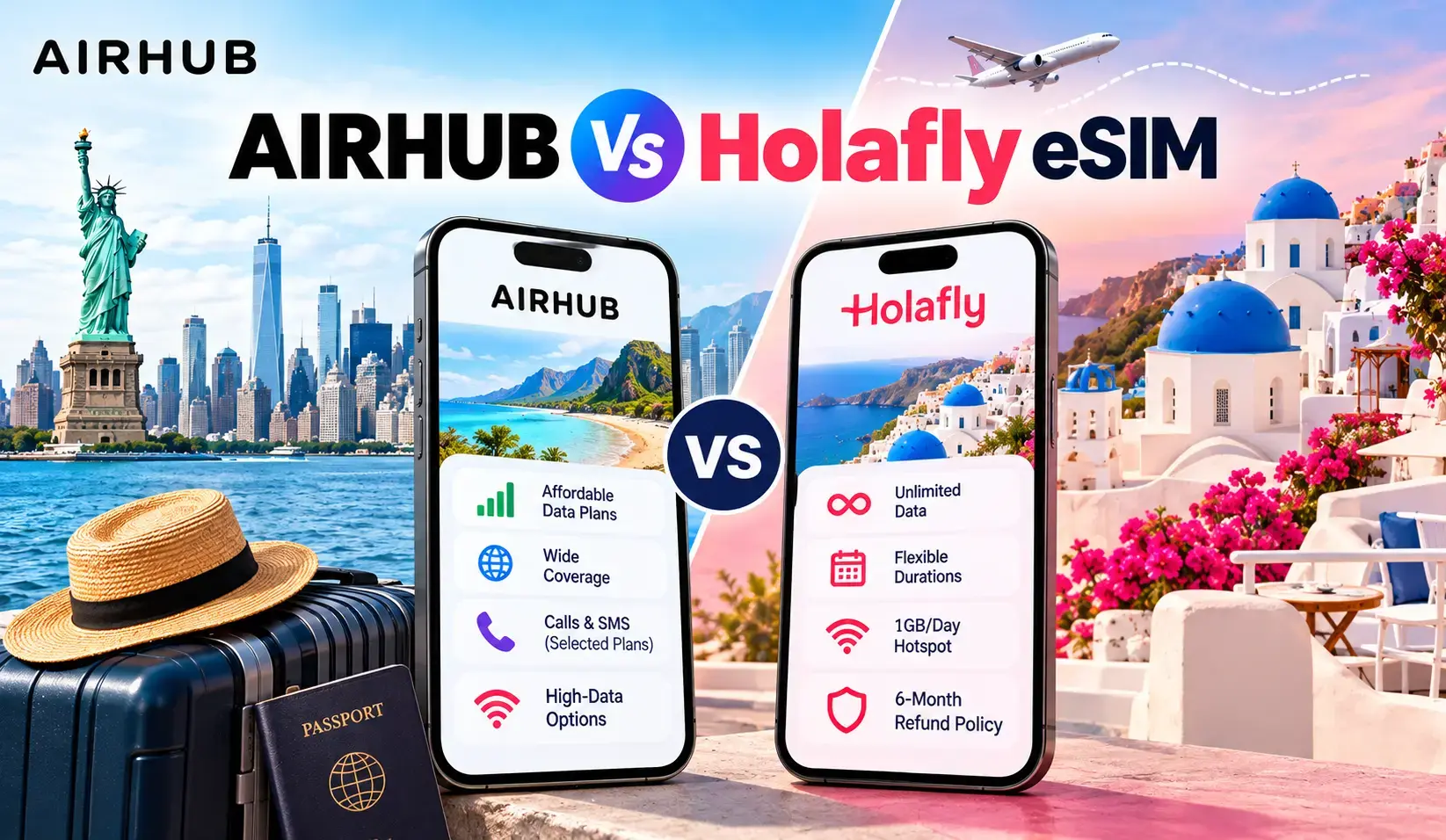
Ready to try eSIMs and change the way you stay connected?
Download the Airhub app to purchase, manage and top up your eSIMs anytime, anywhere!
App exclusive5% off at checkout
Your ability to transition to eSIM depends on your device's eSIM compatibility. So, here’s a guide to learn how to check eSIM compatibility.
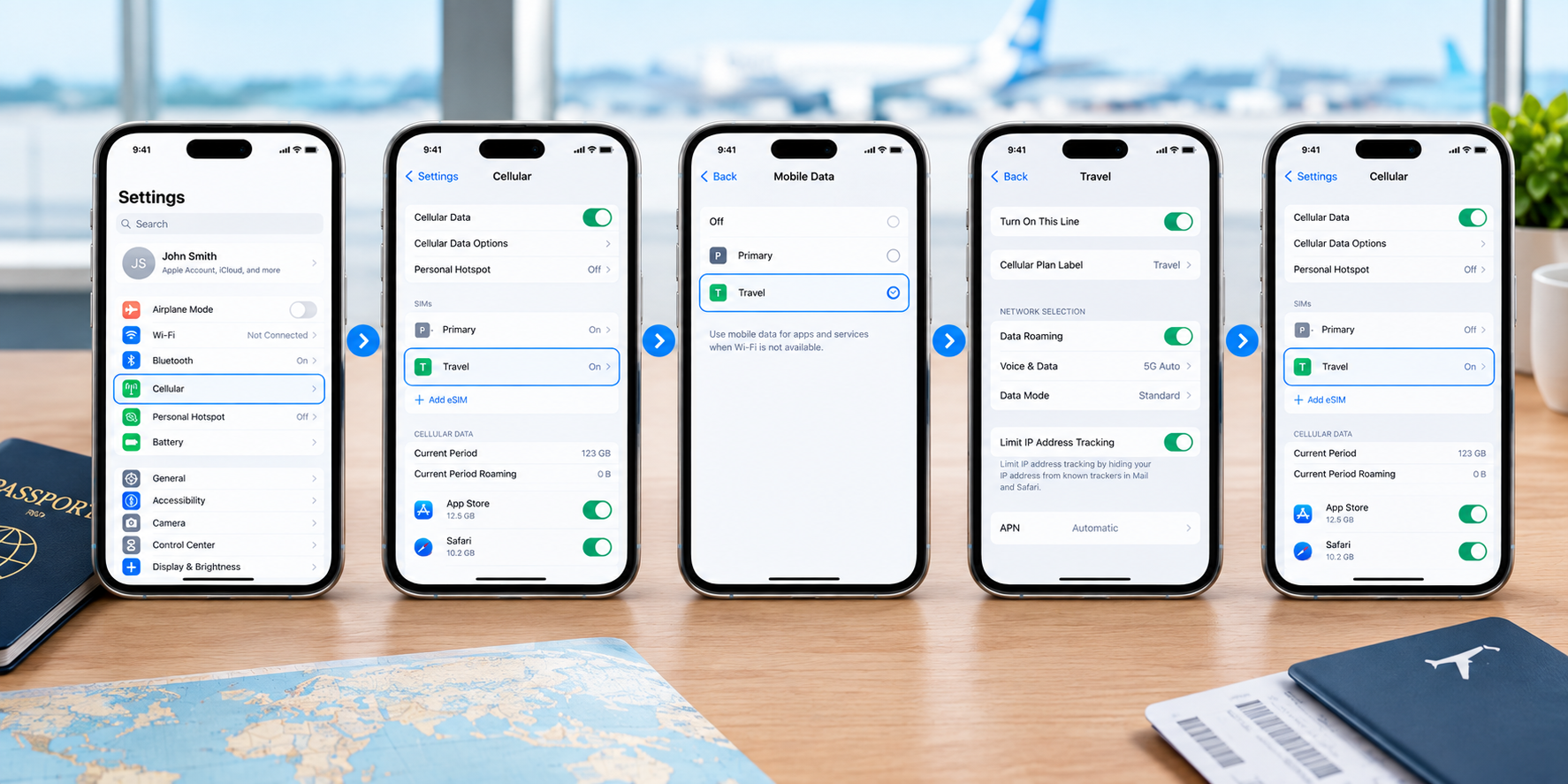
The 10-second answer: open your phone's dialer and type *#06#. If a long EID number appears alongside your IMEI, your phone has eSIM hardware and can use an eSIM. No EID generally means your phone does not support eSIM. This is a useful first check, but device and regional compatibility can vary.
That code is a useful check, and it's worth trusting alongside your phone's settings and the manufacturer's compatibility information. Device lists go stale the moment a new phone ships, and the same model can behave differently depending on where it was sold. Below you'll find the current lineup by brand anyway, plus the two things that quietly stop a "compatible" phone from working being locked, or a regional variant and what to do if your model isn't listed. You can also run Airhub's eSIM compatibility checker to confirm your exact device in a couple of taps.
There's no single "right" way to check here are four, fastest first:
If either the EID or the "Add eSIM" option shows up, your phone is likely eSIM-ready just check the two caveats further down before you buy.
eSIM support can vary by region and carrier the *#06# check and your manufacturer's specifications are useful ways to confirm your exact device.
Apple iPhone (many models from iPhone XS/XR onward support eSIM; some regional versions differ):
| iPhone | eSIM |
| iPhone 17, 17 Pro, 17 Pro Max, iPhone Air | ✅ |
| iPhone 16, 16 Plus, 16 Pro, 16 Pro Max, 16e | ✅ |
| iPhone 15, 15 Plus, 15 Pro, 15 Pro Max | ✅ |
| iPhone 14 series | ✅ |
| iPhone 13 series | ✅ |
| iPhone 12 series | ✅ |
| iPhone 11, 11 Pro, 11 Pro Max | ✅ |
| iPhone XS, XS Max, XR | ✅ |
| iPhone SE (2nd & 3rd gen) | ✅ |
Note: eSIM availability varies by country and region. In mainland China, only the iPhone 17e and iPhone Air currently support eSIM. In Hong Kong and Macao, certain iPhone models use Dual SIM with two physical nano-SIM cards.
Samsung Galaxy (Galaxy S20 and newer, recent foldables, and select A-series):
| Samsung | eSIM |
| Galaxy S25, S24, S23, S22, S21, S20 series | ✅ |
| Galaxy Z Flip & Z Fold (recent generations) | ✅ |
| Select Galaxy A-series, including Galaxy A54 5G | ✅ varies by model/region |
Airhub's current compatibility list includes the Galaxy S20 through S25 series, Galaxy Z Fold and Z Flip generations, and the Galaxy A54 5G.
Google Pixel (Pixel 3 and newer with regional and carrier exceptions):
| Google Pixel | eSIM |
| Pixel 9, 8, 7, 6 series (incl. a/Pro/Fold) | ✅ |
| Pixel 5, 5a, 4, 4a, 4 XL | ✅ |
| Pixel 3, 3a | ✅ some carrier/region exceptions |
Airhub's current compatibility list includes Pixel 3 through Pixel 9 generations and their listed variants.
Other brands (global flagship variants regional models may differ):
Two things trip people up even when their phone "has" eSIM:
Not on the list? Don't read that as a no. New models ship constantly, and no list keeps up with all of them. Run through this:
If the EID and the "Add eSIM" option are both missing after that, your specific handset likely doesn't have eSIM support.
Confirmed you're eSIM-ready? Setup takes a few minutes: buy a plan, get a QR code, and scan it under Add eSIM in your settings. We've got the full walkthrough in our eSIM installation guide no need to repeat it all here.
Yes on most compatible phones you can run both at once. That means two numbers on one device: keep your home SIM for calls and texts, and add a local or travel eSIM for data abroad. Handy for keeping your usual number reachable (and your bank's 2FA texts arriving) while you browse on the travel plan. Apple also confirms that compatible iPhones with a SIM tray can use a physical SIM and eSIM while traveling internationally.
Dial *#06# — if a 32-digit EID number appears next to your IMEI, your phone is likely eSIM-compatible. You can also look for "Add eSIM" in your settings (Cellular on iPhone; SIM manager on Samsung; SIMs on Pixel). Airhub also recommends checking for the EID after dialing *#06#.
iPhone XS, XS Max and XR, and later models support eSIM, although availability varies by region. US iPhones from the iPhone 14 onward are eSIM-only. In mainland China, only iPhone 17e and iPhone Air currently support eSIM, while certain Hong Kong and Macao models use two physical nano-SIMs.
Galaxy S20 and newer, the Z Flip and Z Fold foldables, and select A-series models do. Check Settings → Connections → SIM manager for an "Add eSIM" option, and note some regional variants omit it. Airhub's current compatibility list includes the Galaxy S20–S25 series, recent Z Fold and Z Flip models, and Galaxy A54 5G.
Yes. Pixel 3 and newer models are listed by Airhub as compatible, with some carrier and regional exceptions. Dial *#06# to check your specific unit.
Usually it's carrier-locked, affected by a regional restriction, or has a software/configuration issue. Update your software, confirm it's unlocked, and re-check your device's eSIM compatibility. Airhub requires compatible, unlocked devices.
On most compatible phones, yes. Keep your home number on the physical SIM and use the eSIM for data both can be active at once, depending on the device and carrier configuration.
Some plans include a number, others are data-only (common for travel eSIMs, where you keep your own number on your home SIM). It depends on the plan you choose. Airhub also offers Voice+Data plans for plans that include calling and SMS.
Get your Airhub eSIM in minutes and travel without roaming surprises.
Download the Airhub app to purchase, manage and top up your eSIMs anytime, anywhere!