









Ready to try eSIMs and change the way you stay connected?
Download the Airhub app to purchase, manage and top up your eSIMs anytime, anywhere!
App exclusive5% off at checkout
Learn how airplane wifi and travel eSIM keep you connected in-flight and upon landing.
For decades, a flight was the last dependable excuse to be unreachable a few hours where no one could email you and you couldn't answer if they did. That truce is quietly breaking down. Most major airlines now offer some form of onboard WiFi, and a growing number are switching on fast, free connections that make clearing your inbox or streaming a show at 35,000 feet feel almost routine. Almost because the experience is still wildly inconsistent. Plenty of planes have nothing at all, speeds lurch between usable and useless, and the pricing often seems built to confuse.
Here's the plain-English version: how airplane WiFi actually works, how to get connected, what you can expect to pay, which airlines include it for free, and why it so often crawls. And because in-flight WiFi cuts out the instant the wheels touch down, we'll finish with the honest way to stay online from the moment you step off the plane no myths about mid-air data plans, just what holds up in practice.
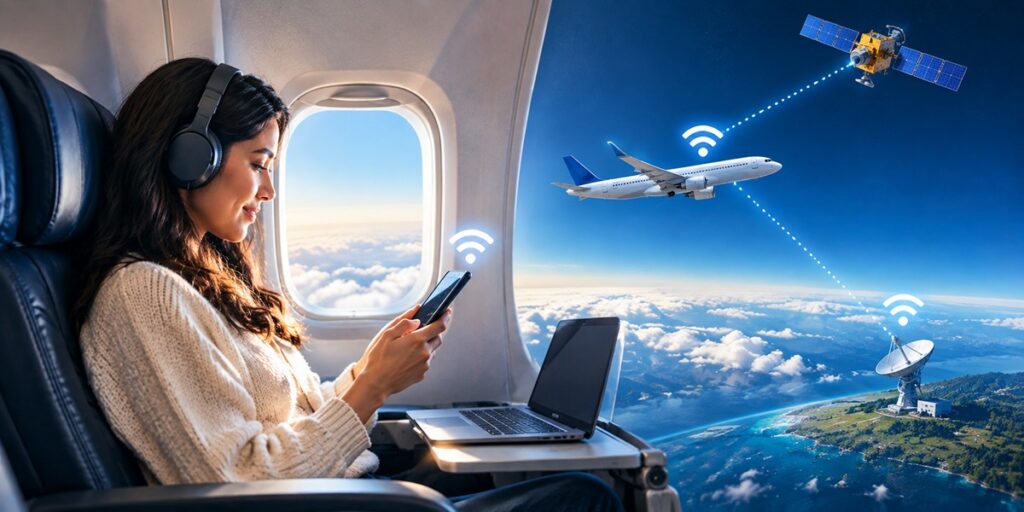
Airplane WiFi in-flight WiFi, in-flight internet, whatever your airline calls it is simply wireless internet on a commercial flight, letting your phone, tablet, or laptop get online mid-air. To use, it feels no different from café WiFi: join the plane's network, then browse, message, or stream. The quiet engineering feat is the part you never see a jet relaying your data to the ground and back from several miles up, at roughly 500 mph.

It feels like magic, but it's really three parts: an antenna, a link to the ground, and a router in the cabin. Planes make that ground link in one of two ways and which one your aircraft uses explains most of what you'll notice about the speed.
Either way, an onboard router turns that connection into an ordinary WiFi network inside the cabin the "DeltaWiFi" or "United_WiFi" you spot in your network list. You join it; it handles the relaying.
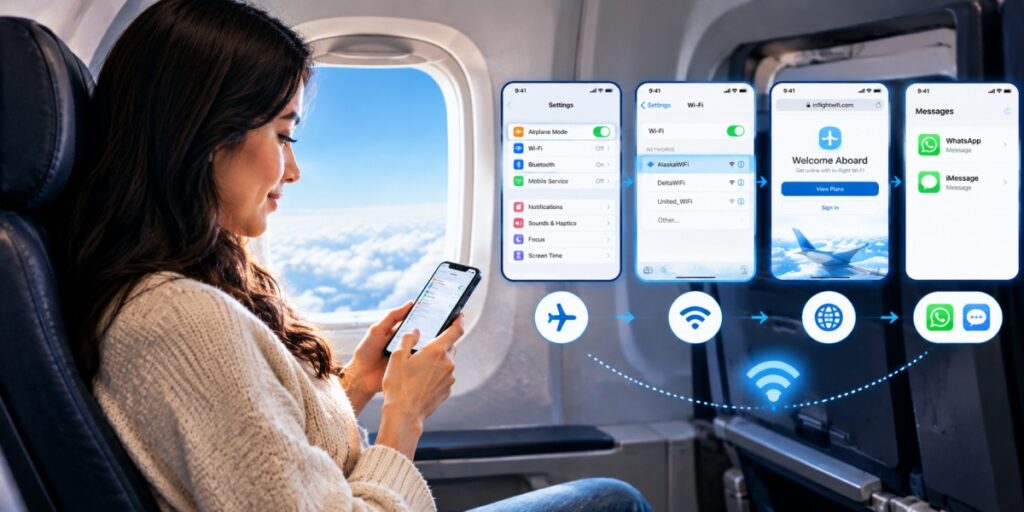
Once you know the routine, getting WiFi on a plane takes about thirty seconds:
One habit worth building: before you reach for your card, check whether the airline offers free messaging. Many hand you WhatsApp and iMessage at no charge even when full internet costs extra, which is often all you actually need.
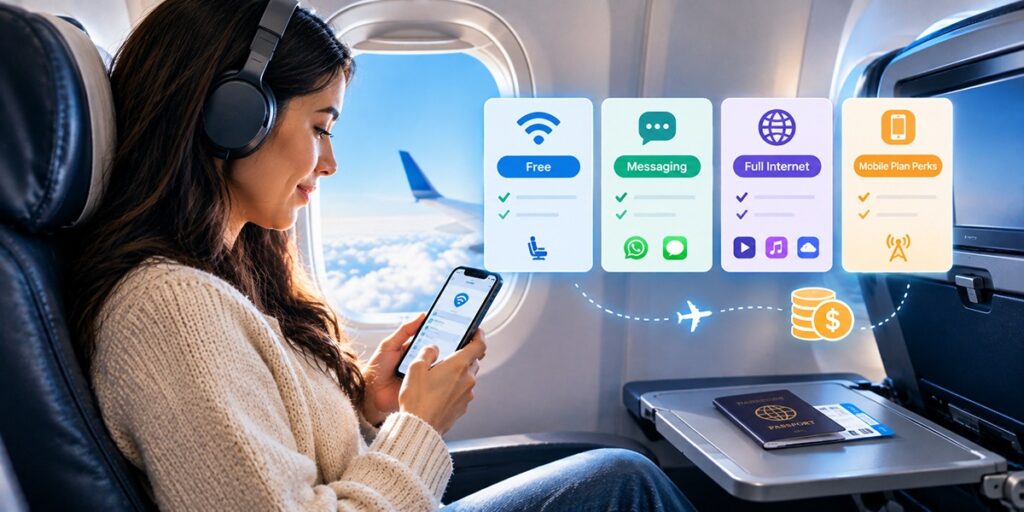
Onboard WiFi usually isn't free though that's shifting faster than most travellers realise. A few pricing patterns repeat across carriers:
As a rough guide, a short domestic hop tends to be the cheapest scenario sometimes only a few dollars for a messaging pass while long-haul and transatlantic passes climb into the tens of dollars for full access. Pricing moves around constantly and varies by route and aircraft, so treat any figure as a ballpark and check the cost for your specific flight rather than trusting a fixed number.
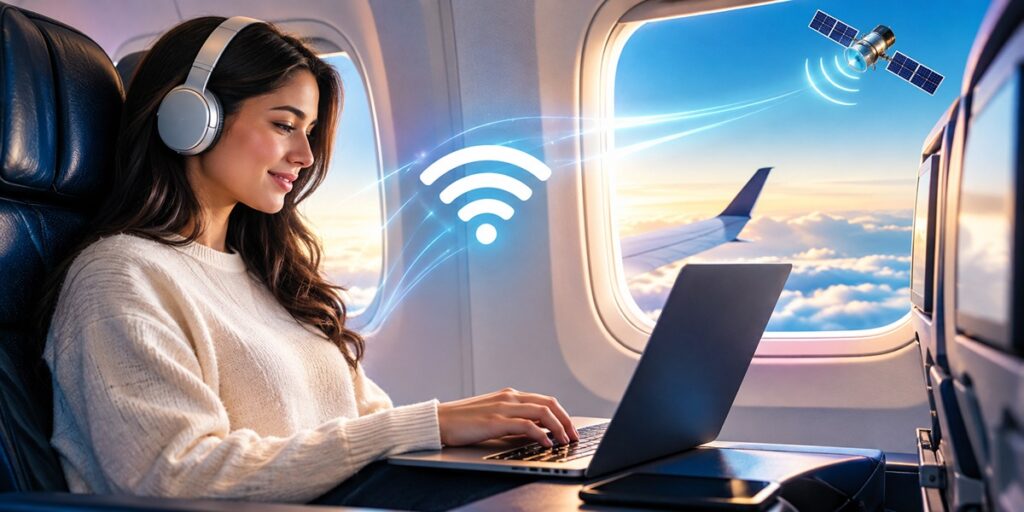
The real shift underway is toward WiFi that's both free and genuinely fast and Starlink is doing most of the pushing. More airlines now bundle in-flight internet at no charge, often for nothing more than a free loyalty sign-up, and the ones adopting Starlink are hitting speeds that finally feel like home broadband rather than a hotel-lobby hotspot.
The catch is that this list changes month to month as new carriers switch on and older systems get replaced. JetBlue is the long-standing example of free-for-everyone WiFi, but for anything beyond the obvious, it's worth checking your airline's current amenities for your exact flight rather than relying on a roster that may already be out of date.
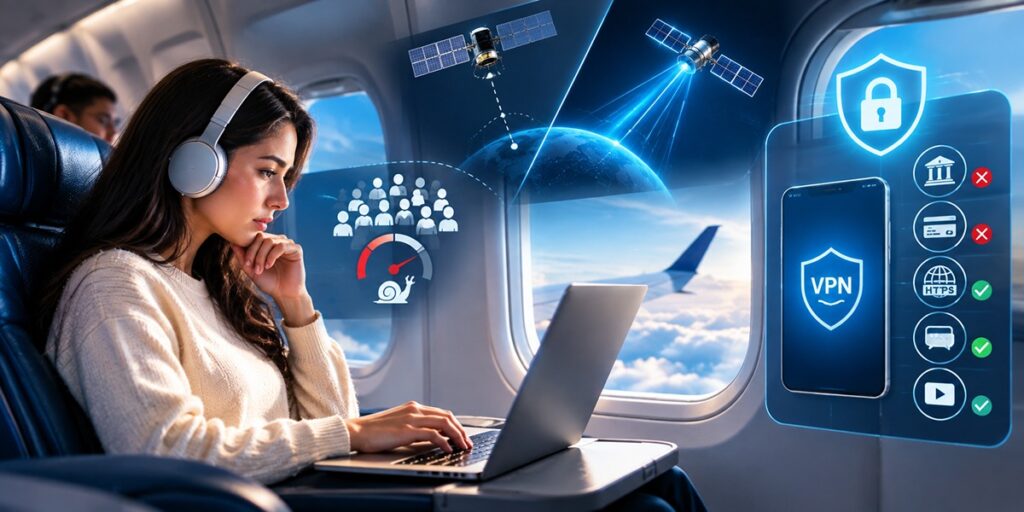
Even on a good system, in-flight WiFi can crawl, and there are two honest reasons why. First, everyone on the plane is sharing one connection when a few hundred passengers stream at once, the bandwidth gets carved into slivers. Second, on older satellite systems your data makes a round trip to a satellite roughly 36,000 km away, and that distance alone adds real lag. Closing that gap is precisely the point of the newer LEO systems like Starlink.
Safety is more straightforward. Airplane WiFi is a public network, so treat it the way you'd treat café WiFi: skip banking and sensitive logins, stick to HTTPS sites, and run a VPN if you have one. It's perfectly fine for browsing, streaming, and messaging — just not for anything you wouldn't do on any other shared connection.
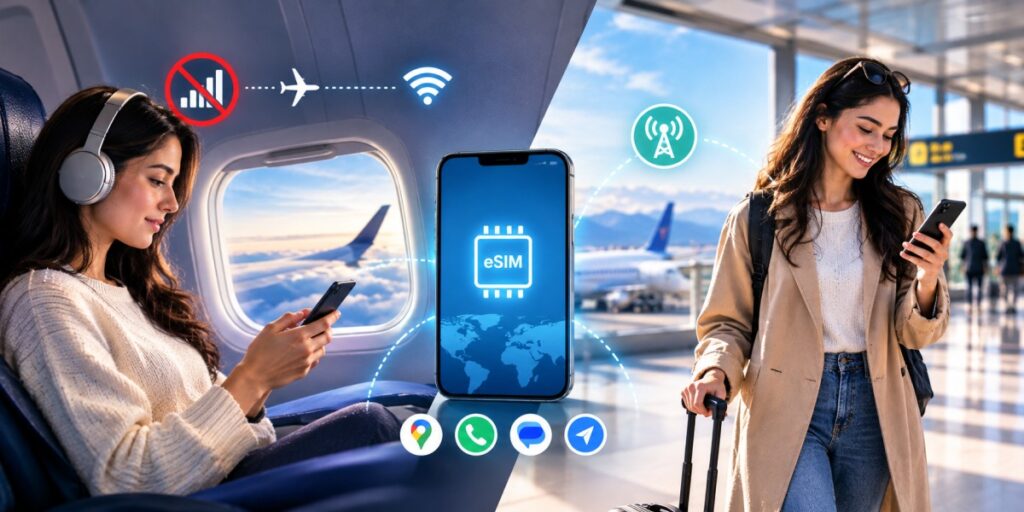
Short answer: no — and it's worth being blunt about this, because a lot of sites aren't. In the air, your phone has to be in airplane mode, which severs its link to the cell towers. That applies equally to a physical SIM and an eSIM: neither can reach a mobile network from the sky, so there's no personal hotspot running off your phone's data while you're airborne. The plane's own WiFi is the only internet on board, full stop.
You'll find pages that quietly imply an eSIM keeps you online mid-flight. It doesn't, and anyone telling you otherwise is either confused or selling something. (New to the tech? Here's what an eSIM, in plain terms.) What an eSIM actually fixes is the problem that hits the second you land.
Here's the gap in-flight WiFi always leaves behind: it dies the second you touch down which is exactly when you need it, to call your ride, pull up a map, or tell someone you've arrived. Airport WiFi is a coin toss, and flipping your home plan back on abroad can trigger the kind of roaming charges that sour a good trip before you've left the terminal.
That's the real job of a travel eSIM. Install it before you fly, and the moment you land and come out of airplane mode, it puts you on a local network no SIM swap, no roaming bill, no hunting for a shop in arrivals. It's the natural other half of in-flight WiFi: the plane covers you in the air, the eSIM covers you from the jet bridge onward.
Airhub is built for this, with coverage across 190+ countries and instant QR-code setup. Browse the eSIM data plans to size one to your trip, or step up to a larger allowance if you'll be leaning hard on maps and streaming. Before you buy, it's worth two minutes to check that your phone is eSIM-compatible.
A short pre-flight connectivity checklist:
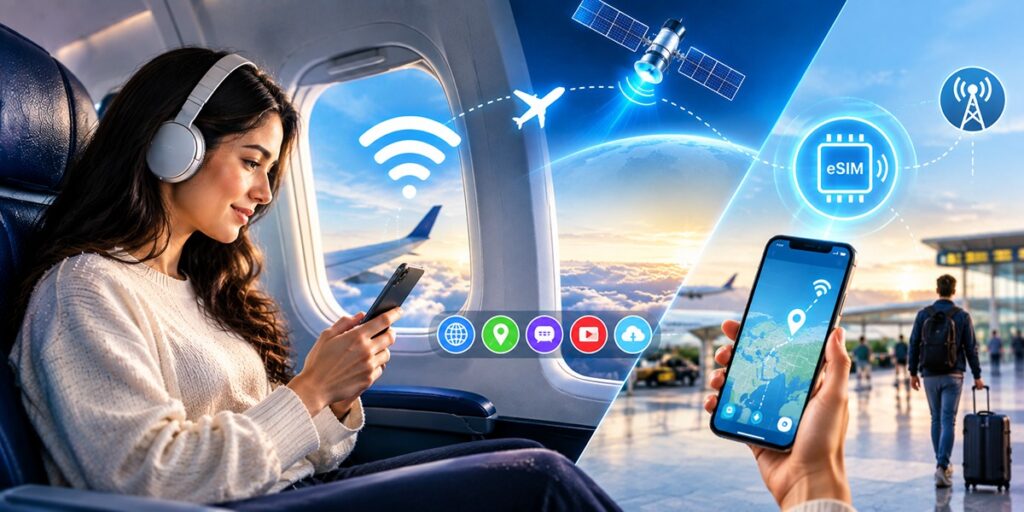
Onboard WiFi has come a long way, and with free Starlink connections spreading, the next couple of years should only improve it. Learn how to get on it, check whether your airline gives it away, keep your speed expectations realistic, and stay careful on a shared network. Then close the one gap it can't cover the moment you land with a travel eSIM, and you're connected from takeoff to touchdown and well beyond.
On many, but not all. Most major and legacy carriers now offer it across much of their fleet, while some budget airlines and older aircraft still don't and availability and speed vary by plane and route. Check your airline's amenities for your specific flight.
Planes connect either through air-to-ground cell towers or through satellites increasingly the fast low-Earth-orbit kind like Starlink. An onboard router turns that link into a WiFi network in the cabin, which your device joins like any other public WiFi.
Put your device in airplane mode, turn WiFi back on, select the airline's network, and open your browser you'll usually be redirected to a portal to log in or pay. Many airlines also offer free messaging even when full internet is paid.
A growing number, especially as Starlink spreads. JetBlue is the long-running example of free WiFi on every seat, and several carriers now include it at no charge, often with just a free loyalty sign-up. Because the list changes quickly, confirm it for your own flight before you count on it.
It's a public network, so treat it like café WiFi avoid banking and sensitive logins, stick to HTTPS sites, and use a VPN for extra cover.
No. Your phone has to be in airplane mode in the air, so neither a physical SIM nor an eSIM can reach a mobile network the plane's own WiFi is your only option. An eSIM earns its keep on the ground, getting you online the instant you land without roaming fees.
In the air, use the plane's WiFi a paid pass or a free tier and download what you can beforehand. On arrival, a travel eSIM like Airhub is the simplest way to get online right away without roaming charges: install it before you fly and activate it the moment you land.
Get your Airhub eSIM in minutes and travel without roaming surprises.
Download the Airhub app to purchase, manage and top up your eSIMs anytime, anywhere!