










Ready to try eSIMs and change the way you stay connected?
Download the Airhub app to purchase, manage and top up your eSIMs anytime, anywhere!
App exclusive5% off at checkout
The iPhone 16’s dual eSIM design is changing the game in the UK. Find out how it makes switching networks and staying connected easier than ever.
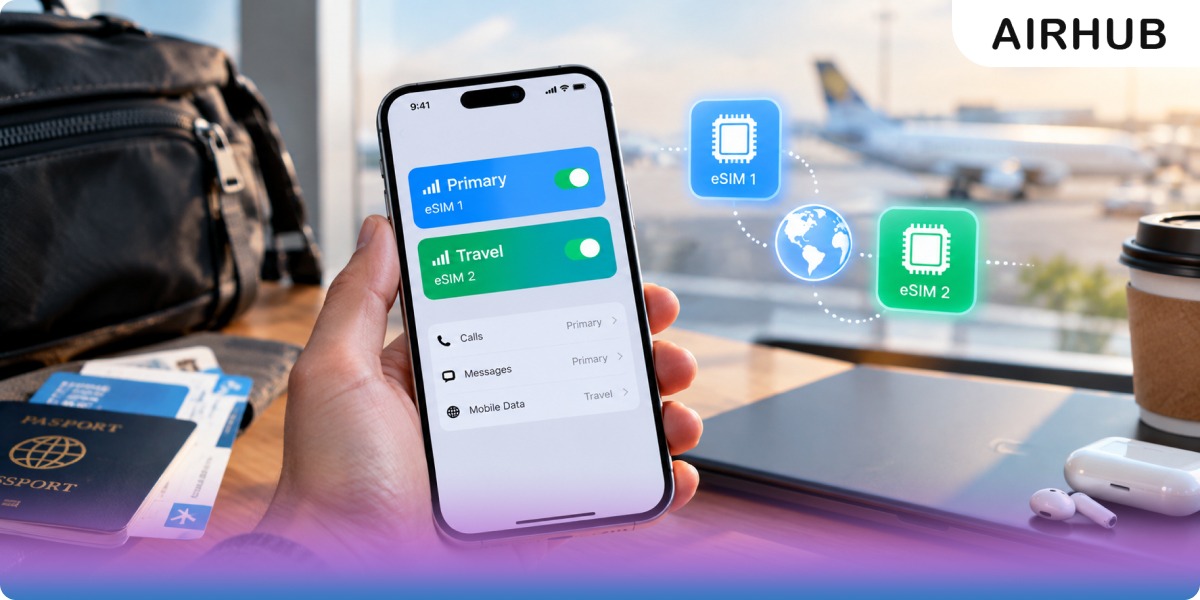
There's a myth doing the rounds that the iPhone 16 quietly killed the SIM tray. It didn't — not unless you bought yours in America. And that one detail trips up more travellers than any other question about this phone.
So let's clear it up properly. Every iPhone 16 does dual eSIM: it holds two active eSIMs at once, stores eight or more to switch between, and lets you run one number for calls and another for data without ever touching a plastic card. Whether it also has a physical nano-SIM slot comes down to where the phone was sold — not which model you picked up. Get that part right and the rest, including adding a travel plan before your next flight, takes about three minutes.
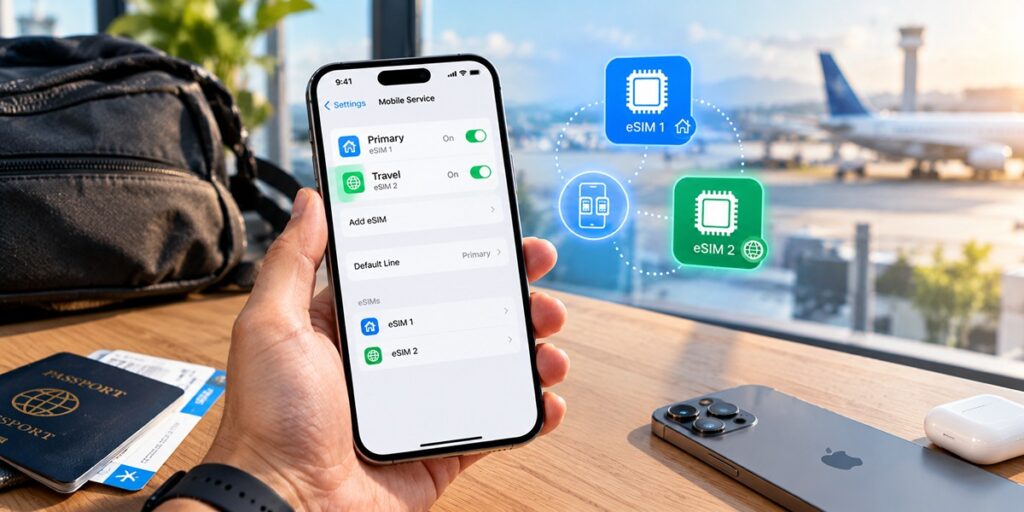
An eSIM is simply a SIM baked into the phone. Nobody posts you a card; your carrier — or a travel provider like AirHub — sends a profile you install by scanning a QR code or tapping a link, and your number, data allowance, and network settings come alive within a couple of minutes.
Dual eSIM takes that a step further: the iPhone 16 can run two profiles side by side. Think home number for calls and texts, plus a local data plan for wherever you've just landed. Apple lets you keep eight or more profiles saved on the device and swap the active pair whenever you like, all from Settings — no reboots, no fiddling with a tray.
Worth knowing before you shop by model: this behaves identically across the entire line. The iPhone 16, 16 Plus, 16 Pro, and 16 Pro Max all handle dual eSIM the same way. Paying for a Pro buys you a better camera and screen, not extra SIM powers.
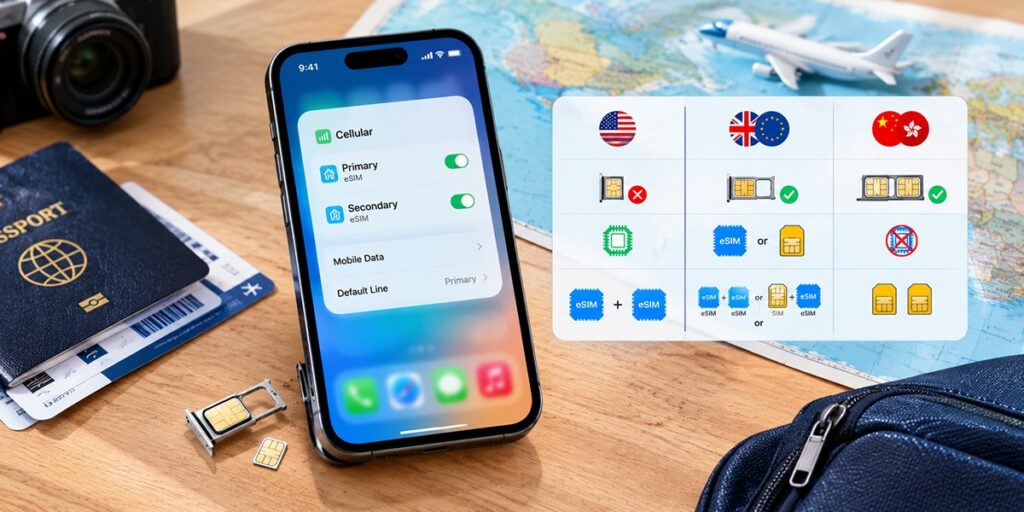
This is the part worth reading twice, because it's the root of nearly every "wait, where's my SIM tray?" panic online. The tray only disappeared in one country.
| Where you bought it | Physical nano-SIM tray | eSIM | How dual SIM works |
| United States | ❌ None — eSIM only | ✅ Yes | Two eSIMs active at once |
| UK, Europe & most of the world | ✅ Yes | ✅ Yes | Two eSIMs, or one nano-SIM + one eSIM |
| China, Hong Kong & Macao | ✅ Yes (two trays) | ❌ No eSIM | Two physical nano-SIMs |
So, is the iPhone 16 dual SIM in the UK? Yes — and here's the reassuring bit: UK models still have a physical nano-SIM tray. You can leave your existing nano-SIM exactly where it is and add an eSIM alongside it, or drop the card entirely and run two eSIMs instead. Does the iPhone 16 have eSIM and physical SIM? Outside the US, both. The Americans lost the tray back with the iPhone 14, and Apple hasn't walked that back — but that decision never crossed the Atlantic.
Not certain your handset is ready? Every iPhone from the XS and XR onward supports eSIM, so the 16 is a given — but if you travel with an older backup phone too, it's worth a glance at the full list of eSIM compatible devices first.
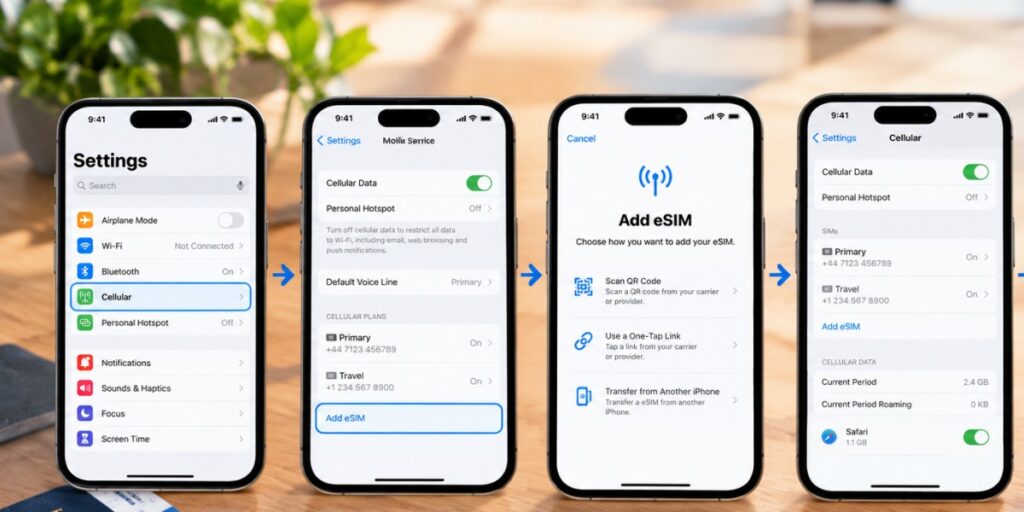
There are three ways to add an eSIM, and they all start in the same corner of Settings.
Both plans now sit side by side, ready to switch. If a transfer stalls halfway, it's almost always a software mismatch rather than anything you did wrong — update both iPhones to the latest iOS (Settings → General → Software Update) and try again. If it still won't budge, your carrier can simply re-issue the profile.
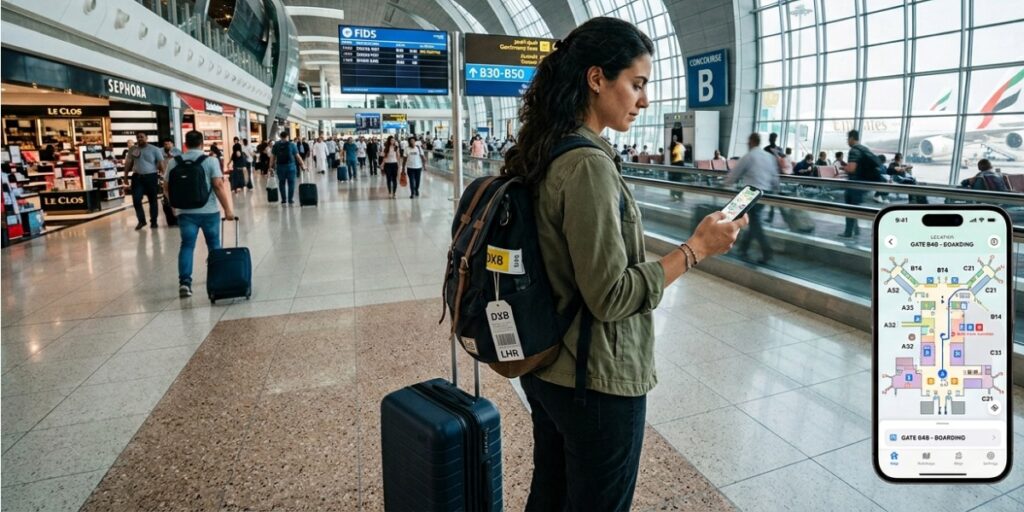
This is where dual eSIM stops being a spec sheet line and starts saving you money — and it fits the way UK phones actually work.
Because your UK iPhone 16 keeps its physical SIM, you give up nothing. Leave your usual UK SIM in for calls and texts — the bank codes, the work calls, the number everyone already has — and bolt a data-only travel eSIM on top for the internet while you're away. AirHub's travel plans are data-only by design, so your everyday number doesn't move an inch; the eSIM quietly handles the maps, the browsing, and the messaging apps.
The payoff lands the moment you touch down. Switch your data line to the travel plan and you're online before you've cleared passport control — no roaming bill waiting to ambush you at the end of the trip, no queuing at an airport kiosk, no crouching over a bin trying not to drop a SIM the size of a fingernail.
Planning something? An esim uk plan keeps you covered at home, and if you're the type who lives on maps and video abroad, an esim with unlimited data takes the sizing guesswork off the table.

A few reasons AirHub sits comfortably with the way the iPhone 16 is built:
Home in London, a week in Spain. Keep the UK SIM live for calls, add a Spanish data eSIM for cheap browsing, and toggle the data line from Control Centre. No swap, no missed texts, no surprises on the bill. Grab a Spain eSIM before you fly.
The café-hopping remote worker. Load up a few regional eSIMs — Portugal, Germany, Croatia — and switch as you cross each border. It all lives on the one iPhone 16, with none of the card-shuffling admin that used to come with it.
The spur-of-the-moment weekend. Buy a short European data pack before boarding, land, and order a taxi off the plane. Heading further out? A USA eSIM works exactly the same way.
If you've since jumped to an iPhone 17, relax — the dual-eSIM story hasn't moved. Two active, several stored, same region rules on the tray. Apple's real headline that year was the screen: the standard model finally picked up a 120Hz display and closed the gap with the Pro range. (For the record, the standard iPhone 16 and 16 Plus shipped with a 60Hz panel — 120Hz ProMotion stayed a Pro and Pro Max privilege on that generation.) None of it changes how you choose or run a travel eSIM.
Yes. Every iPhone 16 runs two eSIMs at once and stores eight or more. Outside the US it also keeps a physical nano-SIM tray, so you can instead pair one nano-SIM with one eSIM.
Yes to both. UK models keep the physical nano-SIM slot and support eSIM. Only US models went eSIM-only.
Everywhere except the US and mainland China, yes — one nano-SIM and one eSIM, working together. US models are eSIM-only; China, Hong Kong, and Macao models run two physical SIMs and no eSIM.
Every iPhone 16 is. To activate one you'll need Wi-Fi or mobile data and, in most cases, a carrier-unlocked phone. Travelling with an older handset as backup? Check our eSIM compatible devices list.
No. You can store several profiles and disable or delete them whenever you want. Removing a travel eSIM doesn't touch your main line.
All four major UK networks — EE, O2, Vodafone, and Three — support it, and so do most travel providers, AirHub included. You can add a travel eSIM even while keeping a physical SIM for your home number.
An eSIM can't be pulled out and physically copied the way a plastic SIM can, which shuts one door. But SIM-swapping — where someone cons your carrier into moving your number to their device — goes after your account, not the card, so eSIMs aren't immune to it. Defend it the usual way: a strong carrier-account password, a PIN on the account, and two-factor authentication that doesn't rely purely on SMS.
Running two lines does draw a little more power, since the phone holds two connections open — but modern chips handle it comfortably, and you're unlikely to notice the difference across a normal day.
Get your Airhub eSIM in minutes and travel without roaming surprises.
Download the Airhub app to purchase, manage and top up your eSIMs anytime, anywhere!