


'/%3e%3cpath%20d='m314.07%20358.994h33.391v22.261h-33.391z'%20transform='matrix(.707%20-.707%20.707%20.707%20-164.839%20342.294)'/%3e%3cpath%20d='m400.656%20366.851h33.391v22.261h-33.391z'%20transform='matrix(.707%20-.707%20.707%20.707%20-145.034%20405.821)'/%3e%3cpath%20d='m361.299%20406.213h33.391v22.261h-33.391z'%20transform='matrix(.707%20-.707%20.707%20.707%20-184.394%20389.52)'/%3e%3cpath%20d='m377.04%20343.247h33.391v22.261h-33.391z'%20transform='matrix(.707%20-.707%20.707%20.707%20-135.26%20382.208)'/%3e%3cpath%20d='m337.694%20382.602h33.391v22.261h-33.391z'%20transform='matrix(.707%20-.707%20.707%20.707%20-174.613%20365.913)'/%3e%3cpath%20d='m329.544%20126.805h89.043v22.261h-89.043z'%20transform='matrix(-.707%20-.707%20.707%20-.707%20541.034%20499.974)'/%3e%3cpath%20d='m314.081%20130.749h33.391v22.26h-33.391z'%20transform='matrix(-.707%20-.707%20.707%20-.707%20464.348%20476.098)'/%3e%3cpath%20d='m353.427%20170.098h33.391v22.26h-33.391z'%20transform='matrix(-.707%20-.707%20.707%20-.707%20503.692%20571.091)'/%3e%3cpath%20d='m361.282%2083.526h33.391v22.261h-33.391z'%20transform='matrix(-.707%20-.707%20.707%20-.707%20578.316%20428.859)'/%3e%3cpath%20d='m400.651%20122.879h33.391v22.261h-33.391z'%20transform='matrix(-.707%20-.707%20.707%20-.707%20617.695%20523.876)'/%3e%3cpath%20d='m69.81%20386.542h89.043v22.261h-89.043z'%20transform='matrix(.707%20.707%20-.707%20.707%20314.684%2035.631)'/%3e%3cpath%20d='m140.919%20382.6h33.391v22.26h-33.391z'%20transform='matrix(.707%20.707%20-.707%20.707%20324.573%203.87)'/%3e%3cpath%20d='m101.569%20343.252h33.391v22.261h-33.391z'%20transform='matrix(.707%20.707%20-.707%20.707%20285.225%2020.171)'/%3e%3cpath%20d='m117.031%20339.316h89.043v22.261h-89.043z'%20transform='matrix(.707%20.707%20-.707%20.707%20295.121%20-11.592)'/%3e%3cpath%20d='m69.81%20103.201h89.043v22.261h-89.043z'%20transform='matrix(-.707%20.707%20-.707%20-.707%20276.02%20114.331)'/%3e%3cpath%20d='m93.412%20126.806h89.043v22.261h-89.043z'%20transform='matrix(-.707%20.707%20-.707%20-.707%20333.003%20137.938)'/%3e%3cpath%20d='m117.038%20150.428h89.043v22.26h-89.043z'%20transform='matrix(-.707%20.707%20-.707%20-.707%20390.037%20161.557)'/%3e%3cg/%3e%3cg/%3e%3cg/%3e%3cg/%3e%3cg/%3e%3cg/%3e%3cg/%3e%3cg/%3e%3cg/%3e%3cg/%3e%3cg/%3e%3cg/%3e%3cg/%3e%3cg/%3e%3cg/%3e%3c/svg%3e)




Ready to try eSIMs and change the way you stay connected?
Download the Airhub app to purchase, manage and top up your eSIMs anytime, anywhere!
App exclusive5% off at checkout
Wondering if public WiFi is safe? Learn about the risks of free hotspots & how to stay protected in a few steps. Discover what the best option for you is.
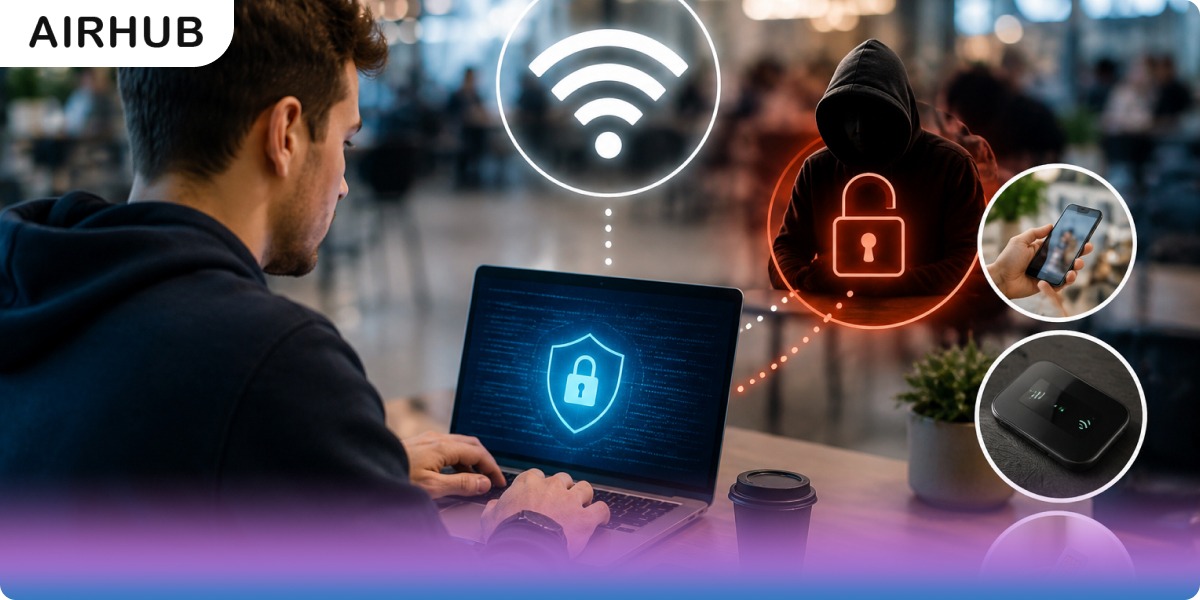
In today’s connected world, public WiFi hotspots (at cafes, airports, or hotels) seem like a godsend for travelers and remote workers. But is logging onto the free network actually safe? Cybersecurity experts warn that public networks can be a “playground for hackers”. In this blog, we’ll tackle the question of whether public WiFi is safe and explain what you need to know, from defining public WiFi to the risks and how to stay protected, plus better alternatives. Let’s dive in.
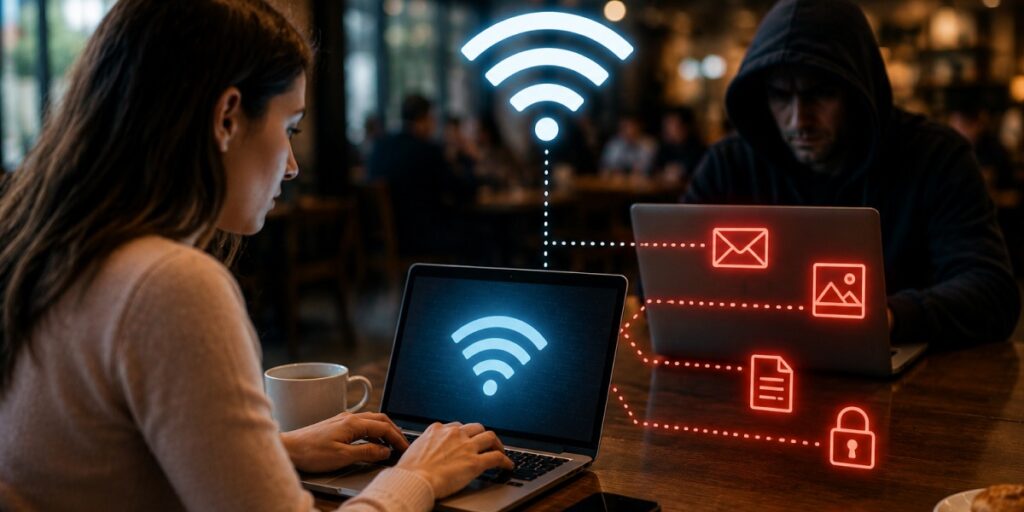
Free Wi-Fi is incredibly convenient; you can check email or stream content without burning data. But that convenience can come with hidden costs. Public networks are fundamentally different from your private home WiFi. Your home router is under your control (with a password and known devices), whereas an open hotspot can have hundreds of strangers connected.
In one study, researchers watched 11 unsecured public hotspots over a week and captured unencrypted emails, photos, documents, and login credentials from users. In other words, anything you send or browse (if it’s not encrypted) can be seen by others on the same network. There is no public WiFi security that can save you.
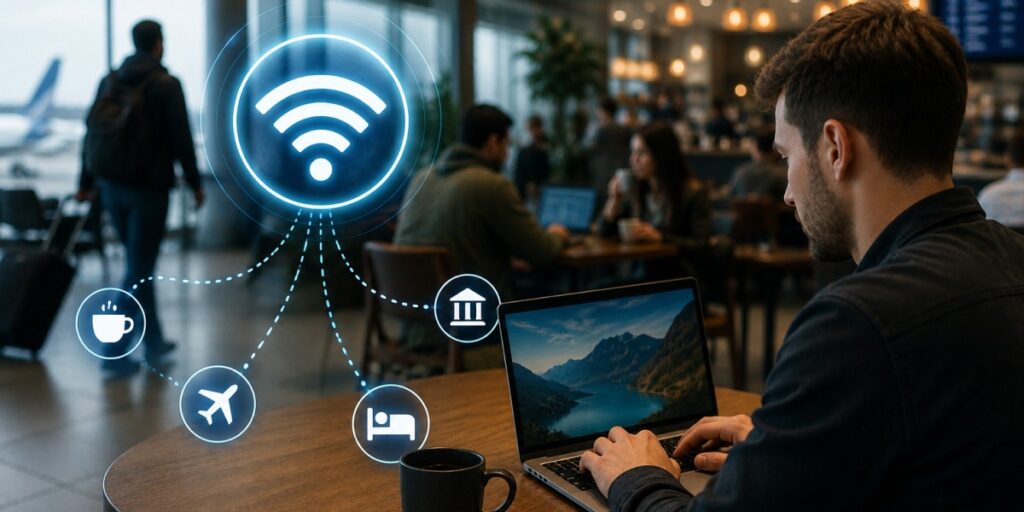
Put simply, public WiFi refers to wireless internet access provided in public areas, airports, cafes, hotels, libraries, etc. It’s usually open or uses a single shared password. Public WiFi “has become infrastructure” worldwide, so automatically connecting to whatever network is available has become a habit. But unlike a private network, public hotspots have minimal security controls. They often lack client isolation and strong encryption.
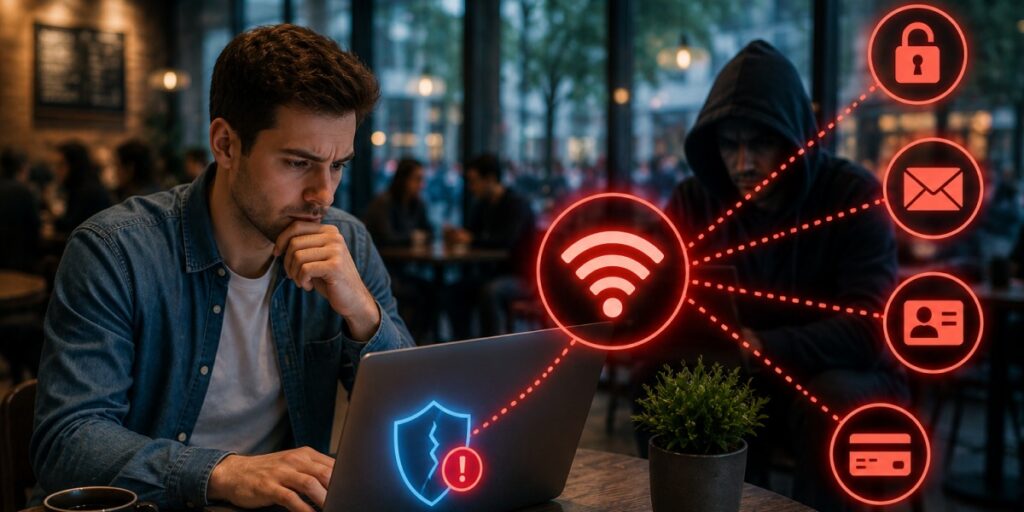
So, is public WiFi safe? The short answer is: not by default. Even though many sites now use HTTPS encryption (the little lock icon in your browser), plenty of internet traffic is still exposed. One security guide bluntly notes that public WiFi is a “high-risk environment,” thanks to unencrypted data, weak or shared passwords, and lack of isolation. In that sense, public WiFi is inherently more dangerous than your home or work network.
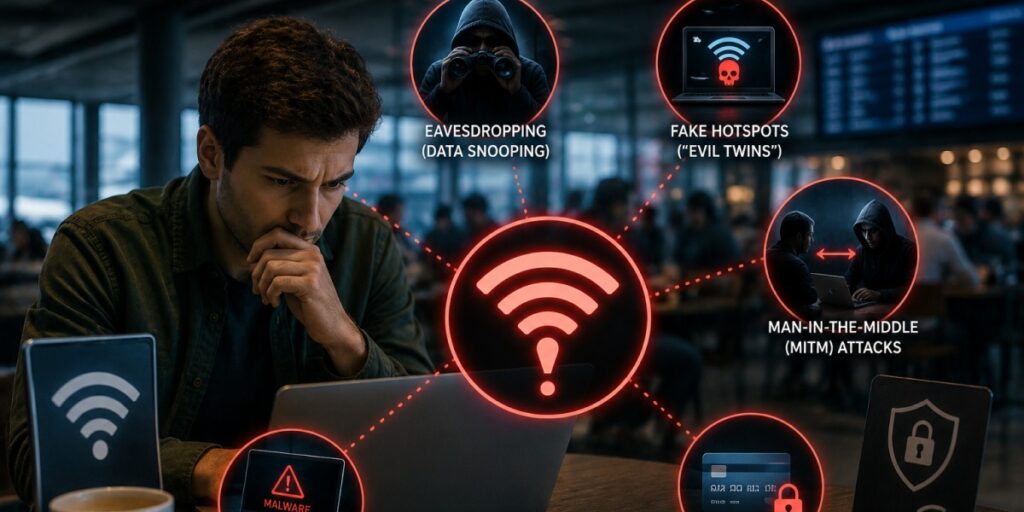
There are many public WiFi risks that put you in a difficult situation, such as:
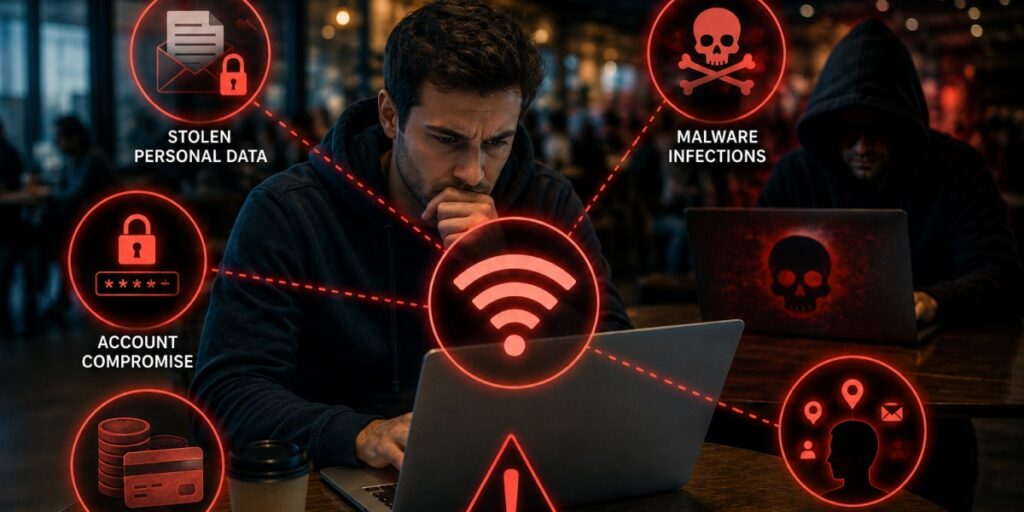
Security for the public WiFi is hard to achieve, which makes it vulnerable to several dangers:
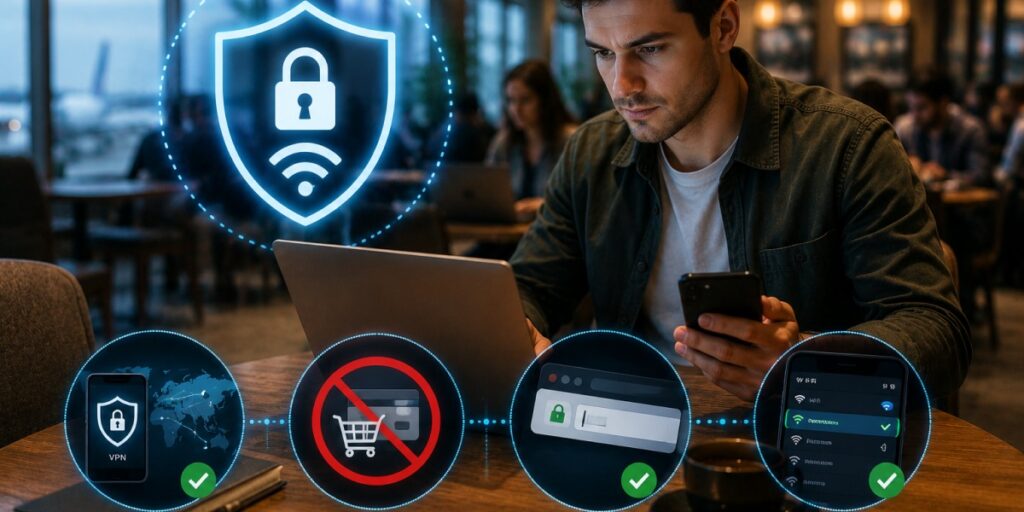
When you must use an open network, take protective steps. There is no one-size-fits-all answer, but layered together, they provide layered defenses. Some dos and don'ts for public Wi-Fi security are:
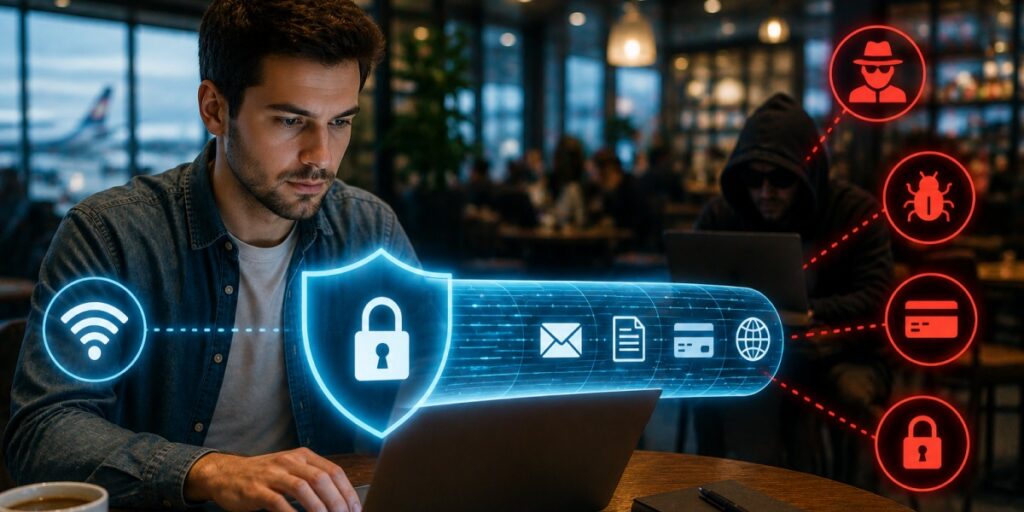
A Virtual Private Network (VPN) is like a secure tunnel for all your internet traffic. When enabled, it encrypts everything you do online, not just individual apps or sites. Security guides emphasize that a VPN protects you even on malicious networks.
So, is public WiFi safer with a VPN? Absolutely. It’s wise to consider a VPN an essential travel app. Even casual browsing or email can’t easily be spied on. As one cybersecurity Q&A summarizes: VPNs hide what you type and send, making public Wi-Fi far safer. In short: connecting to a free hotspot? First, flip on your VPN.
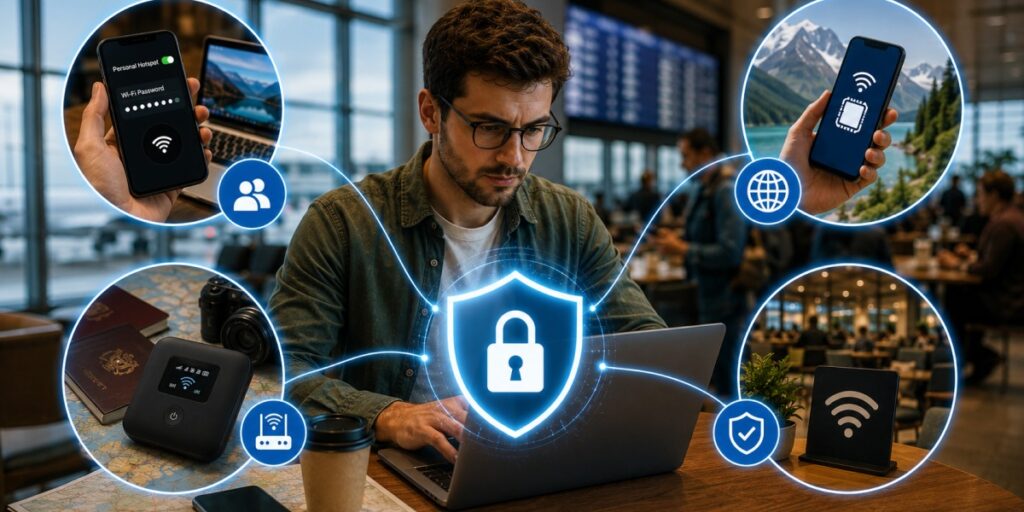
If you’re wary of public hotspots (as you should be), consider these safer options:
If you are wondering: what is an eSIM? It is a digital substitute of phsycial SIM chip. To buy an eSIM, you just have to search for a trustworthy provider online, select a plan, make the payment, and install your QR code within a few minutes.

Tired of worrying about airport Wi-Fi security? Airhub offers a smarter connectivity solution. As an eSIM provider, Airhub lets you buy data plans for over 190 countries. Instead of fishing for free hotspots, your phone can connect to local mobile networks worldwide (often with global voice/text too).
This means fast, reliable internet on the road without the security headaches of public Wi-Fi. Airhub plans are also affordable and flexible (many include generous data and even unlimited calls/text), and each plan comes with a 30-day money-back guarantee. So, if you are wondering: Are eSIMs safer than public WiFi? The answer is yes, it is much safer. Your eSIM is encrypted; it can't be damaged or stolen. It protects you from most of the scams that might penetrate your privacy.
Is public WiFi safe? Not by default. Free hotspots can expose you to eavesdroppers, hackers, and malware. However, by following the tips above, using VPNs, verifying networks, and keeping devices secure, you can minimize the danger. Whenever possible, use secure alternatives like your own mobile hotspot or a global eSIM plan (such as Airhub). With vigilance and the right tools, you can enjoy connectivity on the move safely.
Public Wi-Fi is convenient but inherently risky. Because the network is shared, hackers on the same hotspot can intercept your data (emails, passwords, etc.). Use common sense: avoid sensitive activities on it, and use protections (VPN, HTTPS) to stay safer.
The top risks are data theft and fake networks. Hackers can sniff your unencrypted data and steal your credentials. They may also create malicious “Evil Twin” hotspots that mimic real networks. Both scenarios can lead to identity theft, malware infections, or financial fraud.
Because it’s open to anyone, including attackers. Unlike a private network, you don’t control who’s connected. This makes it easy for cybercriminals to intercept or alter your communications. In short, an unsecured Wi-Fi can expose everything you do online to prying eyes.
Yes. A VPN encrypts all your internet traffic, even on public networks. This means that even if you connect to a malicious hotspot, the hacker would only see garbled data. While a VPN won’t stop you from, say, falling for a phishing site, it does greatly reduce the risk of your information being sniffed on public Wi-Fi.
Travelers should use encrypted connections and local data. For example, get an international eSIM or local SIM with data (Airhub covers 190+ countries) and always run a VPN on any Wi-Fi. Also use official networks, charge safely, and keep devices updated. These practices ensure you stay online and safe while roaming.
Get your Airhub eSIM in minutes and travel without roaming surprises.
Download the Airhub app to purchase, manage and top up your eSIMs anytime, anywhere!


