











Ready to try eSIMs and change the way you stay connected?
Download the Airhub app to purchase, manage and top up your eSIMs anytime, anywhere!
App exclusive5% off at checkout
Find out how SIM card cloning works and why it’s dangerous. See how eSIM adds protection and compare eSIM vs physical SIM security.
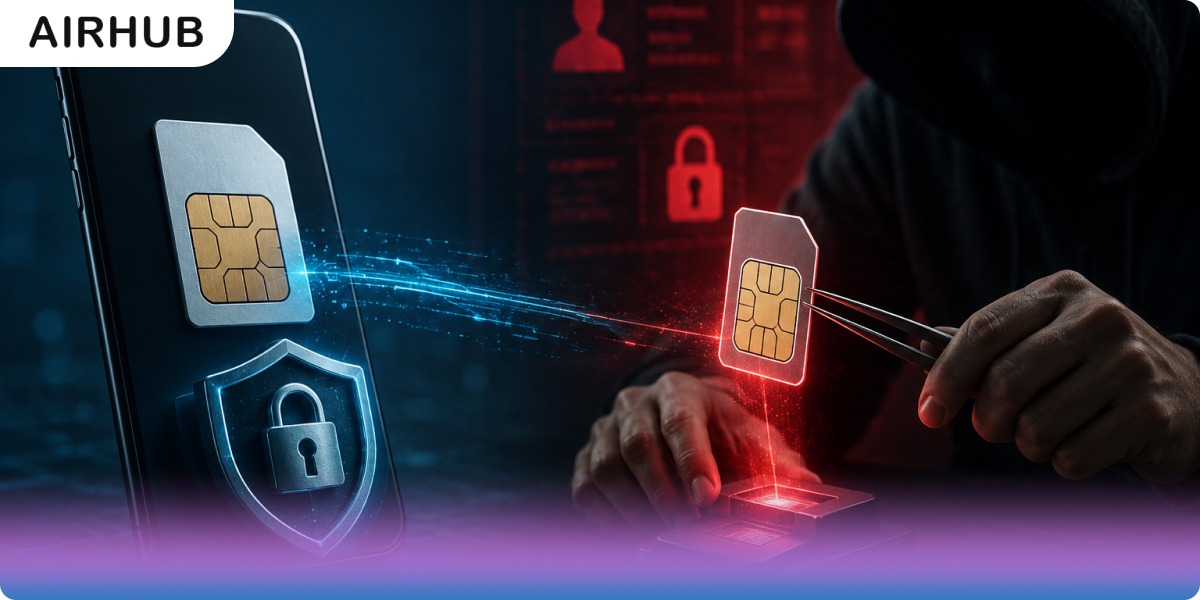
Think about everything your phone number quietly guards: your bank's two-factor codes, your email password resets, the login to nearly every account you own. That's precisely why it's a target. SIM card cloning is one of the ways criminals go after copying the identity stored on your SIM so the network can no longer tell their phone from yours. It has a whiff of the spy thriller about it, and the classic version really is harder to pull off than it was a decade ago. But dismissing it would be a mistake, because it's one piece of a bigger picture: three related attacks that all end with someone else holding your number.
So let's keep this grounded and useful what SIM cloning actually is, how it differs from the SIM-swap scams people constantly confuse it with, the warning signs your number's been hijacked, and, above all, how to defend yourself. And we'll be honest about where an eSIM genuinely helps here and where it doesn't, because that distinction matters more than most articles admit.
Your SIM card is the little chip that tells your mobile carrier who you are a passport for your phone, essentially. It holds your account's unique ID, the IMSI (International Mobile Subscriber Identity), plus a secret authentication key (Ki) that proves the SIM genuinely belongs to you.
SIM cloning means copying those two secrets, the IMSI and the Ki onto another card, so the network sees both as the same subscriber. The attacker walks away with a duplicate of your passport. And once the network can't tell the real card from the copy, whoever holds that copy starts receiving your calls and texts including the one-time passwords standing between a stranger and your bank account.
We're not going to walk through the mechanics, that's not the point of this guide but two facts about how it works are worth having, because they tell you how worried you actually are.
The first: cloning almost always needs access to the physical SIM, or to its secrets. This isn't some remote hack launched from another continent. Historically it meant physically getting hold of the card, even for a few minutes, and reading it with specialised hardware.
The second is genuinely reassuring: modern SIMs are far harder to clone than the old ones. The textbook attacks leaned on a weak early encryption standard (COMP128v1) baked into 2G-era cards. Today's cards use tougher algorithms that shrug those methods off, which is why straightforward cloning has drifted from an everyday worry into more of a legacy one.
Here's the catch, though. Criminals are pragmatic, and they've largely moved on to an easier attack that doesn't require your card at all which is where most number hijacking actually happens now.
These three get thrown into the same bucket constantly, and that's a problem because they're different attacks, and they don't share the same defence.
The distinction that matters: cloning is a hardware attack on the card, while swapping and port-out are social-engineering attacks on your carrier account. Hold onto that, because when we reach the protection section, it's the reason no single fix covers everything.
It barely matters which of the three methods an attacker used once they control your number, the damage runs along the same lines, and it's serious:
Number-hijacking tends to leave fingerprints. Pay attention if you notice any of these:
Spot these, and move quickly the protection steps below double as your emergency response.
Nothing makes you bulletproof. But stack a few genuinely strong defences and you go from an easy mark to a target most criminals will skip:
Here's the honest answer, which is more useful than the marketing one.
Yes an eSIM eliminates physical SIM cloning and physical SIM theft. An eSIM is embedded in your phone's hardware, its secrets sealed inside a secure chip. There's no plastic card to slide out, read, or copy with off-the-shelf tools. Steal the phone and the eSIM stays put, useless without your account credentials and the carrier's cooperation.
But and this is the part most eSIM pitches skip it does nothing against SIM swapping or port-out fraud. Those attacks go after your carrier account, not your card, so someone who successfully social-engineers your carrier can hijack your number whether it lives on plastic or a chip. Anyone claiming an eSIM makes you immune to all SIM fraud is overselling it, and you should trust them a little less for it.
The honest framing, then: an eSIM slams the physical-cloning door shut, and paired with a carrier port-freeze and authenticator-app 2FA, it becomes part of a genuinely strong defence just not a magic shield on its own.
Here's how the two stack up on the security points that actually matter:
| Aspect | Physical SIM | eSIM (Embedded) |
| Form factor | Removable plastic card | Built into device hardware |
| Physical cloning | Possible (especially older cards) | Not feasible no card to read |
| Physical theft | Card can be removed and reused | Stays on the device; carrier can lock it |
| SIM swap / port-out risk | Yes targets your carrier account | Also yes same account-level risk |
| Activation / switching | Manual swap, physical shop | Scan a QR code, over-the-air |
| Travel convenience | Local SIMs or costly roaming | Add global plans instantly |
The pattern's clear: an eSIM wins decisively on the physical threats and on convenience, while the account-level ones — swap and port-out — demand the same account protections no matter which you carry.
If you'd like to take the physical-card risk off the table (and dodge roaming fees while you travel), switching takes minutes:
Airhub handles exactly this for travelers, with plans across 190+ countries and instant QR-code setup and if you expect to be online heavily, there's an eSIM with unlimited data option. If the whole format is new to you, here's the plain-English eSIM vs physical SIM comparison.
SIM cloning is a real threat, even if the textbook version has grown harder on modern cards and it's only one of three routes, alongside SIM swapping and port out, that criminals use to seize a number. The strongest protection was never going to be a single product; it's a layered habit. Move your important two factor codes to an authenticator app, lock your carrier account against porting, guard your OTPs like cash, and consider an eSIM to shut the physical cloning door for good. Do that much, and your phone number stops being low-hanging fruit and becomes a genuinely hard target.
SIM cloning is copying the secrets stored on one SIM — its IMSI and authentication key (Ki) — onto another card, so the network treats both as the same subscriber. That lets an attacker receive your calls and texts, one-time passwords included. It generally requires access to the physical SIM, and it's far harder on modern cards than on older 2G-era ones.
Cloning copies your physical card's secrets. A SIM swap never touches the card — the attacker impersonates you to your carrier to move your number onto their SIM. Port-out fraud is similar but shifts your number to a different carrier. Cloning is a hardware attack; swapping and port-out are social engineering.
Watch for a sudden loss of service or an "SIM not provisioned" message, calls and texts that never reach you despite people sending them, unfamiliar activity on your bill, and password-reset or login alerts you didn't trigger. If any of these show up, contact your carrier immediately.
Call your mobile carrier right away to deactivate the compromised SIM and reissue your number. Then change your account passwords, switch your two-factor authentication from SMS to an authenticator app, and keep a close eye on your bank and online accounts for unauthorized activity.
Against physical threats, yes an eSIM can't be removed, stolen, or cloned with off-the-shelf tools, because it's embedded in your phone. What it won't do is stop SIM-swap or port-out fraud, which target your carrier account. Pair an eSIM with a carrier port-freeze and authenticator-app 2FA for protection that actually holds.
Not the way a physical SIM can. An eSIM's profile is encrypted and tied to the device's secure hardware, with no card to physically read or copy. It's the account-level attacks — swap and port-out — rather than cloning that remain the real risk for any modern number.
Get your Airhub eSIM in minutes and travel without roaming surprises.
Download the Airhub app to purchase, manage and top up your eSIMs anytime, anywhere!