

Ever wondered does hotspot use data? For travelers and remote workers, this is a common question. The answer is yes, your personal hotspot taps into your mobile data allowance. Any device that connects and streams through your phone’s hotspot draws from the same data pool as if you were using your phone alone. In this guide, we’ll explain how hotspot usage works, how to manage hotspot data, compare hotspots to regular Wi-Fi, and explore smart ways to stay connected globally without breaking the bank.
Table of Contents
- What is a Mobile Hotspot?
- How to Enable Your Hotspot?
- Hotspot vs. Wi-Fi: A Quick Comparison
- Data Use through Hotspot
- What is eSIM & How Can You Use it as a Hotspot?
- Choosing the Right Hotspot eSIM Plan
- Airhub eSIM: Connect Worldwide
- Maximize Your Hotspot Speed
- FAQs
What is a Mobile Hotspot?
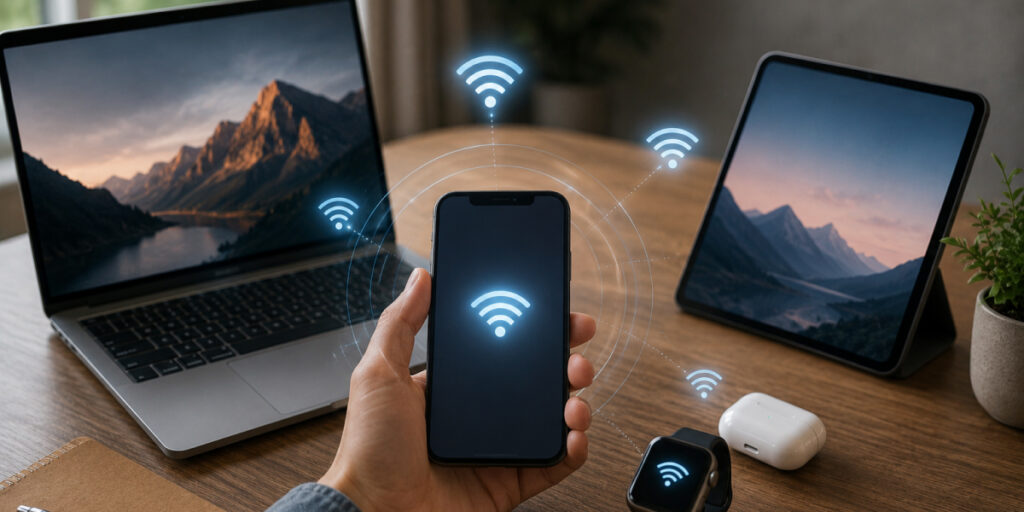
If you don’t know: what is a mobile hotspot? Here is a simple answer. A mobile hotspot is your phone (or a dedicated device) acting as a mini Wi-Fi router. You turn it on in your settings, and suddenly your phone’s cellular connection is shared with laptops, tablets, or friends nearby. In short, a hotspot isn’t a separate gadget you must buy; it’s just your device bridging internet access. Once active, anything you do on a connected device (video calls, browsing, downloads) uses data from your plan. There’s no “free” data in a hotspot. If you are wondering: what is hotspot data? It is the same data on your phone.
How to Enable Your Hotspot?
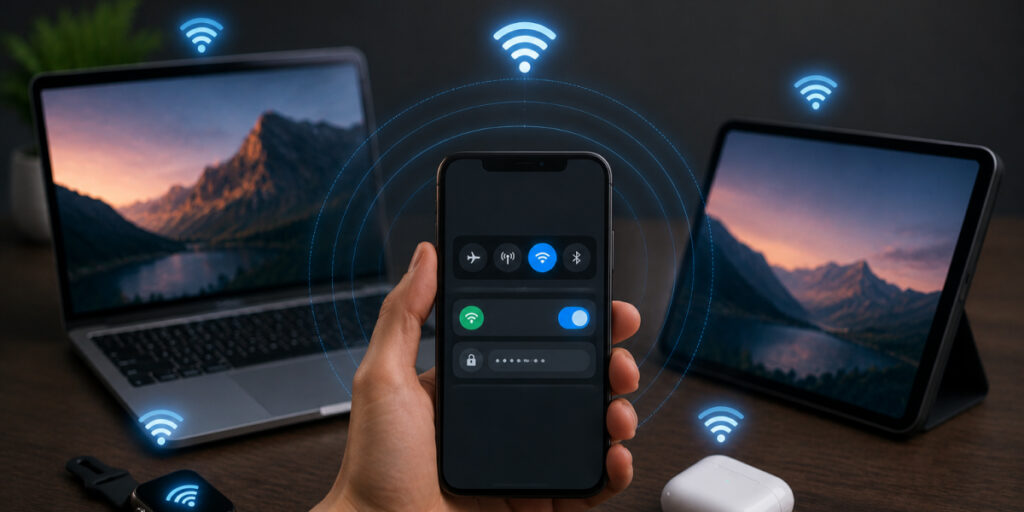
If you want to enable your mobile hotspot, you have to follow a simple process:
- Enable personal hotspot: In your phone’s settings, switch on the hotspot feature and set a secure password.
- Shared data: Your phone now shares its mobile data. It creates a small Wi-Fi network using its 4G/5G connection. The hotspot feature “routes” internet traffic through your cellular link, letting connected devices surf the web via your phone.
- Multiple devices: You can link several gadgets (phones, tablets, laptops) to your hotspot. Just remember, how much data does using a hotspot use depends upon the number of devices. The more gadgets you connect, the faster you’ll burn through your plan, and overall speeds may drop (just like many users on a home Wi-Fi).
If you are wondering: Does hotspot use more data? Or how to check hotspot usage? You can monitor your data. On most phones, this is easy: go to Data Usage or Cellular settings to see how much data (including hotspot usage) has been used. For example, Android’s Network & Internet > Data Usage and iOS’s Settings > Cellular both show this information.
Hotspot vs. Wi-Fi: A Quick Comparison
Hotspots and Wi-Fi both provide wireless Internet, but they differ in source and scope:
| Feature | Mobile Hotspot (Phone) | Wi-Fi (Local Network) |
| Internet Source | Cellular network (4G/LTE/5G) | Broadband (fiber, cable, DSL) |
| Mobility | Highly portable, use it anywhere with coverage | Stationary, tied to a fixed router |
| Coverage | Limited range (tens of feet) | Broad range (whole house/building) |
| Speed & Stability | Varies by signal (often slower) | Generally faster and more stable |
Data Use through Hotspot
So, how much data does Hotspot use? It depends on what you’re doing:
- Light usage: Using maps/GPS, sending emails or messages, light web surfing. These are nothing but simple tasks that aren’t decimating data or CPUs per hour.
- Moderate use: Listening to music or podcasts, viewing some SD videos, or scrolling through social media on a mobile device, with the odd video.
- High Usage: High definition video streaming (Netflix, YouTube), video chatting, online gaming, or tethering your phone to a laptop, everything is there.
What is eSIM & How Can You Use it as a Hotspot?
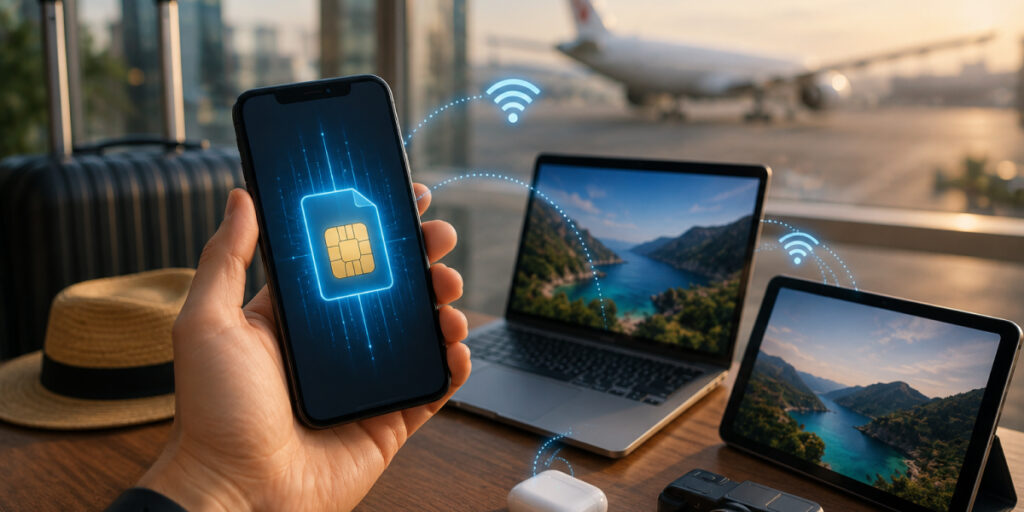
When you travel, using your phone as a hotspot with your home SIM can get expensive. That’s where an eSIM hotspot solution comes in. An eSIM is a digital SIM that you activate online, offering local or global data plans without swapping cards. Travelers love eSIMs because they let you pick and install a data plan before landing. Modern phones can store multiple SIMs, so your primary SIM can stay on standby while the eSIM provides data. Many eSIM plans cover 190+ countries. With an active travel eSIM, you turn on your phone’s hotspot anywhere abroad and share data at local rates, avoiding hefty roaming charges.
Choosing the Right Hotspot eSIM Plan
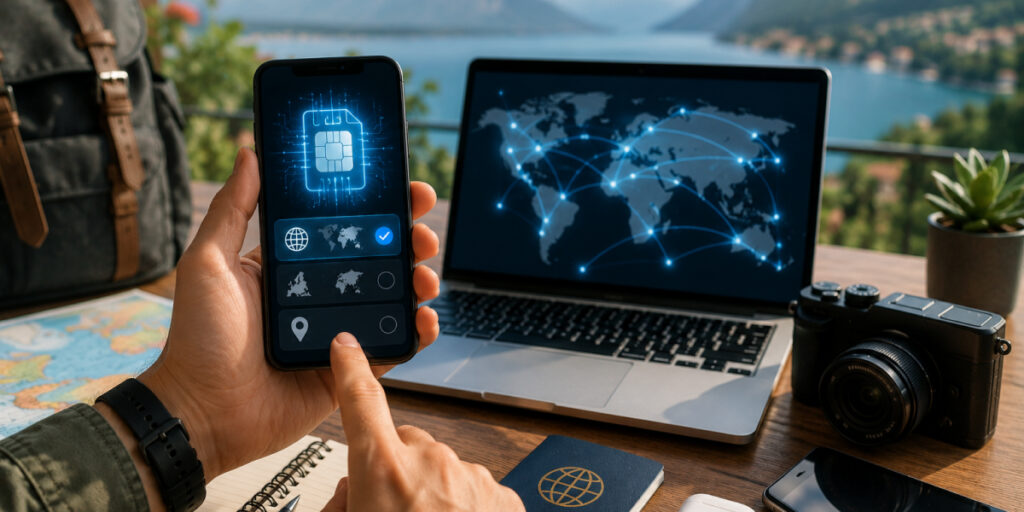
Before choosing the right eSIM plan, the first question that should come into your mind is: Is my phone eSIM compatible? You can check the compatibility online to make sure that you do not waste your resources. Once it's confirmed, the further process of choosing an eSIM plan is simple:
- Single-country vs. multi-country: The local eSIM plan is generally cheapest and has the most data if you’re staying in one country. But if you’re hopping between countries, get a regional or global eSIM that includes all your stops. So you never have to swap SIMs mid-trip.
- Daily vs. cumulative data: Some eSIM plans impose a daily data limit; others provide a lump sum (such as 10 GB for 10 days). Choose what suits your stay.
- Provider trust: Purchase your eSIM online from a trusted provider. Airhub, for example, has millions of travelers and is clear on plans.
Airhub eSIM: Connect Worldwide

Airhub lets you stay online without juggling SIM cards. With eSIM-compatible devices, their plans work in over 190 countries, no SIM swap and no roaming surprises. With Airhub’s app, just select your destination, buy the data bundle you need, and install via a QR code. Once activated, your phone automatically connects to the best local network, and you can turn on the hotspot to share that connection.
Maximize Your Hotspot Speed
Now you have the answer to your question: Does Hotspot use data? Absolutely, it’s literally drawing from your phone’s data plan. The difference is in how you use it. By monitoring hotspot usage, choosing the right eSIM plan, and leveraging fast networks, you can make your mobile hotspot a powerful tool without running out of data. Ready to stay connected? Check out Airhub’s eSIM plans for fast, affordable data worldwide, and enjoy secure, high-speed hotspot connectivity on your next trip.
FAQs
1. Does a hotspot drain your data faster than using your phone?
Not really. A hotspot just uses your phone’s Internet connection. If a connected device does heavy tasks (like streaming HD video), you might run out of data sooner, but that’s because of what you’re doing, not the hotspot itself.
2. Is it better to use an eSIM or a physical SIM for hotspots?
Both are capable of managing data, yet eSIMs are more traveler-friendly. eSIM allows you to download a new data plan without switching out cards. You can enable it in advance of your travel, so you don't have to buy/handle multiple SIMs.
3. Does keeping a hotspot on use data when no one is connected?
No, if no devices are attached, your hotspot won’t use data. It will drain a bit of battery by broadcasting, but data usage stays at zero until a device connects and transfers data.
4. Do hotspots use more data for laptops than phones?
The amount of data is dependent on activity and not the device. Tethering to a laptop isn’t fundamentally going to consume more data than a phone doing the same thing. However, laptops occasionally perform background updates or backups, which can use additional data if you're connected to your hotspot.
5. How can I reduce hotspot data usage?
A few tricks help greatly: Stream video at lower quality (480p instead of HD) and download playlists or movies over Wi-Fi before traveling. Turn off automatic app and system updates on your devices. Close unused apps and limit background syncing on connected gadgets.

