









Ready to try eSIMs and change the way you stay connected?
Download the Airhub app to purchase, manage and top up your eSIMs anytime, anywhere!
App exclusive5% off at checkout
Does a hotspot use data? Yes, it draws from your mobile plan. This guide explains how hotspots work, compares hotspot vs. Wi-Fi, & outlines special tips.
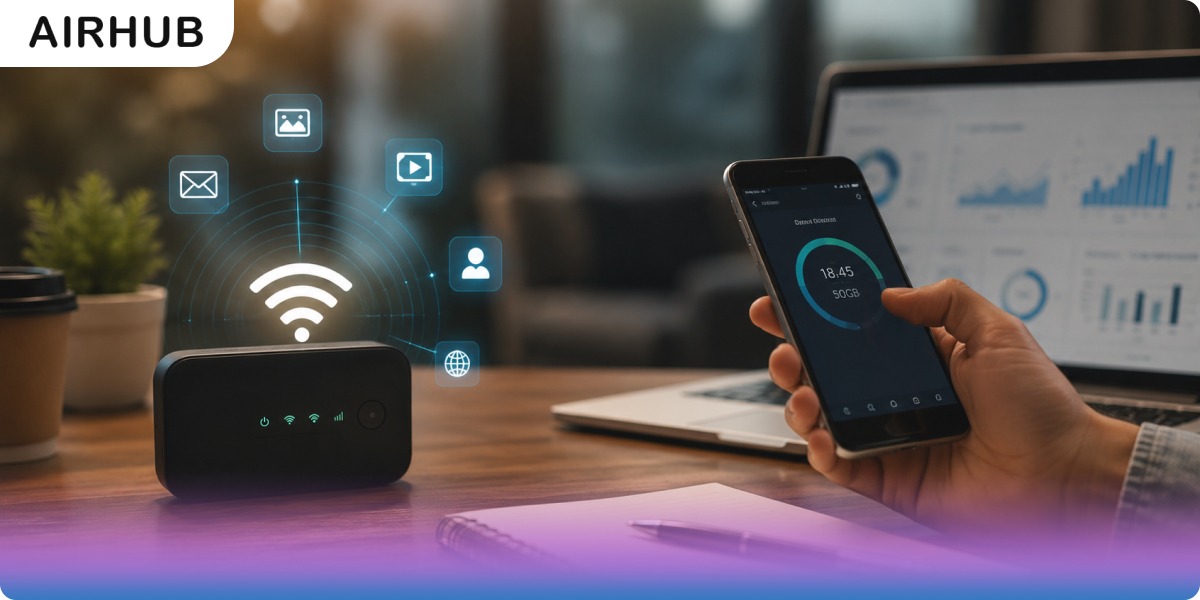
Does a hotspot use data? Yes, your personal hotspot pulls straight from your mobile data allowance. Anything a connected device does through it comes out of the same pool as if you'd done it on the phone itself.
But that's rarely the question people are actually asking. The real question is usually some version of where did 15 GB go in one weekend?, and that one has a more interesting answer. It applies whether you're tethering a laptop at an airport gate, bridging the gap between Wi-Fi networks as a remote worker, or hotspotting a household through exam season.
So this guide puts real numbers on hotspot data use, hour by hour and activity by activity. It also unpacks the fine print behind why "unlimited" plans still slow your hotspot down, shows you how to track and cap usage on iPhone and Android, and covers the cheapest ways to stay connected, at home and abroad.
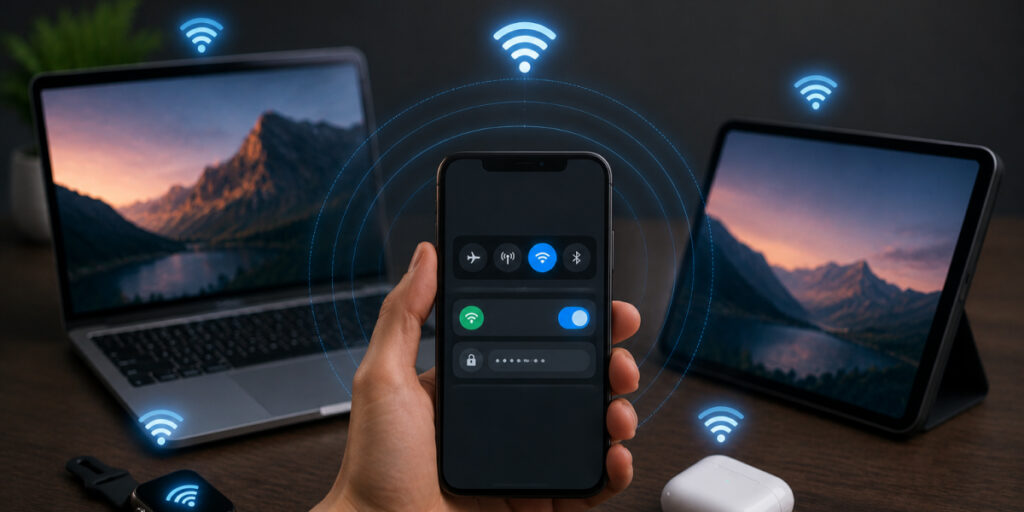
A mobile hotspot is your phone (or a dedicated device) doing an impression of a Wi-Fi router. Flip it on in settings and your cellular connection becomes shareable, with laptops, tablets, or the friend whose plan just ran out. There's nothing extra to buy; your device simply bridges the internet to whatever's nearby.
The catch is the part people gloss over. Once active, everything a connected device does, video calls, browsing, downloads, the smart TV someone tethered at the holiday rental, spends from your plan. There is no free data hiding in a hotspot. Hotspot data is your phone data, just spent by another screen.
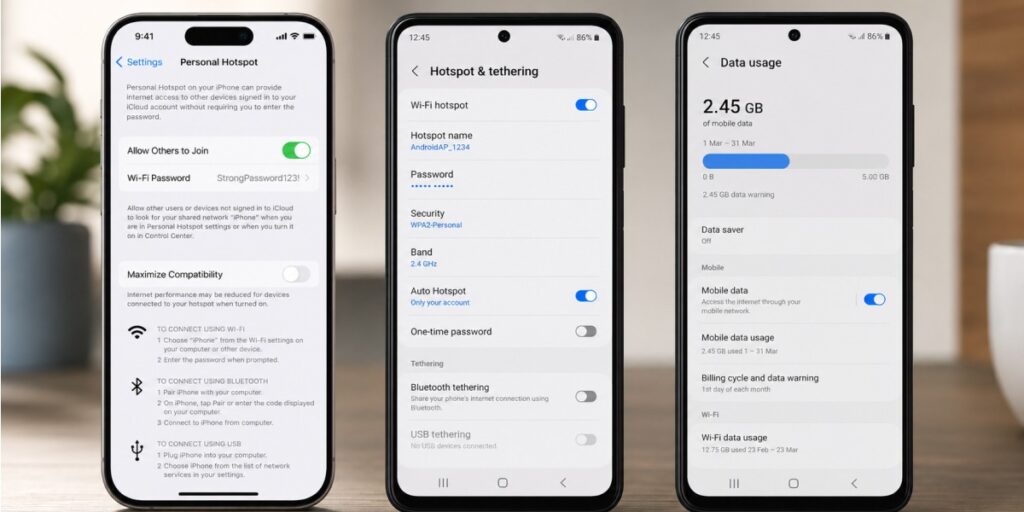
Your phone is now broadcasting a small Wi-Fi network over its 4G/5G connection. Connect as many devices as you like, just know that every extra gadget spends from the same allowance, and speeds are shared between them, the way a home network slows when the whole house is on it.
Checking is good; capping is better. Android's hotspot-specific data limit might be the most underused setting on the platform, it switches tethering off automatically at a threshold you choose, and it lives right inside the hotspot settings. Beyond that, both platforms support billing-cycle warnings and limits, carrier apps can push threshold alerts, and if you tether a Windows laptop, mark the hotspot as a metered connection so Windows holds its large background updates. Set these once, and a surprise overage becomes a non-event.
Hotspots and Wi-Fi both provide wireless internet, but they differ in source and scope:
| Feature | Mobile Hotspot (Phone) | Wi-Fi (Local Network) |
| Internet Source | Cellular network (4G/LTE/5G) | Broadband (fiber, cable, DSL) |
| Mobility | Highly portable, use it anywhere with coverage | Stationary, tied to a fixed router |
| Coverage | Limited range (tens of feet) | Broad range (whole house/building) |
| Speed & Stability | Varies by signal (often slower) | Generally faster and more stable |
It depends entirely on what the connected devices are doing, the hotspot itself is just the messenger. Here's what common activities typically cost per hour:
| Activity | Typical data per hour |
| GPS and maps | ~5 MB |
| Email and messaging | 25–100 MB |
| Music or podcast streaming | 50–150 MB |
| Web browsing | 60–150 MB |
| Online gaming | 40–150 MB |
| Social media scrolling | 150–300 MB |
| Video calls (Zoom, Teams, FaceTime) | 500 MB–1.5 GB |
| SD video streaming (480p) | ~1 GB |
| HD video streaming | 1.5–3 GB |
| 4K video streaming | 6–8 GB |
Look at the spread in that table for a moment: from 5 MB an hour to 8 GB an hour. Three orders of magnitude. That's why two people on identical plans can have opposite hotspot experiences, and why the honest answer to "how much data does a hotspot use" is always what are you doing on it?
To make it concrete: one two-hour HD movie over your hotspot runs roughly 4–6 GB. On a plan with 15 GB of high-speed hotspot data, a single movie night takes a third of it. An hour of email, meanwhile, barely registers.
Two quiet multipliers deserve a mention. Every additional connected device spends from the same pool, three gadgets, triple the burn. And background activity counts just as much as the things you're actively doing: cloud backups, app updates, and photo syncs don't announce themselves, they just bill you.
That depends on your plan, and this is the fine print that eventually catches almost everyone. There are two models:
So, can a hotspot run out? If your plan caps hotspot data, yes, high-speed tethering can hit its ceiling while your phone itself sails on at full speed. Carriers don't exactly hide this, but they don't lead with it either; "unlimited" sells better than "unlimited on the phone, a few dozen gigabytes tethered."
As of July 2026, most major-carrier USA eSIM plans include a set amount of high-speed hotspot data, commonly somewhere in the tens of gigabytes depending on tier, after which tethering speeds are throttled sharply (often to roughly 600 Kbps–3 Mbps: fine for email, painful for video). Keep this paragraph general and date-stamped rather than naming per-plan numbers, per the audit's staleness guidance.
UK carriers usually take tethering out of your main data allowance rather than a separate bucket, and many plans allow it freely. The catch sits on some "unlimited" tariffs, where fair-use policies cap how much of that unlimited data can go through a personal hotspot. Check your plan's terms for a tethering or personal-hotspot clause, it's rarely on the front page.
One honest note: if you're tethering heavily every single day at home, no phone plan is the right tool, fixed broadband beats a hotspot on price per gigabyte every time. Hotspots earn their keep in travel, backup, and on-the-go work. And if your hotspot use happens while visiting the US or UK rather than living there, a local USA eSIM or UK eSIM hands you a fresh local data allowance without touching your home plan at all.
Technically, no. Practically, usually yes, and the gap between those two answers is where most of the confusion lives.
A gigabyte is a gigabyte whichever screen spends it; the same HD video costs the same data on your phone or through a tethered laptop. What changes is behavior. Laptops load full desktop versions of websites, request higher-resolution images and video, and wake background processes the moment they detect a network, cloud sync, app updates, email clients pulling every attachment. Your phone compresses and economizes by default; your laptop assumes it's on home broadband and acts accordingly. Same task, same data, but a laptop quietly runs more tasks. If your allowance drains faster than expected over a hotspot, the connected device's background activity is the culprit far more often than the hotspot itself.
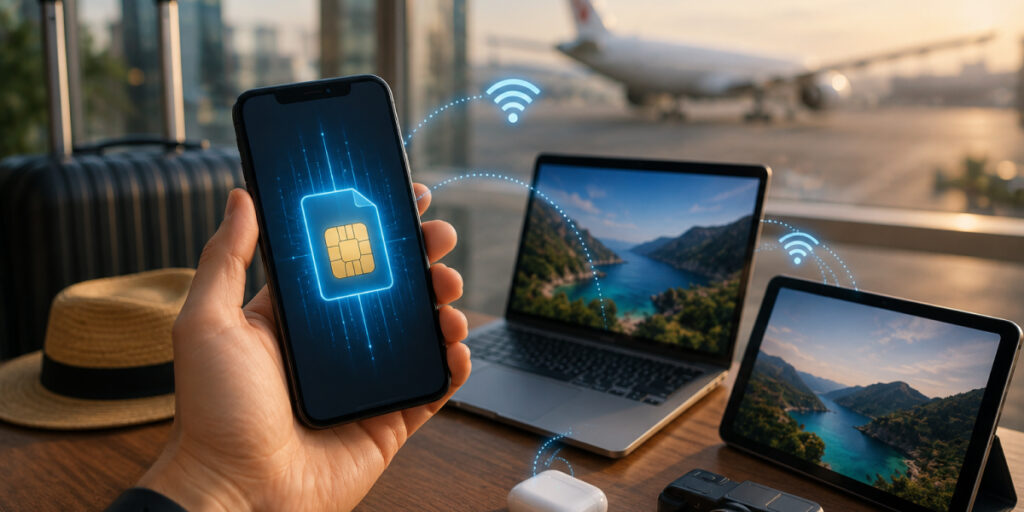
Roaming is where hotspot costs stop being theoretical, during international travel, every tethered gigabyte can bill at your carrier's roaming rates. That's the problem an eSIM hotspot setup exists to solve. An eSIM is a digital SIM you activate online, giving you local or global data plans without swapping physical cards. Install a plan before you land; because modern phones hold multiple SIMs, your primary number stays live while the eSIM carries the data.
With a travel eSIM active, you switch on your hotspot abroad exactly as you would at home, the data just flows at local rates instead of roaming rates. For a sense of the difference: major US carriers' international roaming day passes typically run around $10–12 per day, UK carriers commonly add daily roaming fees in many destinations, and a local or regional eSIM plan for the same trip usually costs a fraction of either.
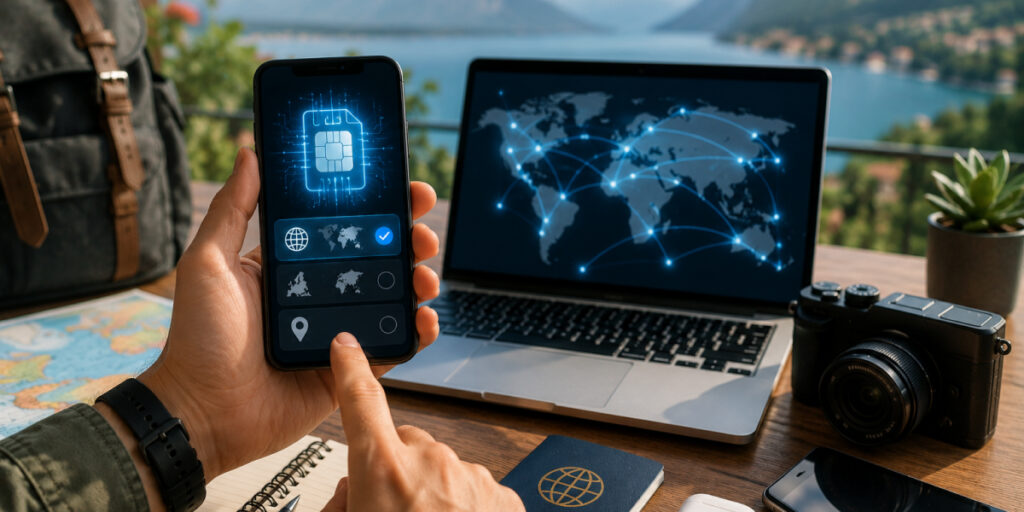
Before anything else, confirm your phone supports eSIM, Is my phone eSIM compatible? It covers the quick check, and it's worth doing before you spend a penny. From there, the choice comes down to three questions:
Being direct here, including about limits, is precisely what makes the purchase feel safe. No competitor on this SERP answers this question about their own product.

Airhub keeps you online without the SIM-card shuffle. On eSIM-compatible devices, plans work in 190+ countries, no swap, no roaming surprises. In the app, pick a destination, choose your data bundle, and install it via QR code in a few minutes. Once it's live, your phone connects to the best available local network, and your hotspot shares that connection just as it would at home
Yes, a hotspot uses data, exactly as much as the devices on it ask for. The difference between a cheap hotspot and an expensive one isn't the hotspot at all; it's management. Know your per-hour costs (the table above), know whether your plan gives tethering its own bucket, cap what you can, and drop the video quality when it doesn't matter. And if you're traveling, skip the roaming math entirely, buy eSIM data for your destination before you fly and tether at local rates from the moment you land.
No. With no devices attached, your hotspot transfers no data, it just sips a little battery while broadcasting. Usage stays at zero until a device connects and starts sending or receiving.
Not for the same task, 1 GB is 1 GB on any screen. But tethered laptops and tablets usually consume more overall, because they load desktop-size websites, stream at higher resolutions, and run the background updates and cloud syncs your phone would skip. Watch the connected device's background activity, not the hotspot.
Once active, both handle hotspot data identically. The eSIM advantage is logistics, especially for international travel: install a plan online before you go, keep your home SIM active alongside it, and never hunt for a kiosk or swap cards mid-trip.
Depends on the job: roughly 3–5 hours of HD video streaming, around 7–15 hours of video calls, 60+ hours of web browsing or music, or weeks of email, messaging, and maps. A working traveler's mixed use lands somewhere in between, the table earlier in this guide lets you build your own estimate.
Often no, most modern US and UK plans include hotspot use within your allowance. But some carriers reserve it for higher tiers, sell it as a paid add-on, or cap the high-speed portion, and abroad, it bills at roaming rates unless you're on a local plan or eSIM. Check your plan's hotspot or tethering terms before you rely on it.
Stream at 480p instead of HD (that alone can cut video data by more than half), download media over Wi-Fi before you travel, switch off automatic app and system updates on connected devices, enable data-saver mode where it exists, close idle apps and tabs, and connect only the devices you're actually using. Then set the alerts and limits described earlier, so the plan enforces itself.
Get your Airhub eSIM in minutes and travel without roaming surprises.
Download the Airhub app to purchase, manage and top up your eSIMs anytime, anywhere!