
The eSIM revolution is here, and travelers are leading the way. Yet many still wonder, how many eSIMs can you have on a single device? In this post, we’ll explain what an eSIM is, break down device limits, and cover everything from iPhone eSIM capacity to Android’s quirks. By the end, you’ll know how many eSIMs you can have and why connectivity apps make juggling them a breeze.
Table of Contents
- What is eSIM?
- How Many eSIMs Can I Have on My Phone?
- iPhones: How Many eSIMs Can an iPhone Have?
- Android: The Mixed Bag
- Why Bother with Multiple eSIMs?
- One eSIM on Two Phones: Myth or Reality?
- When to Delete an eSIM
- Airhub eSIM: Your Travel Lifesaver
- FAQs
What is eSIM?
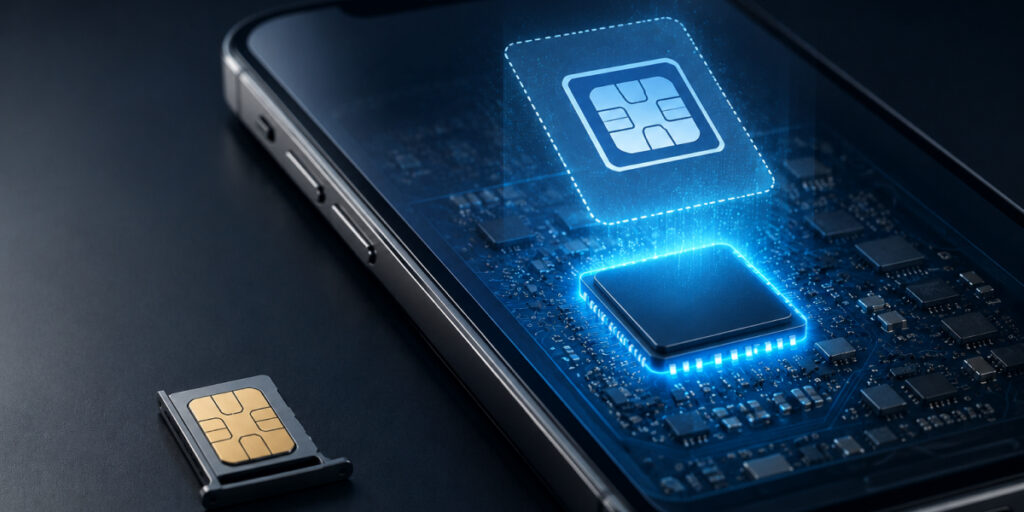
If you are wondering: What is an eSIM? Think of an eSIM as a built-in, digital SIM card. It’s a tiny programmable chip soldered inside your phone that does the same job as a physical SIM, connecting you to a carrier’s network. You activate an eSIM by scanning a QR code or downloading a profile (no physical card needed). The result? You can switch carriers or plans in seconds without fumbling with tiny plastic SIMs.
How Many eSIMs Can I Have on My Phone?
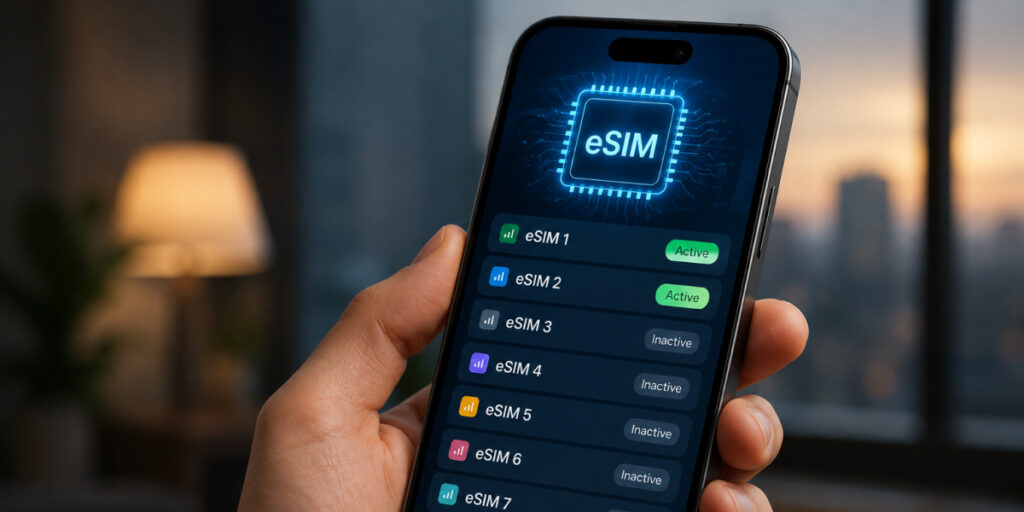
Before switching to eSIM, it is important to ask yourself: Can I have multiple eSIMs on my phone? Yes, most eSIM-compatible devices allow multiple eSIMs. But how many depends on the model. In general, you can store several eSIM profiles on your device, though usually only one or two can be active at any one time. For instance, Apple’s latest iPhones (14/15 series) can store up to 8 eSIMs and run 2 simultaneously. Google’s Pixel 7 (and newer) phones can also handle two active eSIMs. Smaller or older devices often support one active eSIM (plus one physical SIM). In practice, you can have multiple eSIMs on your phone, but the “how many” comes down to your phone’s limits. Below, we’ll look at the specifics by platform.
iPhones: How Many eSIMs Can an iPhone Have?
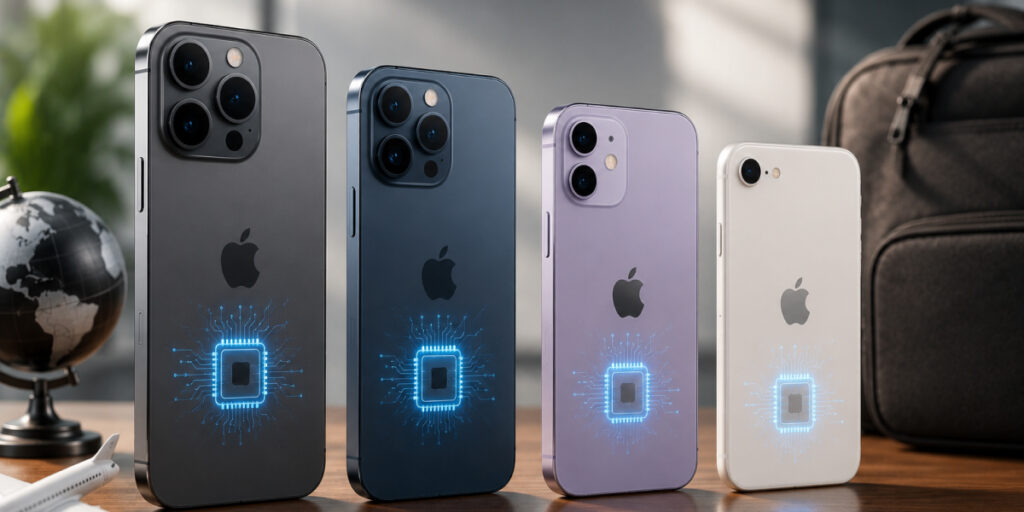
If you have questioned yourself: Can I have two eSIMs on iPhone or more? Here are all the details you should know:
- iPhone 14 and 15: These models can store up to 8 eSIM profiles and use 2 at once. In other words, you could keep 8 different plans saved (say, home and travel ones) and run two lines simultaneously.
- iPhone 13: Similar story, Apple upgraded dual-SIM in iPhone 13 so it also supports 2 active eSIMs (and stores up to 8). No physical SIM is needed in eSIM-only regions.
- iPhone 11/12: These can use iPhone dual SIM cards (one eSIM + one physical SIM). They only run one eSIM at a time, but you can switch between multiple stored profiles. Capacity-wise, you can save several eSIMs in settings even if only one is active.
- iPhone XR/XS/SE (2nd gen): The first iPhones with eSIM support. Each handles one eSIM + one physical SIM. You can install multiple eSIMs (for switching later), but only one eSIM line can run at a time.
Android: The Mixed Bag
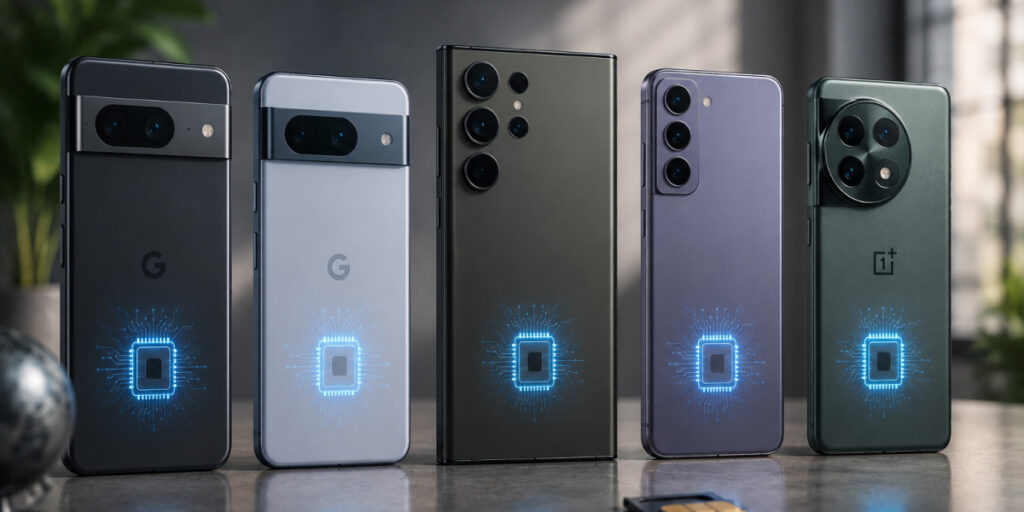
Android phone support varies widely by brand and model:
- Google Pixel (7/7 Pro and newer): Fully dual eSIM. These can have 2 active eSIMs simultaneously if your carrier allows. (Pixel 6 and earlier only did one eSIM + physical SIM.)
- Samsung Galaxy S21/S22 (and similar): Most allow one eSIM + one physical SIM. Newer Samsung models (like S23/S24 series) now let you use two active eSIMs as well, but this depends on region and firmware. Note: Galaxy devices can download up to 20 eSIM profiles, though usually only one or two are active at once.
- Other Androids: Brands like OnePlus, Xiaomi, Oppo, etc., are just catching up. Some recent high-end models support one eSIM (plus a SIM), but dual active eSIM is rare. Always check your specific phone’s specs.
In short, Android support is less uniform than Apple’s. If you have a recent flagship phone, you can probably store multiple eSIMs (10–20 profiles), but check if it lets two run at once. If you are wondering: Can I use eSIM and SIM at the same time? Then the answer is yes, many phones offer you SIM slots and eSIMs together, for better flexibility.
Why Bother with Multiple eSIMs?

Using several eSIMs might sound complicated, but it has big perks:
- Travel made easy: Load up an eSIM plan for each country before you fly. Upon landing, just switch to that eSIM; no hunting for a local SIM card at the airport.
- Work and life separated: Have two phone lines on one device. For example, dedicate one eSIM to personal calls and another to work calls.
- Cut roaming cost: Local eSIM plans are usually cheaper than international roaming. Switching between eSIMs helps you avoid unexpected high bills.
One eSIM on Two Phones: Myth or Reality?
Here’s a common question: Can I use the same eSIM on two phones? The straightforward answer is no. Once you activate an eSIM on one device, it’s locked to that device. You cannot simply duplicate it to another phone like an app. If you want the same plan on a second device, you’d need a fresh activation (another QR code) from your carrier. In practice, each phone needs its own eSIM installation. So sharing one eSIM between two phones at the same time doesn’t work; think of it like a non-transferable ticket.
When to Delete an eSIM
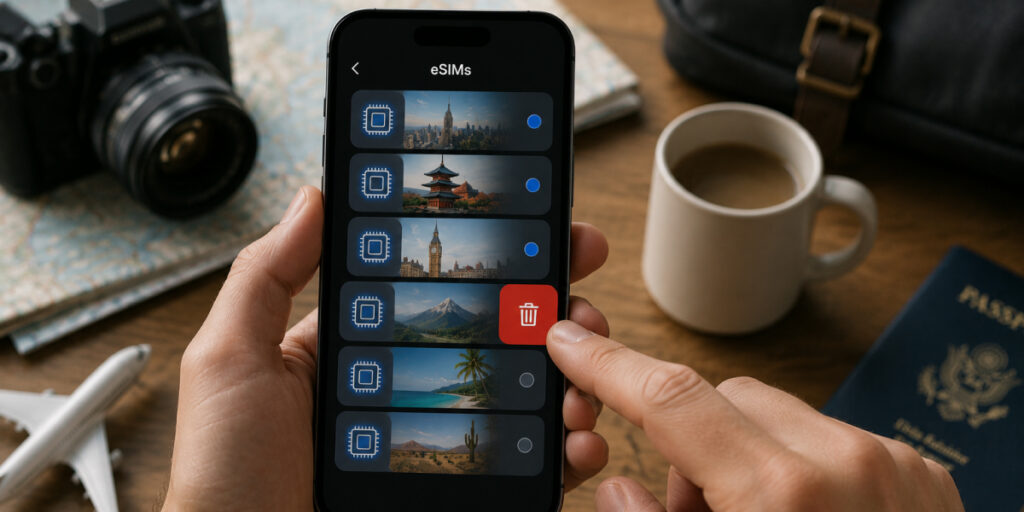
You don’t have to keep every eSIM forever. Delete one only when you’re done with that plan or phone. Common reasons to remove an eSIM include:
- Trip's over: Done riding the rails? Afterward, if you want to, you can delete the eSIM profile from your device to reclaim some space; it’s not a lot, but every bit counts. Pop it back in when you want it!
- Carrier switched: If you deactivate or replace a plan, delete its eSIM. This also makes sure your phone does not accidentally connect to that old service.
- Hit device limit: Each phone has a cap (e.g., iPhones top out at 8). If you reach that limit, delete the least-used eSIM to make room for new ones.
- Security: Selling or giving away your phone? Delete personal eSIMs so someone else can’t use your lines.
To delete an eSIM, just go to your phone’s cellular settings, select the eSIM profile, and hit “Remove.” It’s an easy cleanup and doesn’t affect other eSIMs on the device.
Airhub eSIM: Your Travel Lifesaver
If you're looking to buy an eSIM online, Airhub is a good option. Get Coverage In 190+ Countries With One-Click Activation, No Waiting For Physical Sims. The Airhub plans are cheap, and data only (you can keep your regular SIM active for calls). Importantly, Airhub is trusted by over 5 million travelers worldwide. That means real people rely on it to stay connected abroad. In short, Airhub’s eSIM service combines the best of multi-eSIM flexibility (easy swapping and top-ups) with worldwide connectivity.
Now you know the answer to the question: how many eSIMs can you have? It's time to make the right switch and make your connectivity expeirnce much better!
FAQs
1. Can you have multiple eSIMs on one phone?
Yes. Most modern phones let you install more than one eSIM profile. For example, iPhones can save around 8 eSIMs (with 2 active at a time), and Android phones like the Pixel 7+ allow two active eSIMs.
2. How many eSIMs can an iPhone have?
It varies by model. Newer iPhones (14/15) can hold up to 8 eSIM profiles, with 2 active at once. Older iPhones typically only run one eSIM plus one physical SIM at a time (though they may store multiple eSIMs internally). So if you have a recent iPhone, you can definitely manage multiple eSIMs on it.
3. What phones support multiple eSIMs?
Many flagship phones do. All iPhones from XR/XS onward support eSIM (with the latest supporting dual eSIM). Google Pixel phones (especially 7 and above) support dual eSIMs. Samsung Galaxy models (S series, Z Fold/Flip, etc.) and some OnePlus/Xiaomi models have eSIM too.
4. What is a dual eSIM?
A dual eSIM phone can use two eSIM plans at the same time (like a dual SIM setup, but both are eSIMs). In other words, you have two active virtual SIM cards. For example, on an iPhone 13/14 or Pixel 7, you can run two different eSIM networks concurrently.
5. What happens if I delete an eSIM?
Deleting an eSIM simply removes its profile from your device. That plan becomes inactive, and your phone won’t connect to that network anymore. You free up space for new eSIMs.

